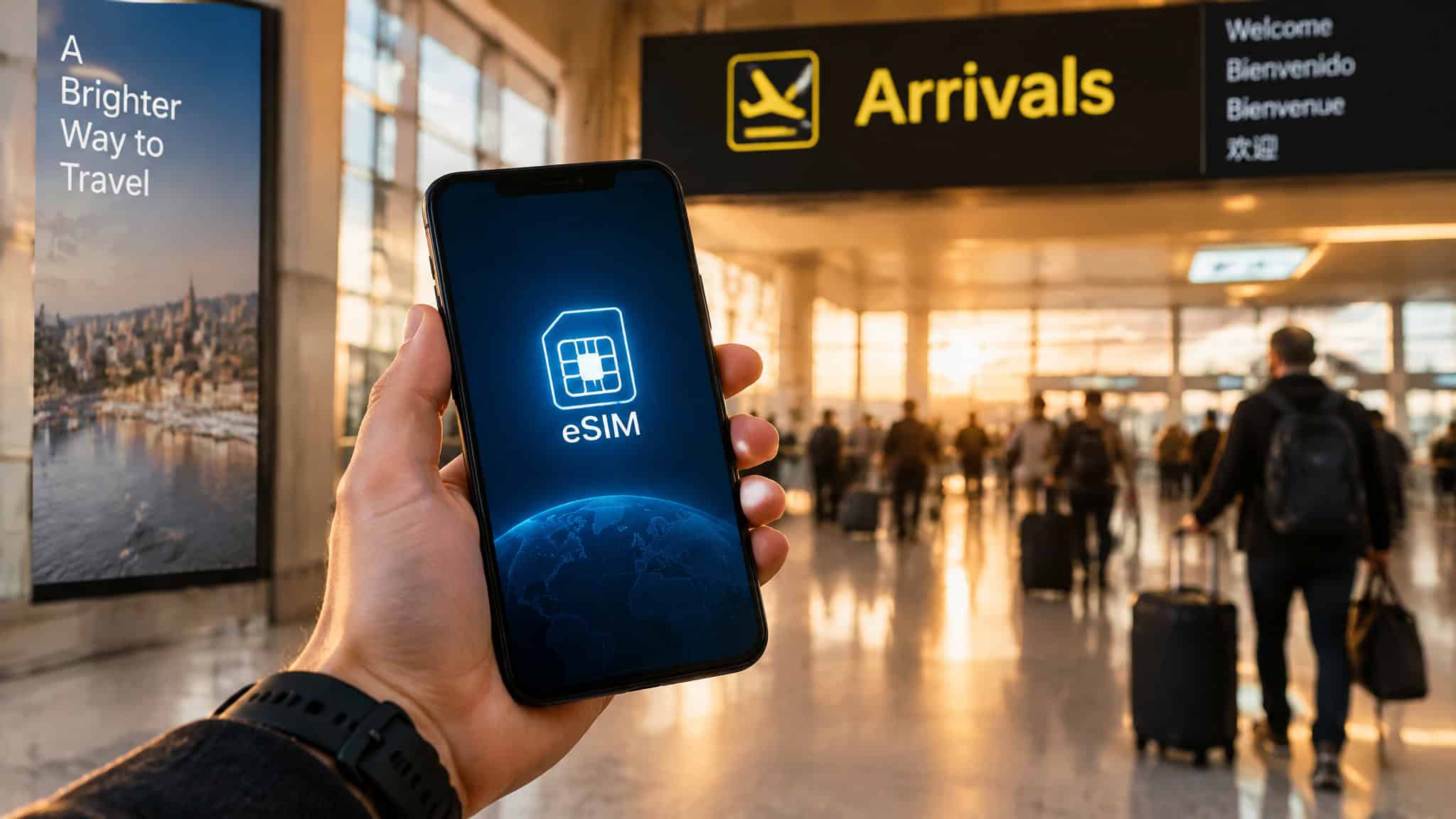
You’re standing at the arrivals hall, phone at 4%, and the choices are ugly: pay your carrier’s $12-a-day roaming pass or queue at a SIM counter behind two tour groups. That’s where the eSIM comes in. It’s a digital SIM built right into your phone. No tray, no tiny plastic chip to lose or swap.
And at this point, for a lot of phones, it’s not optional. Apple dropped the SIM tray from U.S. iPhones starting with the iPhone 14, and the iPhone 17 is eSIM-only in markets spanning Japan, Canada, and eleven others, the U.S. among them. There’s a side benefit too: a thief can’t yank a digital SIM out of your stolen phone.
The whole thing takes about ten minutes if you do it in the right order: check your phone, pick your route, install before you fly, activate when you land.
Key Takeaways
A travel eSIM beats U.S. carrier day passes on price ($12/day on Verizon and AT&T plans, $20/day on cruises) but usually loses to local SIMs like Thailand’s AIS at around $10/month unlimited.
“Unlimited” eSIM plans usually mean 3-5GB per day at full speed before throttling, and some brands cap hotspot at 0.5GB/day, enough to kill remote work fast.
The right order is: install the eSIM at home on Wi-Fi, activate on arrival, and check that your phone is unlocked first, because a carrier lock is the most common reason an eSIM won’t activate.
Table of Contents
What an eSIM is (and why it’s more than convenience)
An eSIM is a digital SIM that’s embedded in your phone. It does the same job as the removable card, minus the plastic and the tray and the part where you’re fumbling with a paperclip at a train station. You install one by scanning a QR code or using the carrier’s app; the confirmation email carries the link or code, and that email basically is your SIM now, so don’t delete it.
Two things make it better than convenience. First, security. Apple’s own position is that an eSIM can’t be pulled from a lost or stolen iPhone, and service can be switched off remotely. If you’ve ever thought about pickpockets, that beats a SIM that slides out in three seconds.
Second, your phone can hold 8 or more eSIMs and run two at once. Your Japan line is still sitting there next trip. No juggling.
What you need before you buy
Three things: a supported iPhone (XS, XS Max, or XR and newer), a carrier or provider that actually offers eSIM service, and typically a Wi-Fi connection when activating. Certain eSIM-only models can skip that Wi-Fi step in some regions. If your phone still has a tray, a physical SIM and an eSIM can run side by side, which is handy for keeping the home SIM in. According to eSIM, you’ll need an internet connection to install the eSIM by scanning the QR code they provide.
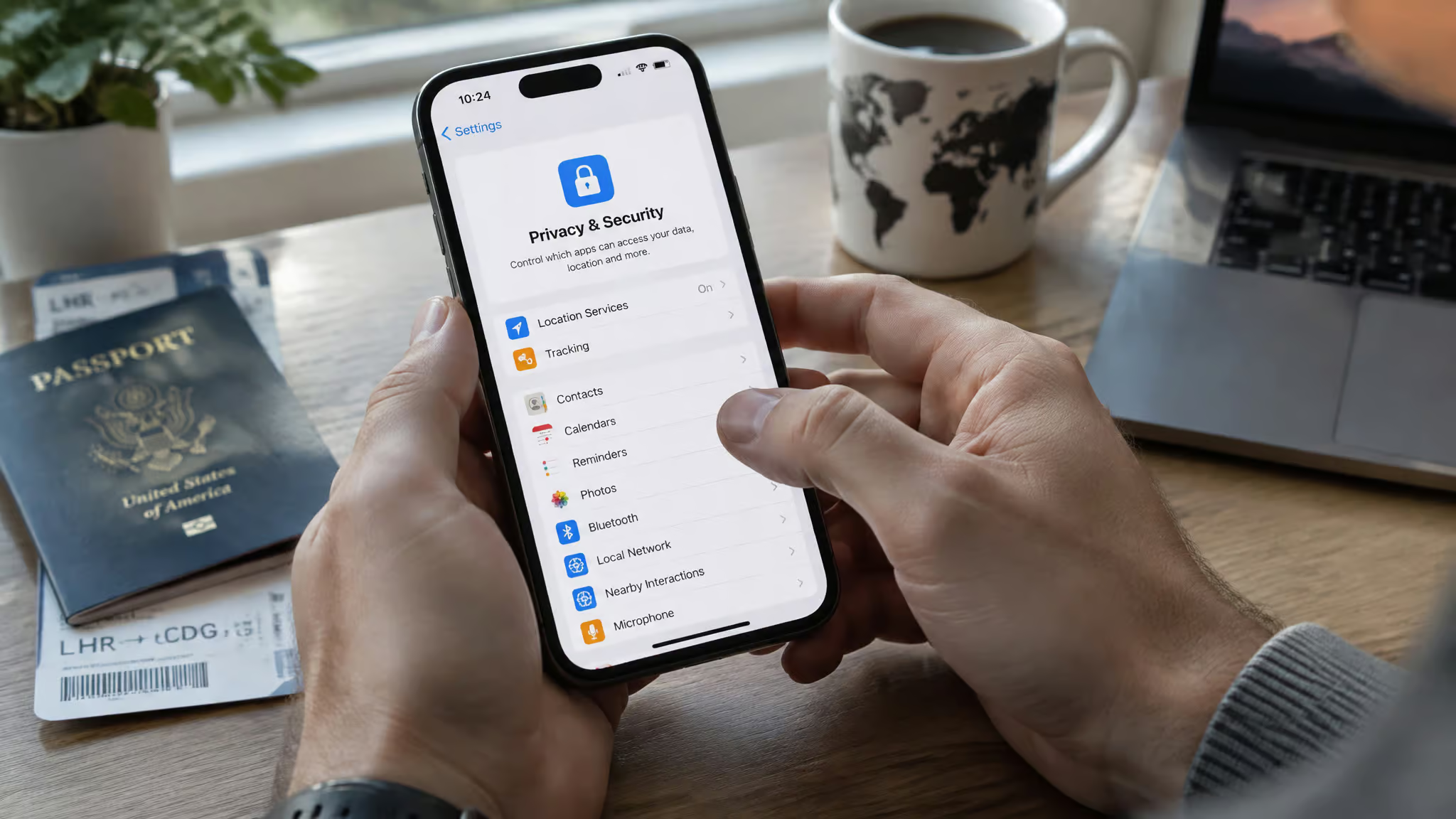
Before you spend a dime, do the 30-second unlock check: open Settings, tap General, tap About, and look for “No SIM Restrictions” next to Carrier Lock. A locked phone won’t take a third-party travel eSIM, and in practice this is the most common “my eSIM won’t activate” story, discovered way too late.
Quick test: Settings → General → About. “No SIM Restrictions” next to Carrier Lock means you’re clear to buy a travel eSIM.
The regional exceptions
Mainland China is its own case: only the iPhone 17e and iPhone Air support eSIM there. Some Hong Kong and Macao models use two physical nano-SIMs instead. And a mainland-China eSIM won’t work on a phone bought anywhere else. The practical answer for China is a prepaid visitor eSIM from a worldwide provider.
Your options abroad: roaming vs a travel eSIM vs a local SIM
The decision comes down to your carrier’s day pass versus a prepaid travel eSIM, and cost settles it. The honest math: travel eSIMs beat U.S. day passes decisively, but usually lose to local physical SIMs. Expect to pay $12 daily on Verizon and AT&T passes, roughly $20 on cruises. Travel eSIMs run roughly $16-20 for 5GB in many regions.
Local SIMs undercut both: Thailand’s AIS does unlimited for about $10 a month, and Laos had 30GB for $4. Two weeks on a $12/day pass and you’ll wince at the bill.
T-Mobile is the exception. Their travel perks can make an eSIM save you nothing, so check your own plan before assuming the math above applies to you. And skip the airport SIM counter either way; terminal purchases run roughly a 2x markup. Buy before you fly. (Prices shift, so treat all of this as ballpark.)
Roam with your existing carrier
Check first whether your plan already includes roaming in some countries free. Some do. Carriers also sell travel passes you can buy ahead, often at reasonable prices, if you want zero hassle. And an eSIM roams exactly like a physical SIM: same networks, same behavior, no learning curve. If in doubt, just ask your carrier.
Local carrier in the destination
This is the cheapest route for longer stays. Local carriers sell prepaid and postpaid plans, often with a local number, which matters for certain apps. You can buy through their site or app before travel, or at a kiosk after landing. Activation is a QR code or the carrier’s app, a couple of minutes. Bring your passport; they may want ID. Extended postpaid plans can require proof of local residency.
Worldwide provider prepaid data eSIM
For most short trips, this is the main event. These providers cover 190-plus countries and regions per Apple, with plans that differ by data amount, duration, and countries covered. There are plenty of data-only options on the App Store. Maybe too many. If you want to check a specific carrier’s eSIM support, Apple keeps a webpage listing eSIM carriers worldwide.
Is an eSIM actually good for international travel?
Yes, with one honest caveat: they’re genuinely the best option for short multi-country trips, and the only option on eSIM-only phones. But they’re not automatically the cheapest. A travel eSIM beats a U.S. carrier day pass hands down. Verizon or AT&T will run you about $12 a day abroad, while you can grab 5GB of eSIM data for $16-20. The catch: a local physical SIM is usually still cheaper, like Thailand’s ~$10/month unlimited AIS plan or Laos at $4 for 30GB.
The case for the regional plan is real. One traveler’s Airalo regional 10GB plan for Europe worked seamlessly in Albania and Montenegro, both outside the EU, right where a Greek physical SIM had died at the border. A local card can’t do that.
The case against: for a month in one country, a local SIM is usually cheaper, an honest look at the pros and cons of eSIMs for international travel will tell you the same, most travel eSIMs are data-only so you don’t get a local number, and “unlimited” comes with fine print we’ll get to.
Which eSIM provider matches your trip?
The best provider is the one that matches the trip: Airalo for country breadth, Saily for budget, Holafly for unlimited and its new subscription. There’s no single winner here.
Airalo is the oldest store, around 200 countries, local and regional plans on 4G-5G. The solid default, though not always the cheapest. Nomad does multi-country plans typically running 10-50GB. Ubigi covers 200-plus countries and lets you install once and reuse with top-ups, which is nice if you travel constantly. Truely lets you pause plans. Flexiroam is another option in the mix.
Saily comes from the NordVPN team and leans budget, with plans from around $3-4 for 1GB a week plus some security extras on the top plan. Real U.S. pricing:
| Plan | Price |
|---|---|
| 1GB / 7 days | $3.99 |
| 5GB / 30 days | $13.99 |
| 20GB / 30 days | $36.99 |
| Unlimited / 7 days | $28.99 |
That $3.99 plan is a cheap way to test the whole eSIM thing. There’s a fuller breakdown in our comparison of top eSIM providers.
Jetpac throws in Smart Delay: lounge access for you plus a companion at 1,100-plus airports after a 60-plus minute delay, with plans from about $1/GB. A perk, not a reason to buy. GigSky gives Visa cardholders free 15-day plans and up to 30% off in the U.S., Canada, and Latin America, so check your wallet before paying full price.
Holafly is the unlimited-only specialist, better value on longer trips. The bigger news is Holafly Plans, the first global eSIM subscription, announced January 22, 2026. Light runs $49.90/month with 25GB and hotspot, Unlimited is $64.90/month, and the “Always On” tier adds 1GB/month plus hotspot across 70-plus countries. It auto-connects to the best available network, and co-founder Pedro Maiquez pitched it as the end of roaming.
Take that pitch with a grain of salt; the throttling, hotspot limits, and expiry in the fine print show the old carrier tricks followed the new technology. On coverage, they promise 170-plus countries and claim testing across 190-plus destinations including the Amazon, rural China, and the Sahara. Company claims, worth noting. Country-specific plans still exist too, like Spain at $3.90/day for short single-country trips.
How much data you need, and the “unlimited” fine print
No, “unlimited” isn’t unlimited. It usually means 3-5GB per day at full speed, then throttled, which is fine for most people but good to know going in. The nastier catch: some brands cap hotspot at 0.5GB/day. If you’re tethering a laptop, that dies before your coffee does. There’s more on this in our look at unlimited eSIM plans.
How much you actually need
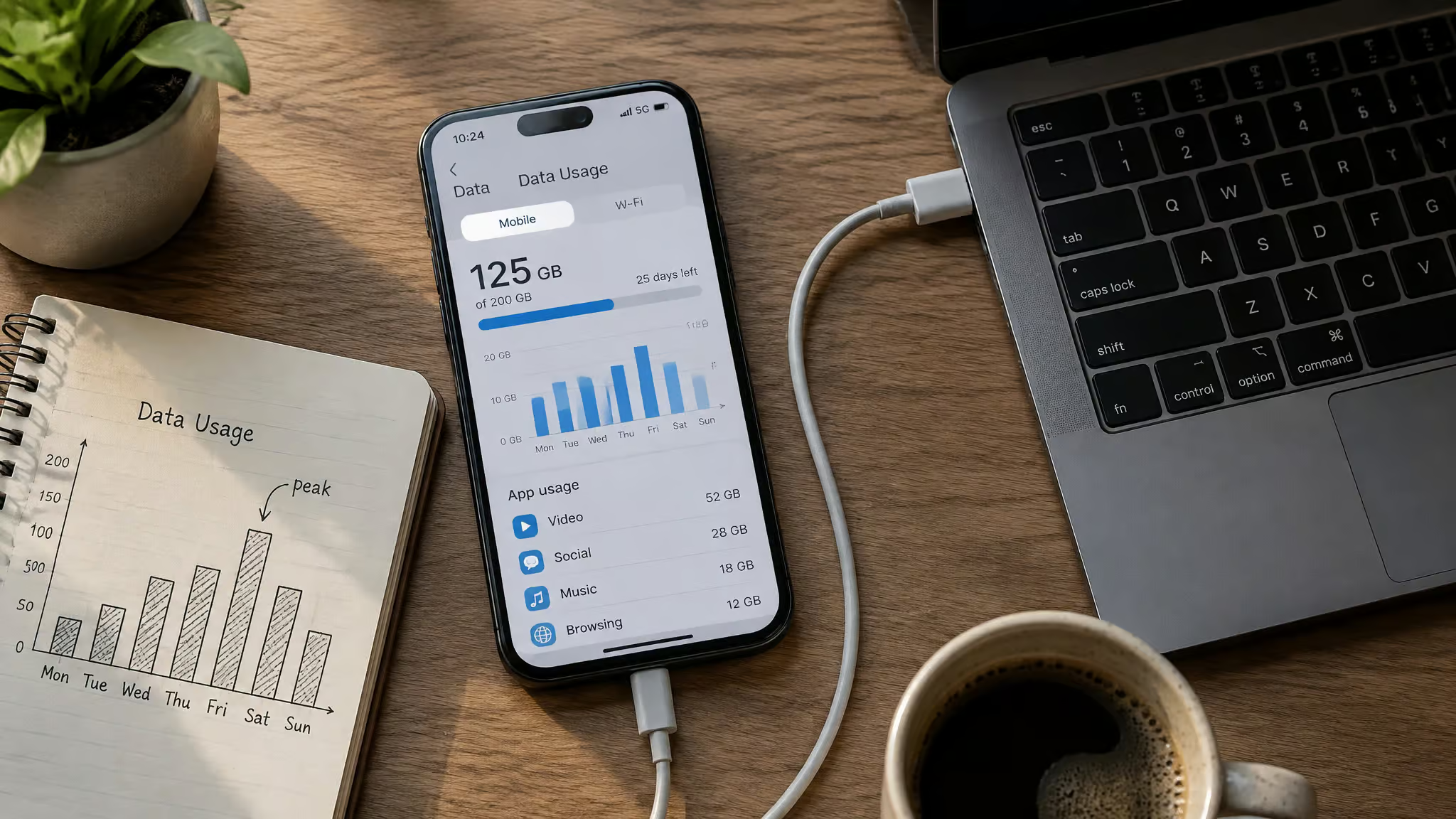
Think trip examples, not formulas. A 20GB Nomad plan covered two weeks in Japan and South Korea. On a five-week U.S. trip, one traveler burned through just 1.2GB of a 10GB plan before topping up 1GB. Streaming and uploads are the drains; navigation and messaging are light. Most people overbuy.
The move: buy small, top up in-app. Data expires, even though the eSIM itself is usually valid about a year. Stockpiling wastes money. Timing matters too, since when to install versus activate isn’t obvious, some eSIMs only come alive once they touch a local network.
Two more things worth knowing: hotspot support varies by plan and local carrier, so check if working remotely is the point, and one traveler’s backup pattern is carrying an old physical-SIM phone for remote areas. Sounds paranoid until it saves a workday.
Coverage reality: the network behind your eSIM matters more than the brand
The brand is the storefront. The local partner network is the pipes, and the pipes decide your speed. Regional packages can even sit on different networks than country-specific ones from the same brand.
Before buying, check which local carrier the brand partners with. Most list their networks; Airalo is good about it. Ask locals or your hotel where it matters. In Vietnam, that’s Viettel.
Some named examples: Saily and Airalo both worked well on Faial Island in the Azores, riding the NOS network, Portugal’s main carrier there and the strong one on the islands. On the flip side, affordable eSIMs were hard to find in Laos, Namibia, and Zimbabwe, where cheap local SIMs won (bought outside the airport, for that 2x markup reason). After connecting, the network name shows top-left, though some brands mask it. Reassurance for most readers: in Europe and other well-covered places, honestly, anything works.
Step by step: install before you fly, activate on arrival
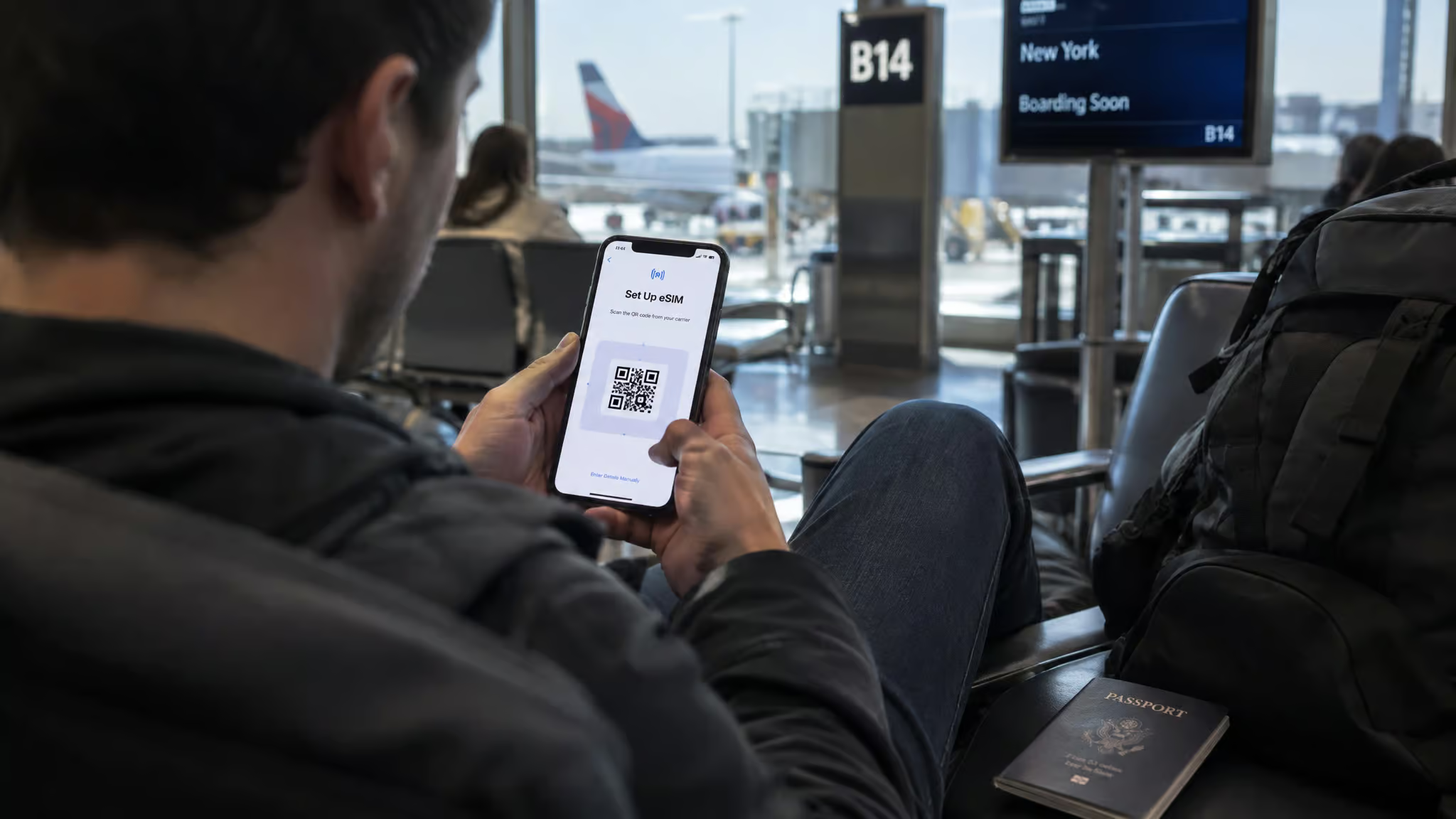
Yes, install before you travel and activate on arrival. Installing at home costs nothing. Activating early burns data or days. The whole flow: buy a plan online (Airalo, Saily, Nomad, GigSky, and Truely all work this way, and the apps check your phone’s compatibility before you pay), install the profile via app or QR code on Wi-Fi at home, label the line, keep your home number as primary for now, then activate on the ground.
Before you leave
Pick global, regional, or local based on the trip, and install on Wi-Fi at home. If you bought the plan before leaving, iOS 26 may ask whether the line is for home or travel. Pick travel and it handles the rest. If your phone runs an older iOS, the iPhone-specific walkthrough in our eSIM-on-iPhone guide covers that path too.
On arrival
The iOS 26 flow, in order: tap Turn On Travel eSIM. Choose Travel eSIM Only, or Travel eSIM and Current eSIM if you want both lines. If you run both, the travel eSIM handles data, but home eSIM roaming fees can still sneak in. That’s the gotcha. Tap Continue.
It’ll ask about Low Data Mode, which is your call depending on how stingy the plan is. Then it activates, and you’re online before baggage claim.
Choose your data line
If the travel eSIM doesn’t take over automatically, go to Settings, tap Cellular, tap Cellular Data, and pick the travel line. One tap. Meanwhile FaceTime, iMessage, and VoIP keep working on your home line either way.
If it fails
Toggle Airplane mode off and on. That’s the classic fix. Then toggle the primary SIM off and the travel eSIM on, and make sure mobile data is enabled. If none of that works, here’s the common failure pattern: the most frequent cause of an eSIM not activating is a carrier lock discovered only in Settings, usually on an older device still paying off an installment plan.
One reported case involved activation headaches on a Verizon-locked iPhone 13 Pro while an iPhone 15 and 17 Pro worked fine. The lock was the problem, not the eSIM. Most apps now check compatibility before purchase, which takes some of the risk out.
Your primary line while abroad: off, on, or data-only?
It’s a fee trade-off, not a rule. Leave the home line on if you need SMS verification codes from banks and apps, knowing home roaming fees may still apply; run travel-only if you don’t. Either way, FaceTime, iMessage, and VoIP still work on the home line. Data-only covers most needs through WhatsApp and Messenger, that’s guidance from a travel video creator, not our own testing, but a local number makes ride-share and delivery app signup easier, since those apps want a number to verify.
One last beat: eSIMs work well for inbound U.S. travel too. Nearly every major brand sells U.S. plans, and a three-day Airalo plan worked for an incoming traveler who skipped renewing Verizon.
Coming home, troubleshooting, and when a travel eSIM isn’t the answer
Most “my eSIM isn’t working” arrivals trace back to one of three things: a carrier lock, a coverage gap, or a plan that needed activating on the ground. The fixes are the Airplane-mode toggle, the Settings check, or accepting the destination needs a local SIM.
Switching back
Once you’re back, iOS 26 turns off the travel eSIM on its own and brings the home SIM back, though it’s region-dependent, so don’t bet the farm. No automatic switch? Settings, Cellular, and make sure “Turn On this Line” is enabled for your primary eSIM. Ten-second fix. Turn off travel lines you’re not using to avoid stray charges.
When a travel eSIM isn’t the answer
Some places, the old way wins. Laos, Namibia, and Zimbabwe had thin eSIM options, and cheap local SIMs were the move. Long stays flip the math too: one traveler bought an eSIM straight from AIS in Thailand for winter months, and mixed Airalo’s regional plan with a Greece-specific one across two months in Europe. A full troubleshooting breakdown lives in our eSIM-not-working guide.
And if you’re living abroad on an eSIM-only iPhone: an unlocked one can activate with carriers worldwide. Just confirm your carrier supports eSIM on your specific plan and that your phone supports the destination’s bands.
Scope note, once: this guide is iPhone-focused. Android setup differs, and our Android eSIM walkthrough covers that side.
Unlock check, pick your route by trip length, buy small, install at home, activate on landing. A travel eSIM is the cheapest convenient option for short multi-country trips, and on newer phones, the only option.
Frequently Asked Questions
What is the best way to use an eSIM while traveling abroad?
Buy a prepaid travel eSIM online before your trip, install the profile on Wi-Fi at home, and activate it only when you land. Installing early costs nothing, but activating early can burn data or plan days. Keep your home number as your primary line for calls and texts, and set the travel eSIM as your data line in Settings.
Are you supposed to activate eSIM before travel?
No — install the eSIM before you travel, but activate it when you arrive. The eSIM profile itself is usually valid for about a year, and installing at home on Wi-Fi is free. Activating early wastes plan days or data, and some eSIMs only come alive once they touch a local network anyway.
What is an eSIM card and how does it differ from a physical SIM?
An eSIM is a digital SIM built into your phone — no tray, no plastic chip, no paperclip. You install one by scanning a QR code or using the carrier’s app instead of inserting a card. Beyond convenience, it’s more secure (a thief can’t pull it out of a stolen phone) and your phone can store multiple eSIMs for different trips.

