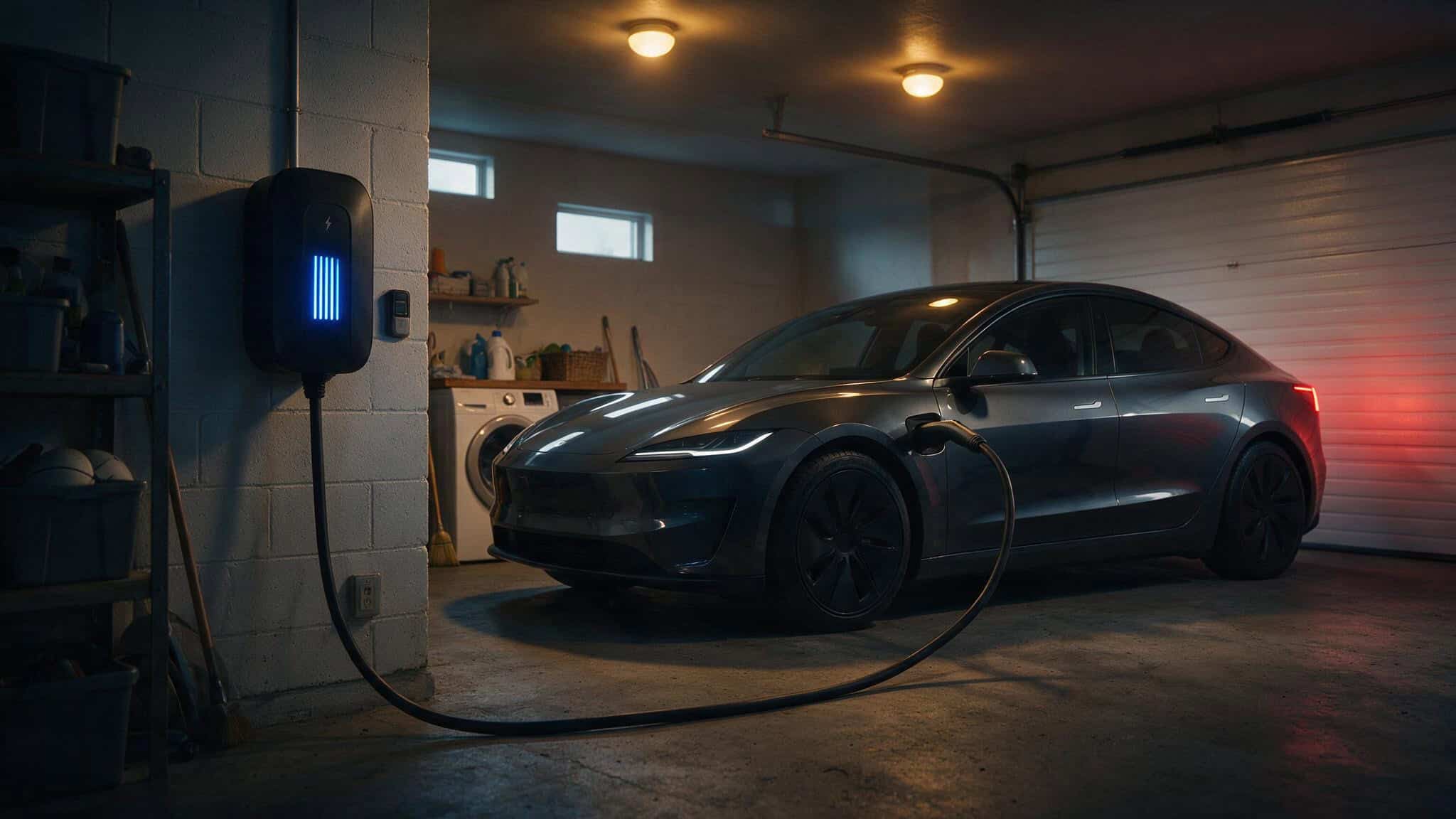
The Smart Charger Question
You’re standing in the aisle — or more likely, scrolling through Amazon tabs, trying to decide if you should spend $200+ extra on a Level 2 charger that includes Wi-Fi and an app. The rational part of your brain is asking: doesn’t my car already have an app that does this?
It’s a fair question. And the answer depends on your utility rates, panel capacity, and whether your car’s app already does what you need.
I’ve spent time in the forums, read the Car and Driver test results, and talked to guys who’ve lived with these chargers for years. The conversation always comes back to the same tension. On one side, you’ve got guys like nburd, who loves his Wi-Fi charger for cost tracking, time-of-use integration, and getting alerts when charging stops unexpectedly. On the other, you’ve got rbdavis808 — a software engineer who bought a Wi-Fi-capable GoPlug40 but deliberately avoids using the Wi-Fi feature, preferring the front-panel controls instead.
Here’s the quick version of what I’ve learned: a smart EV charger adds scheduling, monitoring, and optimization on top of basic power delivery. A standard charger just delivers power. Those extras either save you money or just add complexity.
Key Takeaways
Scheduled charging can cut costs by 30–50% on time-of-use plans, and some utilities (like San Diego’s) offer electricity that’s 80% cheaper between midnight and 6 AM
Load management features in chargers like the Emporia Pro (with its included Vue 3 monitor) can save you from a $3,000+ panel upgrade
If you’re on a flat-rate plan and your car’s built-in app handles scheduling well, a simple non-Wi-Fi charger like the Grizzl-E Classic is all you need
Table of Contents
How Smart Charging Cuts Your Electricity Bill
If your utility uses time-of-use rates — and more are switching to them, a smart charger can pay for itself fast. The basic mechanism is simple: you plug in when you get home, but the charger waits until electricity is cheapest to actually start pulling power.
simpleSwitch claims you can reduce charging costs by 30–50% depending on your rate plan. That’s not a theoretical number — that’s what happens when you let the charger handle the timing instead of plugging in at 6 PM when everyone else is cranking their AC.
How scheduled charging works
You set a start time, an end time, or both. Some chargers, like the V-BOX Pro EV series, let you set recurring weekly schedules through the Lectron app. If you leave for work at 7 AM and your cheapest rates are midnight to 6 AM, you set it once and forget it.
The charger waits. It doesn’t start drawing power until you tell it to.
What TOU rates and free nights mean
Electricity prices vary by time of day, sometimes. Forum user zamafir pointed out that San Diego offers power that’s 80% cheaper between midnight and 6 AM. That’s the difference between paying full price and paying pocket change.
Some utilities also have demand response events, where they’ll give you a credit if you let them pause your charging during peak grid stress. A smart charger can handle all of this automatically, pulling your utility’s rate schedule and adjusting without you lifting a finger.
For context on the extremes: in Sweden, the peak rate hit about $1/kWh on August 17, 2022. Massachusetts is about a third of that. But even at Massachusetts rates, the savings add up when you’re shifting a 40–60 kWh charge session to off-peak hours.
Charge limits: stopping when full
Instead of charging to 100% every time — which isn’t great for battery health anyway, you can set a kWh or percentage cap. The charger stops automatically when it hits that limit. The Lectron app, for instance, lets you set an exact kWh amount and the charger handles the rest.
Load Management: Avoiding Panel Upgrades and Integrating With Solar
Here’s a scenario that scares a lot of guys: you’ve got the oven on, the AC running, the dryer going, and you plug in your EV at 40 amps. Something’s going to trip. The smart solution is load management — the charger monitors your home’s total electrical draw and dynamically reduces charging power when other high-draw appliances are running.
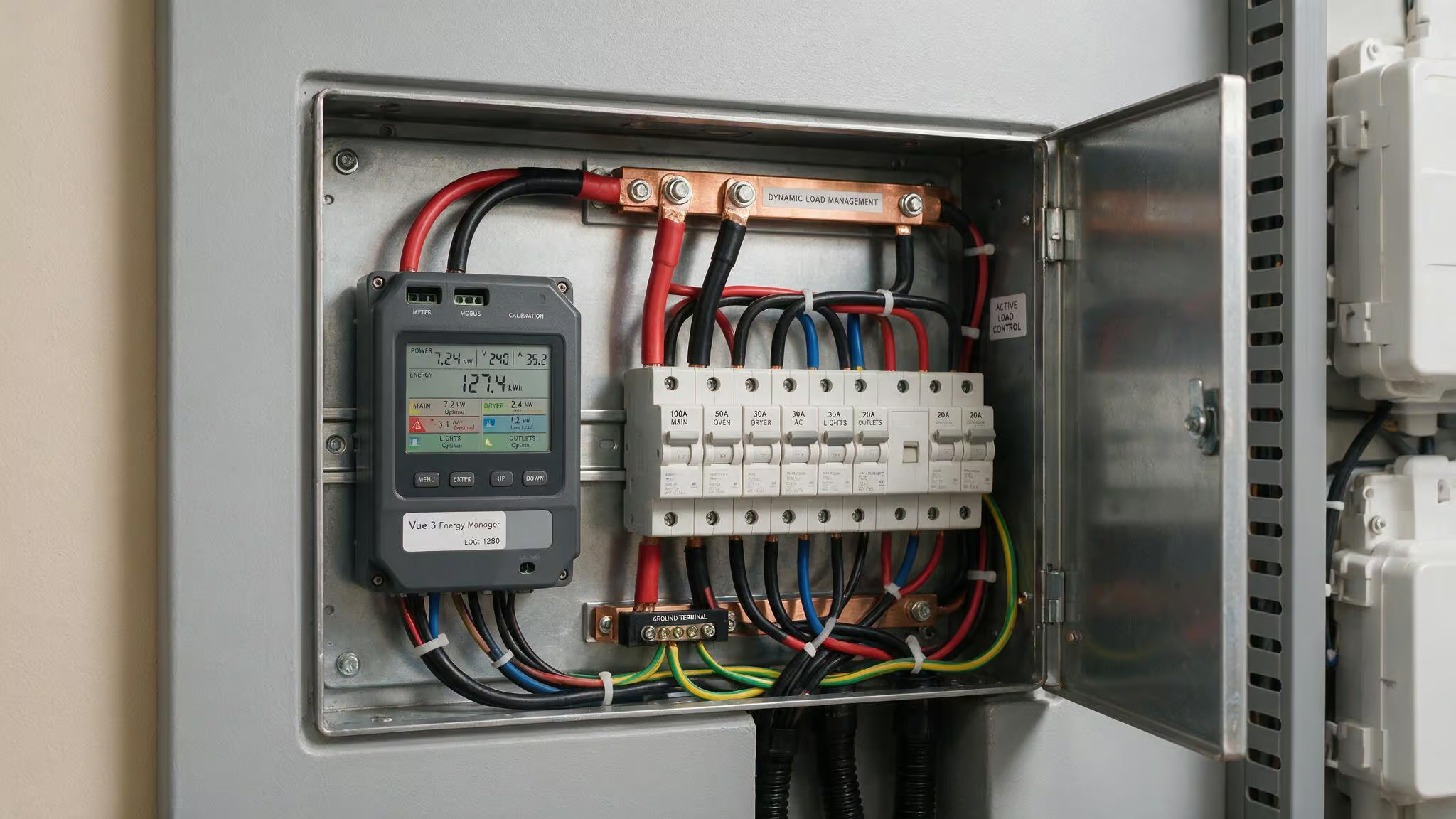
The win here is avoiding a panel upgrade, which can easily run $3,000 or more. If you’ve got a 150- or 200-amp panel and limited headroom, load management might be the difference between a $500 install and a $4,000 project.
How load management prevents tripped breakers and costly upgrades
The Emporia Pro is the standout here. It comes with the Vue 3 energy monitor — about $100 on Amazon, that installs in your electrical panel and adjusts charging output in real time. You don’t need to buy any expensive add-ons.
Compare that to the Wallbox Pulsar Plus, which requires a $449 power meter for the same load-sharing function. That hidden cost bumps it from reasonable to expensive.
Solar and battery integration
If you’ve got solar panels or a home battery, a smart charger can prioritize that energy. It’ll charge from your solar when the panels are producing excess, draw from your home battery overnight, and generally coordinate with your whole energy setup. The Emporia app ties into its entire energy-monitoring device library, so you can see everything on one screen.
App Control Showdown: Which Charger App Actually Delivers?
Not all charger apps are created equal — some offer detailed cost tracking and vehicle-specific data, while others frustrate users with clunky interfaces and missing features. Here’s how the leading apps stack up.
What good app control looks like: ChargePoint and Emporia
ChargePoint’s app is the gold standard. It tailors battery percentage and EPA-mile estimates to your specific vehicle. It shows charge-rate graphs, total time, and total energy per session. And crucially, it lets you select from dozens of utility rate plans for accurate cost tracking. That’s the kind of detail that helps you understand what you’re spending.
The Emporia app is powerful if you want whole-home integration — it monitors individual circuit breakers and other energy devices. But if you’re just using it for EV charging, navigating around all those other features can feel like overkill.
App pitfalls to avoid: Eviqo and Lectron
The Eviqo app has real usability issues. Overnight charging requires two separate rules: one from 7 PM to 11:59 PM and another from midnight onward. That’s a daily annoyance you’d have to live with. The slider bar for amperage sits right on the main screen and can be accidentally bumped. And it only shows weekly, monthly, and quarterly totals — no individual charge session data.
Worse, one Car and Driver test unit arrived missing its mounting bracket. Customer service took over six weeks and multiple rounds of communication to resolve. That’s the experience that makes you question the whole purchase.
The Lectron app has its own limitation: it can’t show specific charges older than one month. You only get overall monthly usage. For cost tracking, that’s a real gap.
Unique approach: CleverCharge and its OBD-II dongle
CleverCharge does something different. It uses an OBD-II dongle to track per-drive energy consumption, giving you real-world range estimates instead of the car’s guess. It sends notifications when you should plug in based on your actual driving behavior. It also displays battery health and alerts for error codes and low voltage.
One important note: data only syncs when you’re near the charger — it’s not broadcasting in real time. And it doesn’t work with Tesla, Rivian, or Lucid, since those cars don’t have accessible OBD-II ports.
Do You Need a Smart Charger? The Case For and Against Wi-Fi
The forum user ems2158 has been running a Grizzl-E Classic since March and never felt like he should have spent more.
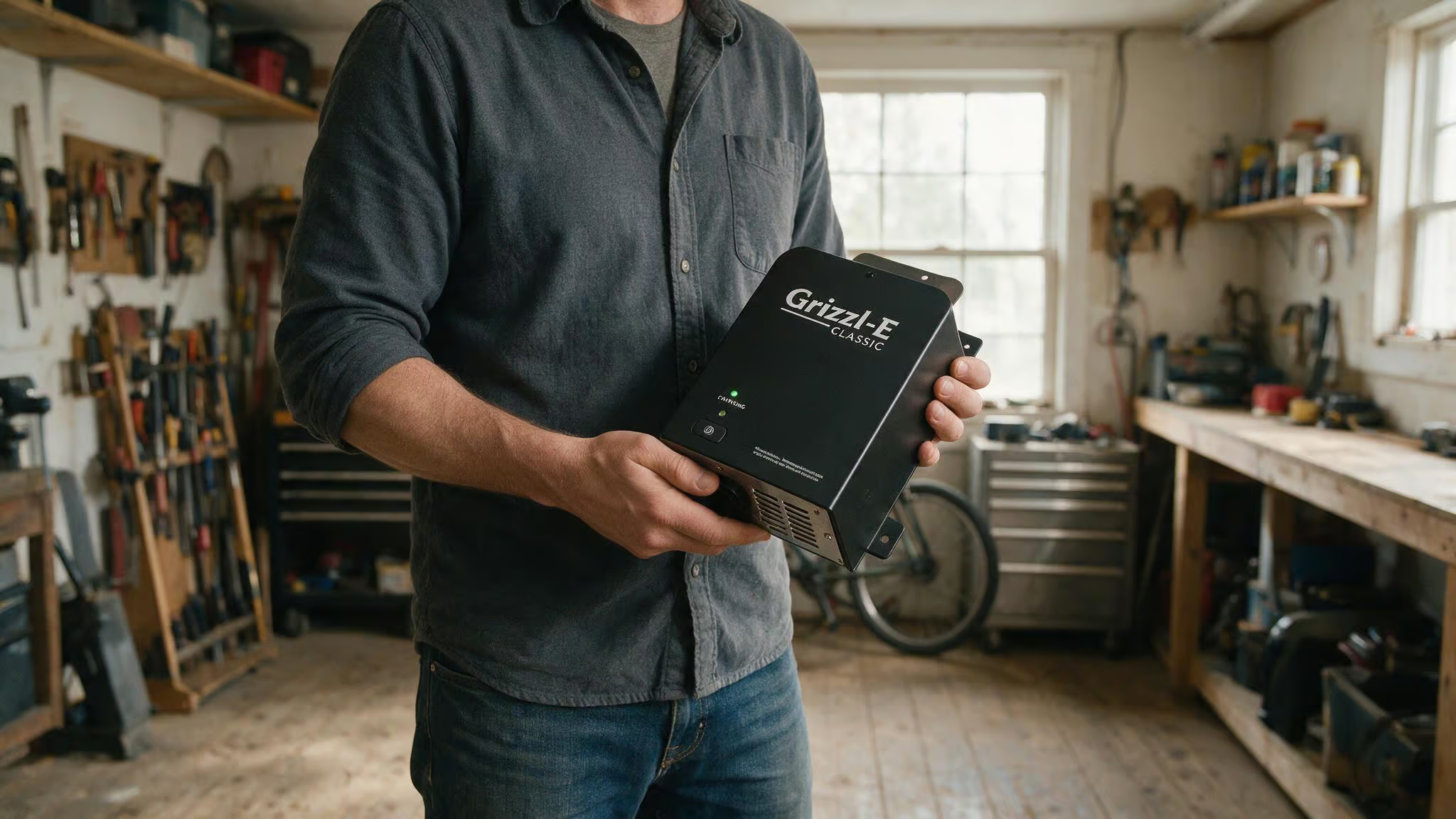
When you can skip smart features
If you’re on a flat-rate electricity plan (same price all day), the main savings argument for a smart charger evaporates. Your car’s built-in app probably handles scheduling and monitoring well enough. As Jameslclarke put it: Ioniq 5 includes all the tools needed to set up a charging schedule and amount; no smart charger needed. However, if you are considering a hardwired installation, it’s still worth understanding how Level 2 EV charger amperage 16A vs 32A vs 48A scales with your home’s electrical panel capacity.
User zamafir noted that the car itself displays the rate of charge and time to charge — you don’t need Wi-Fi unless you want detailed energy accounting. Waccamatt has owned his charger for four years and doesn’t miss Wi-Fi. SalisburySam runs a 2012 Wabasco EVSE with a Nissan LEAF and a Tesla Model 3, both vehicles control everything through their apps.
There’s also the reliability angle. Software introduces failure modes that hardware-only equipment avoids. Some forum users have reported that BlueLink server outages caused missed charges, and there’s speculation about BlueLink contributing to a 12V battery drain problem. That’s the trade-off: more features, more potential points of failure.
When Wi-Fi earns its keep
nburd uses Wi-Fi on his ChargePoint for phone updates, real cost tracking, TOU integration, and error alerts when charging stops unexpectedly. He also uses the monthly kWh report to split household electrical costs from vehicle fuel costs — a practical use case if you’re tracking expenses.
If your area offers rate discounts for specific charging hours — and forum user stryker1969 says that’s essential in some places, a Wi-Fi-capable EVSE makes sense. Some utilities require specific models for their demand-response programs. And as more utilities offer off-peak rates (Massachusetts recently passed legislation requiring providers to offer them), having a charger that can take advantage is increasingly valuable.
Best Level 2 Smart Chargers With Wi-Fi and App Scheduling: Tested Comparisons
Car and Driver spent months testing these chargers on a variety of vehicles — Tesla Model 3, Rivian R1T, BMW i4, Ioniq 5, Kia EV9, Lucid Air Pure. Charging losses averaged 5–8% across all units, and every one has an outdoor-grade rating per NEMA or IP standards. However, for peace of mind, I would recommend installing a Level 2 Charger. Using a Level 2 charge, it takes 5 hours and 40 minutes to charge, and here’s what stood out.
Emporia Pro / Classic: Best overall for load management
The Emporia Pro includes the Vue 3 energy monitor ($100) that installs in your electrical panel. That single inclusion gives you real-time load balancing without an expensive add-on. It delivers 11.5 kW, comes in J1772 or NACS, and you can hardwire or plug it — same price either way. The app integrates with Emporia’s whole-home monitoring. The main drawback is that the app can feel complex if you only want EV charging.
ChargePoint Home Flex: Best app and cost tracking
This is the charger for guys who want to know exactly what they’re spending. The app has the most nuanced cost tracking of any tested unit — you can select from dozens of utility rate plans. It shows charge-rate graphs, total time, and total energy per session. It tailors battery percentage and EPA-mile estimates to your specific vehicle.
Plus there’s a built-in notch for cord wrapping and a latching plug dock. With tens of thousands of public charging units nationwide, the app experience carries over to public charging too.
Tesla Universal Wall Connector: Best for mixed-EV households
This one has a built-in adapter that switches between J1772 and NACS, and it’s electronically locked in place — no fumbling with adapters. It delivers 11.5 kW peak, is hardwire only, and can power share with other Wall Connectors. It integrates with Tesla’s mobile app for energy monitoring and comes with a 24-foot slim cable. The unit is thicker than the standard Wall Connector due to the adapter, but for mixed-EV households, it’s the simplest solution.
Lectron: Affordable entry with Wi-Fi, but app limits
Lectron is a supplier of NACS-to-SAE adapters for automakers, and their entry-level charger includes Wi-Fi, charge-time control, and energy monitoring via the app. It comes with a wall mount but needs a separate hook for the cord. The key limitation is the app: it can’t show specific charges older than one month, only overall monthly usage. That’s a meaningful gap if you’re tracking costs.
Wallbox Pulsar Plus: Compact but missing features
At roughly 8×8 inches, this is the smallest unit tested. The app is clean, but it can’t track variable rates like ChargePoint and Emporia can. And load-sharing requires that $449 power meter add-on — a significant hidden cost that makes it less appealing.
Battery Tender: RFID security, no Wi-Fi, bulky
This 40-amp (9.6 kW max) unit requires an RFID card swipe to start charging. The problem: the RFID setting can be disabled without a passcode, which kind of defeats the purpose. There’s no Wi-Fi — energy consumption shows on a built-in 4.3-inch display. It’s the largest and bulkiest unit tested, and it’s expensive. Hard to recommend for most people.
J1772 vs. NACS: Choosing the Right Connector for Today and Tomorrow
The two main connector types are J1772 (standard for most non-Tesla EVs) and NACS (originally Tesla’s connector, now being adopted by more automakers). Understanding Level 2 EV charger connector types J1772 vs NACS is key because most chargers support one type, though some require an adapter.
The Tesla Universal Wall Connector solves the problem elegantly with its built-in adapter that switches between both types. But adapters are widely available and work fine, so you don’t need to stress about picking the “wrong” one.
Lectron sells smart chargers in J1772 and NACS configurations. Over-the-air updates can adapt to evolving standards. For a mixed-EV household, the Tesla Universal Wall Connector is the simplest option. For everyone else, just buy the one that fits your current car. Adapters are cheap and widely available if your next car has a different plug.
Safety First: What Certifications to Look For
All the Car and Driver tested units have outdoor-grade ratings per NEMA or IP standards. That’s your baseline. Beyond that, there are a few certifications worth understanding.
What each certification means
UL certification means independent safety testing for fire and shock hazards. ETL certification is similar and accepted by most U.S. authorities. FCC approval is required for any device that emits radio frequencies — which means any Wi-Fi or Bluetooth charger. IP-rated enclosures (like IP65 or IP67) tell you how resistant the unit is to dust and water ingress.
The Grizzl-E charger carries UL certification and is made in Canada. Lectron chargers have IP-rated enclosures, ETL certification, UL-compliant components, and FCC approval.
The hidden reliability debate: software safety vs. hardware safety
Smart chargers add software-layer safety features like error alerts and auto-stop. But software also introduces failure modes. Remember that BlueLink server outage that caused missed charges? That’s a risk. The counterpoint is that Wi-Fi allows error alerts that can catch problems early.
rbdavis808’s approach — buying a Wi-Fi-capable charger but not using the Wi-Fi feature, is smart. You get the hardware quality without the software risk, and you have the option to enable it later if your situation changes.
Installation and Incentives: What You’ll Pay and What You’ll Save
Let’s talk money. Equipment runs $400–$700 on average. Installation typically costs $500–$2,500. If you need a panel upgrade, you’re looking at $3,000 or more. Level 2 chargers require a dedicated 240V circuit, often with GFCI protection, and some jurisdictions require permits and inspections.
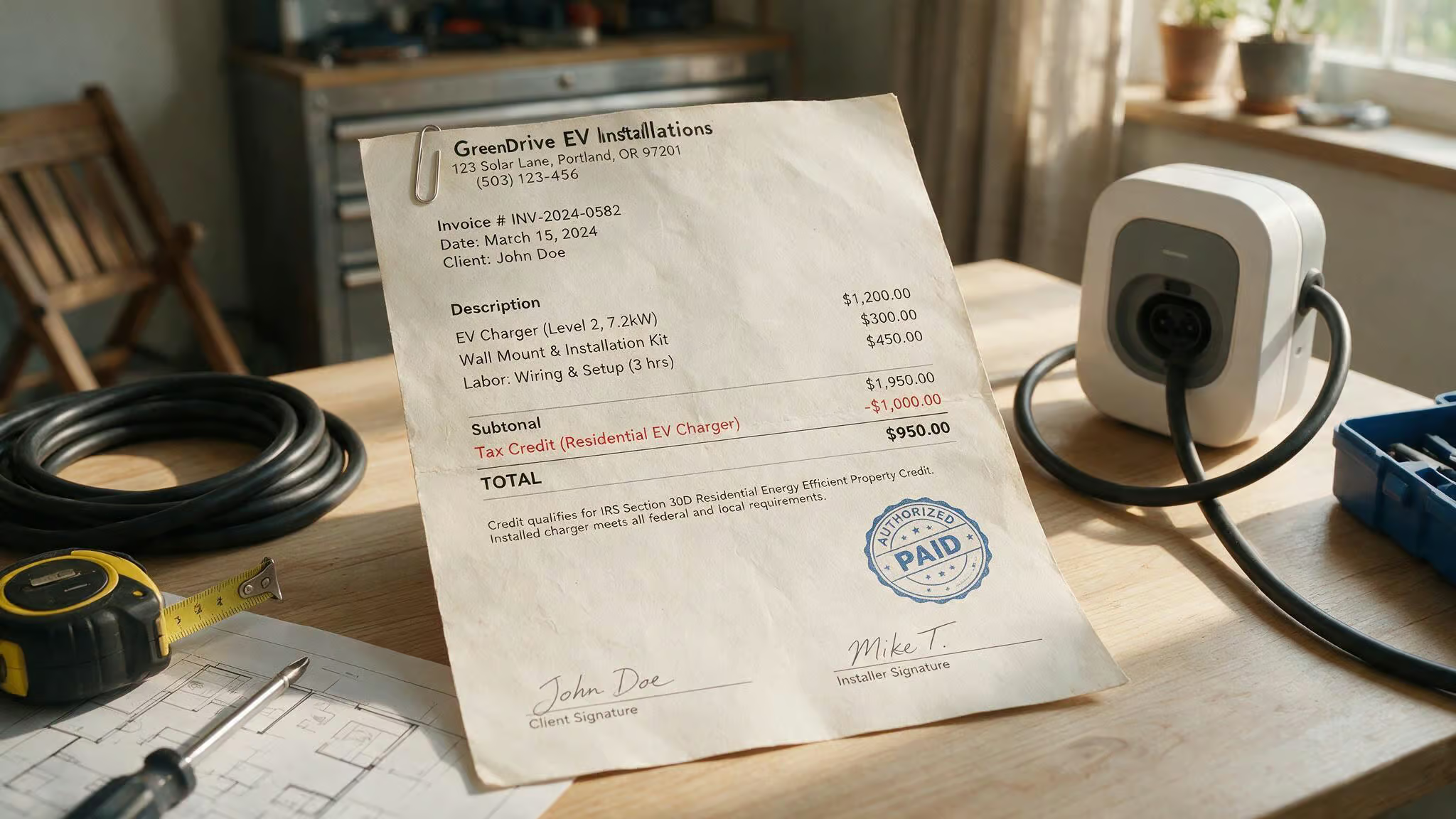
Realistic budget: equipment, installation, hidden costs
The total installed cost for a typical setup is $800–$2,500. That’s the realistic number to budget. The biggest variable is whether your electrical panel has capacity for a new 40–50 amp circuit. If it doesn’t, that $3,000+ panel upgrade changes the equation significantly.
The Inflation Reduction Act tax credit (act before June 30, 2026)
You can get 30% of the total cost back — including installation, up to $1,000. But it expires June 30, 2026. That’s a hard deadline. If you’re planning to install a charger, do it before then and save yourself a chunk of money.
Utility rebates and TOU rates: what’s available where
Utility programs vary wildly. Some require specific Wi-Fi models for rebates. Eversource in Massachusetts discussed a smart charging program but never implemented it, while simultaneously raising rates 34% over 12 months to $0.325/kWh. They do offer off-peak rates in Connecticut but not in Massachusetts. Central Maine Power has off-peak rate plans but no EV-specific offers.
Recent Massachusetts legislation requires providers to offer off-peak rates, a trend to watch. The IT Guy on the forums noted that Eversource discussed but never implemented a program. The bottom line: check your local utility’s website before buying.
Choosing the Right Smart Level 2 Charger for Your Situation
The right charger depends on your daily driving distance, home electrical setup, and whether you have solar or multiple EVs. Here’s how to match the right features to your specific scenario.
For daily commuters (40+ miles/day)
You need Level 2, and a smart charger with scheduling is worth the premium. A 40-amp (10 kW) unit fills an Ioniq 5 from 10% to 80% in under 6 hours — plenty for overnight charging. Don’t overthink amperage: 48A or 50A doesn’t give you meaningful real-world benefit for overnight charging.
For renters, travelers, and low-mileage drivers (<40 miles/day)
Level 1 might be enough. If you’re renting, a portable smart charger offers flexibility — the Lectron portable Level 1 model with Wi-Fi is a good example. Flat-rate electricity users may not need Wi-Fi at all. A Grizzl-E Classic will serve you well.
For multi-EV households
Load management becomes critical to avoid overloading your panel. The Grizzl-E Duo has a single outlet with two 24-foot cables and splits power between them. The Lectron Socket Splitter prioritizes one side, but testers noted the left outlet wobbled after a few uses. Dedicated power-sharing units like Tesla Wall Connectors offer the most intelligent load distribution.
For solar, battery, and future-proof setups
Choose a charger with solar integration, whole-home monitoring, and over-the-air updates. The Emporia Pro with its Vue 3 monitor is the leading option. The Tesla Universal Wall Connector’s built-in J1772/NACS adapter makes it the most future-proof for mixed-connector households.
Final Take: The Smart Charger Decision, Simplified
Ask yourself two questions:
- Does your utility have time-of-use rates, and do you want to track charging costs?
- Does your home’s electrical panel have limited capacity?
If the answer to both is no, a non-Wi-Fi charger like the Grizzl-E Classic will serve you perfectly well. Your car’s app handles scheduling, and you avoid the complexity and potential failure points of a smart charger.
If you answered yes to either question, smart features are worth the extra money. The 30% federal tax credit (expiring June 2026) makes the math even better.
My picks: Emporia Pro for the best load management value, ChargePoint Home Flex for the best app experience, Tesla Universal Wall Connector for mixed-EV households, and Grizzl-E Classic if you want to keep it simple.
And remember: 40 amps is enough. It’ll fill virtually any EV overnight. Don’t let amperage anxiety drive you to an expensive install than you need. Check your local utility rebates, get that tax credit while it’s available, and buy the charger that fits your actual situation — not the one that sounds impressive in the spec sheet.
Frequently Asked Questions
How do I schedule my EV charging?
You can schedule charging through a smart charger’s app or your car’s built-in system. Most smart chargers let you set a start time, end time, or both, and some allow recurring weekly schedules. The charger then waits until the programmed time to begin drawing power, which helps you take advantage of lower off-peak electricity rates.
Does my EV charger need to be connected to WiFi?
No, it doesn’t need WiFi to deliver power. A non-WiFi charger like the Grizzl-E Classic works perfectly fine for basic charging, especially if you’re on a flat-rate electricity plan and your car’s app handles scheduling. WiFi adds features like cost tracking, time-of-use integration, and error alerts, but it also introduces potential software failure points.
Is the 30% federal tax credit for EV charger installation still available?
Yes, you can get 30% of the total cost back — including installation, up to $1,000 — but it expires on June 30, 2026. That’s a hard deadline, so if you’re planning to install a charger, doing it before then saves you a chunk of money. The credit applies to both equipment and installation costs.