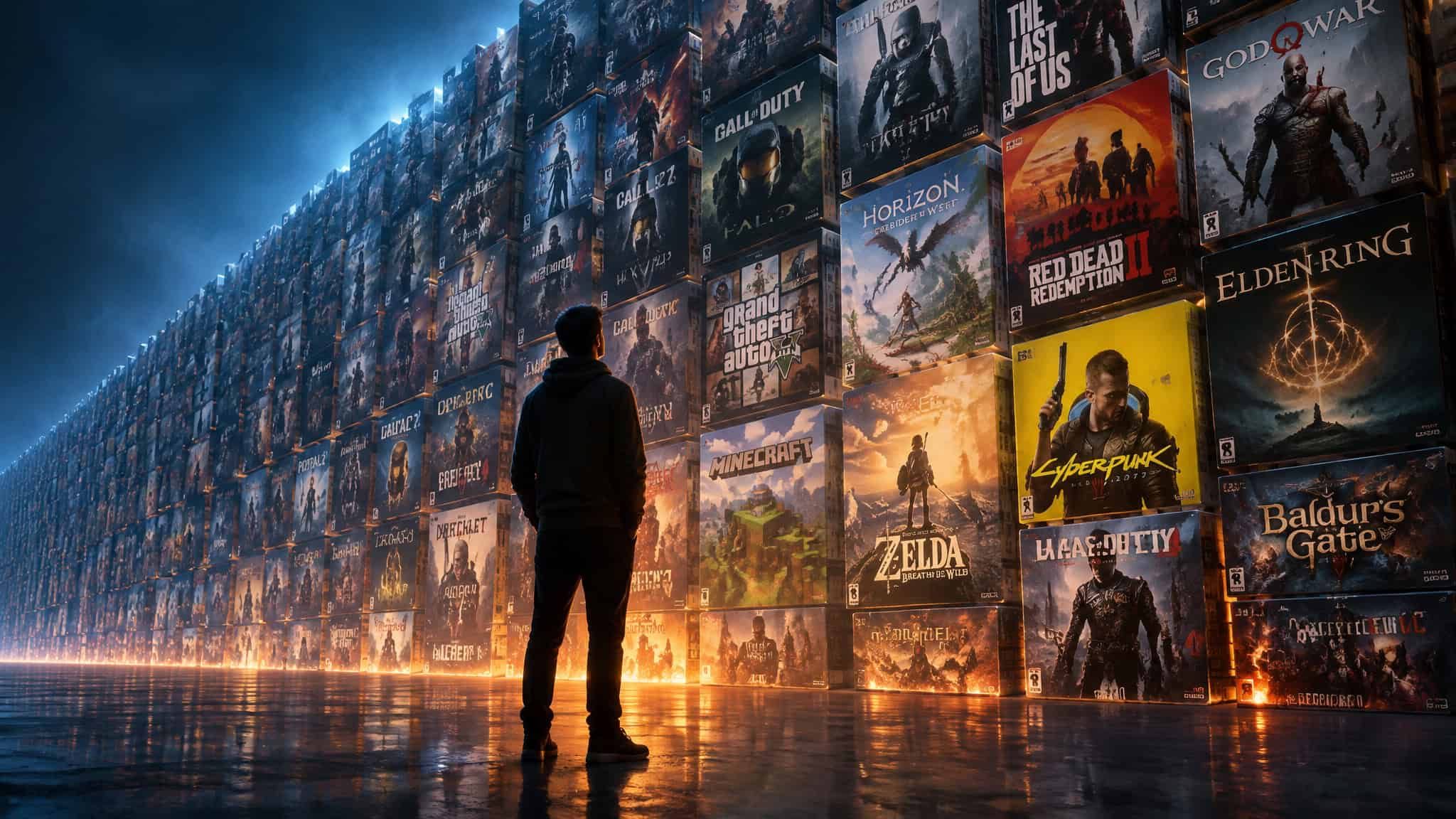
Every guy who plays games has hit this wall. You finish something, you want the next thing, you open the store, you scroll, the same way you might browse all casino games, and forty minutes later you close the tab with nothing. There are more games in existence than you could finish in ten lifetimes, and the feeling is still “there’s nothing to play.” A guy on the Steam forums put it plainly recently: he browses the same games on offer over and over, rarely finds one worth buying, and feels like he’s at the end of a road trying to find his next special game.
He’s not short on options. He’s stuck on the choosing, which is the actual skill nobody teaches. So this is a method for finding new games to play: figure out why the wall shows up, then work the methods in order, from tag-based engines to AI store recommendations to communities to the back catalog, and match the results to your actual free time and budget.
Key Takeaways
Steam alone has more than 70,000 games and the PS3 library tops 5,000 titles, so “nothing to play” is a matching failure, not a supply shortage.
The query that works on engines and humans alike is one anchor game plus two taste attributes, like the real forum ask: something like Space Food Truck, cartoony, maybe puzzle or space exploration.
SteamPeek matches on tag similarity and Google’s Game Finder, live for U.S. users in English since October 13, 2026, profiles how you play, but neither guarantees quality, so you still do the filtering.
Table of Contents
Why “nothing to play” happens when 70,000 games exist
You can’t find a new game because choosing, not supply, is the bottleneck, and every cause of that feeling points to a different fix later in this article.

The math is not on the side of boredom
Steam carries over 70,000 games. Add hundreds of current-gen console releases, thousands from last gen, and a historical catalog so big nobody’s counted it all. The PS3 alone has just over 5,000 titles, and the PS2 isn’t far behind. Even after stripping out cross-platform duplicates, that’s more than one person could play in a lifetime.
Apply Sturgeon’s Law, the old rule of thumb that 90% of everything is crud, and it still doesn’t save you: keep only the best 10% of your favorite genres and more good games remain than anyone could finish. Supply was never the problem.
The industry changed, and so did the judging
Some of the friction is about the games themselves, though which part is opinion. One take you’ll hear a lot: 25 years ago one price bought the whole game, no season passes, no pre-order bonuses, no microtransactions, while early access now sells incomplete games, some stuck in limbo for years. The same voice argues most AAA output comes from corporations like EA and Ubisoft running a proven profit formula instead of innovating. The counterpoint, also an opinion: the industry as a whole is better than it’s ever been.
Both can be true. What’s fact is that games now get judged on graphics, story, acting, and bugs, not just fun, and tight budgets plus holiday deadlines produce buggy day-one releases. Early games on the Atari 2600 and Commodore 64 were simple because the tech was; 3D and better hardware made everything harder to build.
The player changed too
Aging brings responsibilities and less time. The video essayist behind some of this material also credits games with distracting him from depression during a mundane stretch of life, which is worth reporting plainly and leaving there. His honest suspicion: for some people, “nothing to play” is really about wanting the social experience of the current hype cycle, not the games. There’s a warm contrast here too.
Mid-90s to early-2000s Blockbuster rentals lasted 6 to 7 days, 3 for newer titles, and he rented the same N64 games every weekend, Fighting Force 64, Destruction Derby 64, GoldenEye 007, Ocarina of Time, with no way to save progress. He saved allowance for the monthly PlayStation magazine just for the demo discs and replayed them endlessly. Then Humble Bundle and Fanatical made games cheap and infinitely available, and discovery got harder instead. Which suggests deliberately limiting yourself is a legitimate tactic, not nostalgia.
Is it the games, the industry, or the player? He leaves the question open, and so will I.
Start with one anchor game, not the store front page
Name one game you loved, then add two things you loved about it: a mechanic, a tone, an art style, or a session length. That’s the whole exercise. The real forum post is the model: he wants something like Space Food Truck, with a cartoony look, possibly puzzle or space exploration. That’s a query a machine or a human can act on. A post that names zero games gets zero useful answers, and Google’s own Gamer DNA work backs the logic, since gamers evaluate games on mechanics and art style, not just popularity.
Find games similar to ones you already like
SteamPeek is the fastest way to turn an anchor game into a list of similar PC games: you feed it one title you like and its tag-based recommendation engine returns matches, including hidden gems, trending picks, new releases, and coming-soon titles you can sort and filter until the list is scannable.

How the tool works
The mechanism is tag co-occurrence, a normalized tag-based algorithm, which is the same idea behind every “games like X” query anywhere. You don’t need to understand the plumbing to use it in ten minutes. What’s worth knowing is why the site exists: its stated mission is helping players find indie gems and supporting developers who can’t outspend anyone on marketing. That’s why the results skew toward stuff you’d never see on the storefront front page.
What the results actually look like
The breadth is the selling point. A pull near a cozy sim can surface Afterbeat, a musical bullet-hell where you dodge incoming fire as a nanobot, or Antivirus Survivors 2003 Professional, a Y2K-nostalgia survivor-like where you auto-shoot viruses and adware. Elsewhere in the catalog: WARDOGS, a 100-player, three-team tactical FPS set in Eastern European industrial mountains with destructible battlefields; Trails in the Sky SC, a JRPG following Estelle Bright across Liberl searching for Joshua and the Ouroboros organization; and a medieval roguelike with drivable roaming castles that devour villages. There’s even a sea otter exploration game built around swimming, diving, and tool use, where the otter has a favorite rock.
None of these are front-page material. All of them are findable in an afternoon.
The catch: similar isn’t the same as good
The results are algorithmic similarity, not human quality curation, so Sturgeon’s Law applies to the output too. A search near a cozy sim can just as easily surface Scapewatch, an idle MMO with 30 skills, three combat styles, clans, raids, hiscores, pets, and capes, where the Old School RuneScape influence is unmistakable, or The Magus Circle, a rogue-lite where you draw cards to cast spells. Similarity-ranked, not quality-ranked. Filter by novelty status, hidden, trending, coming soon, and bring your own judgment.
AI game discovery on Google Play: how it works and where it falls short
Android game suggestions now come from Google Play’s Game Finder, an AI recommendation tool that rolled out in English to U.S. users on October 13, 2026, with more markets coming, and it’s decent as a starting point as long as you treat the explanation as the feature, not the picks themselves.
What Game Finder actually does
It combines Google Play’s gaming knowledge with a community of over 2 billion players, and it runs on Gamer DNA, an analysis of how you play plus the preferences you’ve shared, which you can finetune by specifying games, genres, and mechanics. The output is concrete: how similar players engage with a title, follower playing counts, user review summaries, and trending games with reasons. The Verge notes it explains why a game was recommended, based on reviews and your gameplay habits, and that “why” is the interesting part.
The rest of the Play stack, briefly
Ask Play gives tailored recommendations and, starting October 13, 2026, generates side-by-side app comparisons in search results with key differences and user sentiment. Play in Gemini brings Play apps, games, and developer content into Gemini conversations, rolling out to all Gemini users soon, with recommendations coming to Gemini Live too. Both are promised, not shipped everywhere. Game Trials is expanding from mobile to PC, offering time-limited access to full premium titles before you commit to a purchase. Community Posts add Q&A to game detail pages, and Game Playlists let you curate collections now, with sharing coming later.
Where it falls short
Profiling that explains its picks is different from tag similarity, not automatically better. The Verge‘s Jess Weatherbed covered the rollout skeptically, mocking a banner image she called nonsensical and suspiciously generative-looking. Fair. Google’s marketing describes the features; it doesn’t evaluate them.
Ask communities for game recommendations (the right way)
Communities give you recommendations that match your taste when the ask is specific, because the format of the question, not the venue, determines answer quality. The venues are familiar: Steam community discussions, gaming subreddits like r/pcgaming, and now Google Play’s own Community Posts for Q&A on any game’s detail page, with Game Playlists formalizing curation inside the store once sharing arrives. The core insight applies everywhere: posts with zero anchor games get zero useful answers. The anchor-plus-attributes query works on humans exactly as it works on tag engines, and being able to say what you like is the one skill behind every method here.
A typical post in a game-discovery forum looks like the Space Food Truck one: a guy who browses Steam, sees the same games on offer, and wants something like Space Food Truck with a cartoony look, possibly puzzle or space exploration, or he’ll just go back to what he’s already playing. That post gives responders something to work with. “Any good games?” gives them nothing.
Mine the back catalog for “new to you” games
Older games are often the better pick over waiting for new releases, because great games don’t expire, and on Xbox specifically the fastest route is backwards compatibility plus a subscription catalog stuffed with last-gen classics.
The argument for old games
The How-To Geek author makes the case: classics stay valid, entertaining, and important the way classic films do, and some older games still haven’t been surpassed. Creative quality doesn’t improve in a straight line the way hardware specs do. His pairings carry it: Assassin’s Creed II over Valhalla, Diablo II over Diablo IV, and the original Deus Ex from 2000 still unsurpassed even by its own sequels. The honest concession: development technique has genuinely advanced, and Baldur’s Gate III does things impossible in the BG2 era. And yet most of the best games of all time are already behind us.
Access is solved
GOG keeps older classics playable on PC without fighting drivers or compatibility nonsense. Sony and Nintendo run subscription services stuffed with big chunks of their best back catalogs. Emulation, backwards compatibility, and game streaming bring old games to modern hardware without much hassle. The How-To Geek author’s own example is playing missed original Xbox and Xbox 360 classics on an Xbox Series S, which is about as low-friction as it gets.
The money math
Instead of $60 to $120 for one new release, you can get roughly a dozen classics for the same money, plus the possible saving of not needing the latest hardware. The author’s closing recommendation fits here: best-game lists and YouTube retrospectives are the low-effort way in, because someone else already did the filtering.
Cost check: A single new release runs $60 to $120; the same money buys roughly a dozen back-catalog classics, and maybe skips a hardware upgrade too.
Try before you buy: cutting the risk of a bad purchase
The cheapest way to find good games without wasting money is to sample before committing: Game Trials on PC lets you play full premium games for a limited time before buying, and free entry points cost nothing at all. Humble Bundle and Fanatical offer deeply discounted bundles, which is cheap sampling. The video speaker expected the cheap bundles to make finding games easier; they didn’t. He still struggles.
Buying cheap isn’t the same as choosing well. On the paid-too-early risk, the speaker’s point is attributed opinion but a fair warning: early access lets customers pay for incomplete games, some stuck in limbo for years, when 20 years ago you’d have been laughed out of the room for selling an unfinished game. It’s worth checking a game’s completion state before you pay. For zero-cost options, Aniimo is a free-to-play creature-catching open-world RPG, and Game Trials and Play Fest offers lower the cost of sampling further. One honest caveat: the sources only touch free-game discovery in passing, so this is a starting point, not a full guide.
Red flag: Early access games can sit unfinished for years. Check a title’s completion state before you pay for it.
Match games to your real free time, not your wishlist
When your free time is limited, filter what you’re considering by session length, not just genre, because a one-hour window favors short-loop, idle, and cozy structures over epics. Many adult players live this: with a realistic window of about an hour, 80-plus-hour open worlds feel daunting, so they default to quick online games, which quietly narrows their taste over time. A World of Warcraft raid commitment after school ate whole evenings; adult responsibilities don’t allow that.
The inner conflict between wanting long-story RPGs and only having quick-session time is real, and it doesn’t need self-pity, just acknowledgment. The practical fix is filtering by time. Scapewatch‘s idle loop fits a one-hour window perfectly: queue up your training, step away, and return to accumulated gains. BuGarden goes further, a flower garden along the bottom of your screen where you plant, water, fertilize, harvest, and swat bugs at a snail’s pace. The failure this prevents is the quiet one: a wishlist full of great games that never get started.
Know when to stop searching and start playing
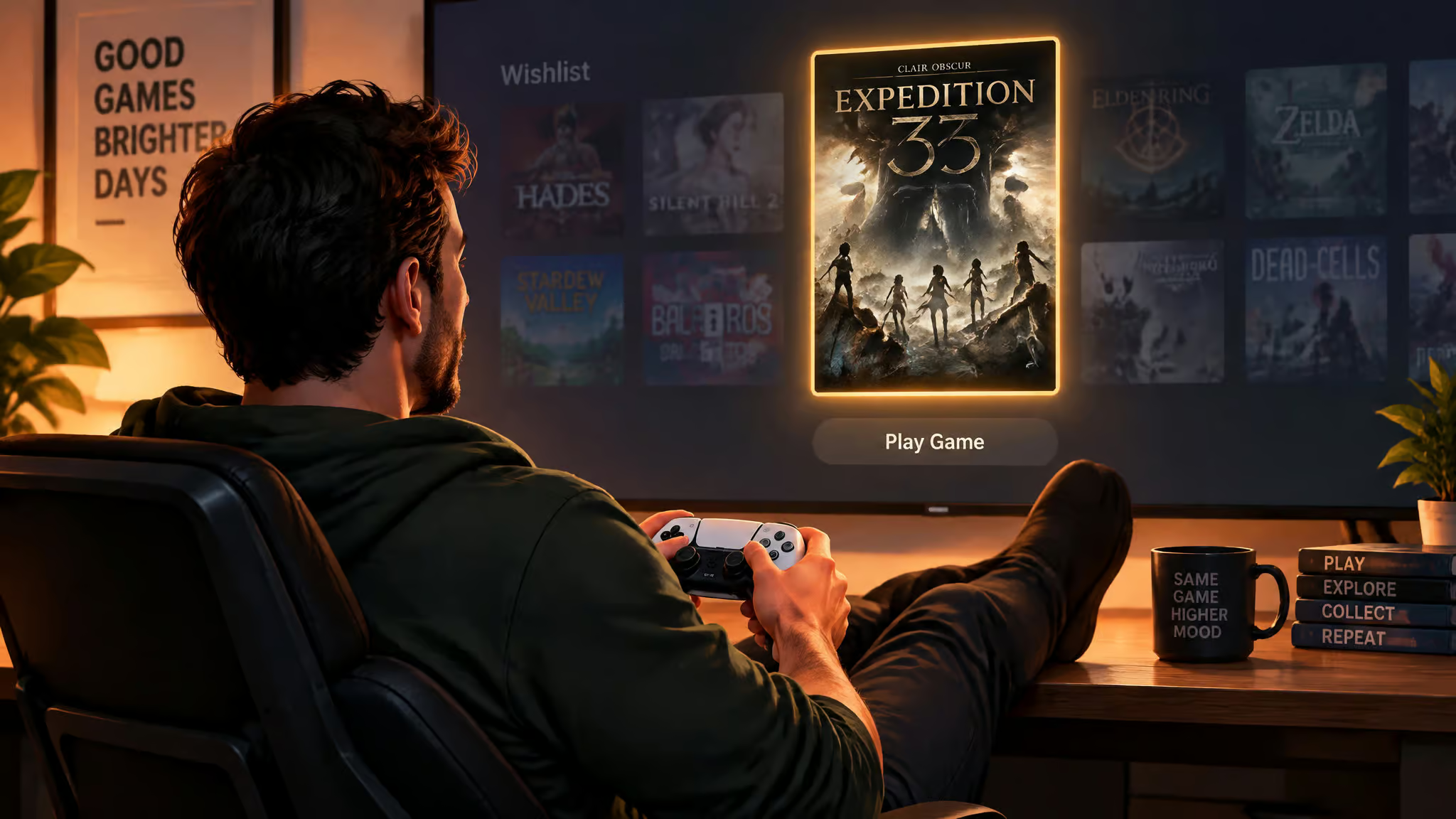
The failure mode has a name: catalog-hoarding. It’s a common pattern among players, adding games to a Steam wishlist faster than playing the ones already on it, the same way people browse Netflix’s catalog more than they watch anything on it. Discovery becomes consumption of catalogs, the dopamine of novelty without the commitment. The fix is a stopping rule: cap the wishlist, pick one candidate, and play it before adding anything else.
Game discovery questions, answered
Finding new games is a matching problem, not a supply problem, and the fix is a specific query plus the right tool for the moment. Direct answers below, starting with the broad question and ending with what generators actually do.
How do people actually find new games?
Finding new games comes down to combining recommendation tools, storefront features, and community asks, and every method works better when the input is an anchor game plus two taste attributes. The full method, condensed:
- Write down one game you loved and two things you loved about it: mechanic, tone, art style, or session length.
- Feed the anchor game to a tag-based engine like SteamPeek and filter the results by novelty status: hidden, trending, new, coming soon.
- Try AI store profiling where it exists, like Game Finder’s Gamer DNA, and read the “why this was recommended” explanations rather than just the picks.
- Take the same query to communities: Steam discussions, r/pcgaming, Play’s Community Posts.
- Mine the back catalog through best-of lists and YouTube retrospectives, where someone else already did the filtering.
- Filter everything by session length and budget before it touches your wishlist, then pick one and play it.
No source establishes a current No. 1 game, and that’s fine, because popularity is a signal about other people, not about you. The tools that matter match on mechanics and art style, which is what you care about.
What does a “what game should I play” generator actually do?
Generators are taste-profiling or similarity systems, not oracles, and most coverage conflates the two real mechanisms. Tag engines match on tag co-occurrence from an anchor game, which is SteamPeek‘s approach: you give it Space Food Truck, it gives you things tagged like Space Food Truck. AI profilers like Google’s Game Finder build a Gamer DNA from how you play and the preferences you share, then explain their picks against that profile. Neither guarantees quality. The engine narrows 70,000 options to a scannable list; you still apply your own filtering, your own time budget, and your own skepticism.
If I had to pick one habit from everything above, it’s the How-To Geek author’s closing move: lean on best-game lists and YouTube retrospectives for the classics, because someone else already did the filtering, and the filtering was always the hard part.
Frequently Asked Questions
What is the new game everyone is playing right now?
There’s no single answer worth chasing, because popularity is a signal about other people, not about you. No source establishes a current No. 1 game, and chasing the hype cycle often masks wanting the social experience around a release rather than the game itself. A better move is matching on mechanics and art style you already know you like.
How do I ask for game recommendations without getting useless answers?
Name at least one anchor game plus two specific things you love about it — a mechanic, tone, art style, or session length. A real example that works: ‘something like Space Food Truck, cartoony, maybe puzzle or space exploration.’ Posts that name zero games get zero useful answers, whether you’re posting on Steam discussions, r/pcgaming, or Google Play’s Community Posts.