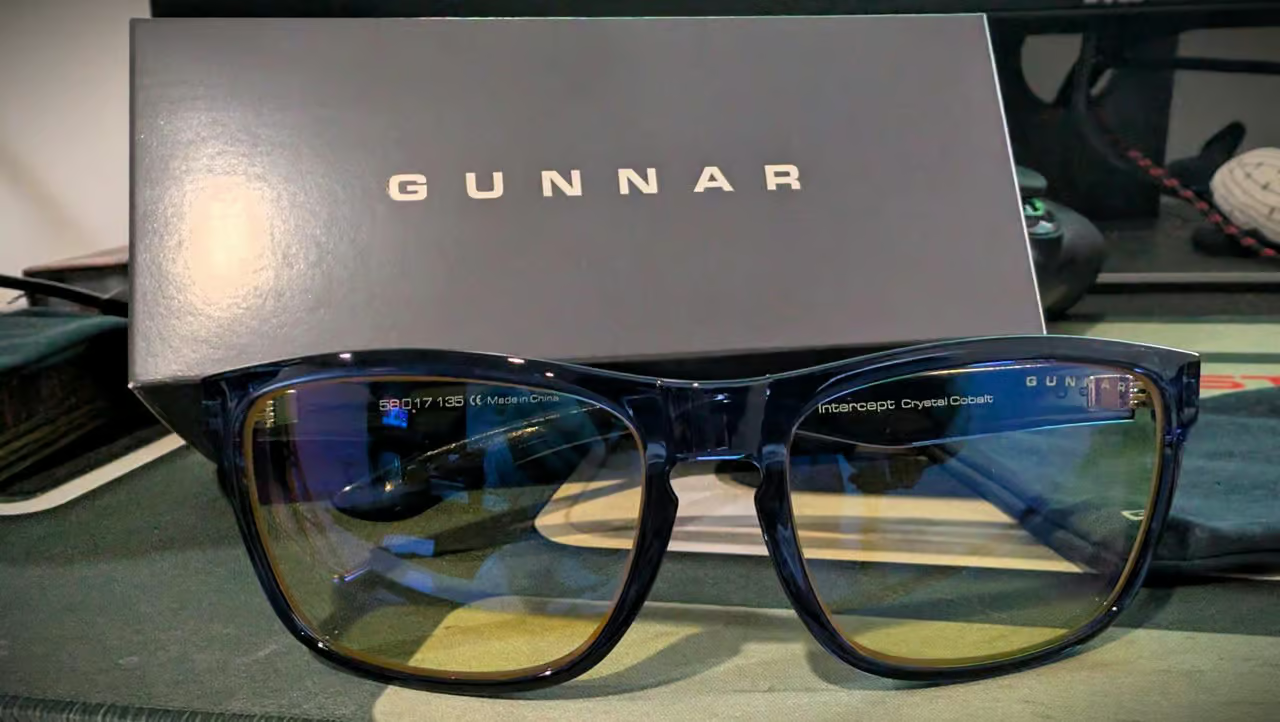
I recently got the GUNNAR Intercept in Crystal Cobalt, and after wearing them daily for a week, they perform well across the board.
I’ll walk you through the build, fit, and the honest trade-offs I’ve noticed. By the end, you’ll know whether these belong on your face—and which lens to pick if they do.
Key Takeaways
The Intercept weighs 33 grams with a nylon frame and multi-barrel hinges — light for all-day wear, durable enough to survive desk life
The fixed 17mm nose bridge works well for medium faces and low-bridge fits but is a dealbreaker if you need adjustable nose pads
The Signature lens blocks 65% of blue light at 450nm — enough to noticeably reduce eye strain without making everything look like a sepia filter
Table of Contents
Build and Design: What You’re Actually Getting
The first thing you notice when you pick up the Intercept is the weight. At 33 grams, the frame is made of nylon, contributing to its light feel.
That said, if you’re the type who opens and closes glasses one-handed constantly, you might notice a little play develop over many months. That’s normal with lightweight frames — just tighten the screws every now and then.
The shape is a retro-classic rectangle with a fixed nose-bridge, designed for medium-sized faces.
The lens dimensions are solid: 58mm wide and 43mm tall. That vertical height gives you good coverage when you’re looking down at a laptop or up at a monitor — less gap between the lens and your brow. The frame comes in at 137mm total width with 135mm temple arms, which is standard medium sizing.
Related: Gunnar Mendocino Blue Light Glasses Review
The G-shield™ lens coating is dual-sided anti-reflective.
Included are a Microfiber Pouch and a 12-month Warranty. The pouch is fine for storage in a desk drawer, but don’t toss these in a backpack unprotected. A hard case would have been nice, but at this price point, it’s not a surprise it’s missing.
Fit and Prescription Options: Will These Work for Your Face?
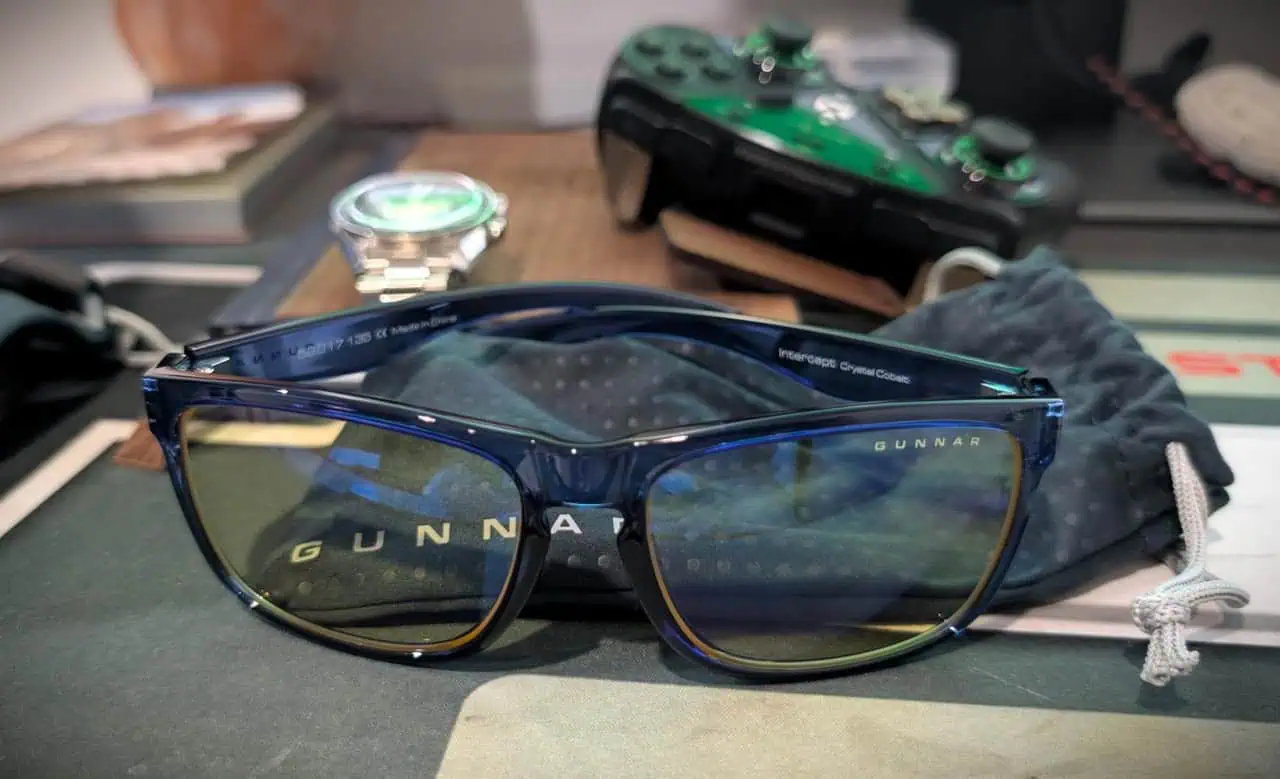
The single most important fit detail is the nose bridge. It’s fixed at 17mm — no adjustable pads.
GUNNAR lists these as low-bridge fit compatible, the fixed 17mm bridge is molded to sit lower on the nose.
Frame width is 137mm, with temple length of 135mm. If your current glasses are 140mm or wider, these will feel tight across your temples.
For prescription buyers: the Intercept supports -6 to +5. That covers most common scripts. If you’re outside that range, you’ll need to check with GUNNAR directly for custom options.
Quick test: Check the width stamped on the inside arm of your current glasses. If it’s 140mm or wider, the Intercept will feel tight across your temples.
Bottom line: if you’ve got a medium-sized face with an average or low nose bridge, these will fit great. If you need adjustable nose pads or have a wider head, look elsewhere.
Lens Options Explained: The Five Choices and What They Actually Do
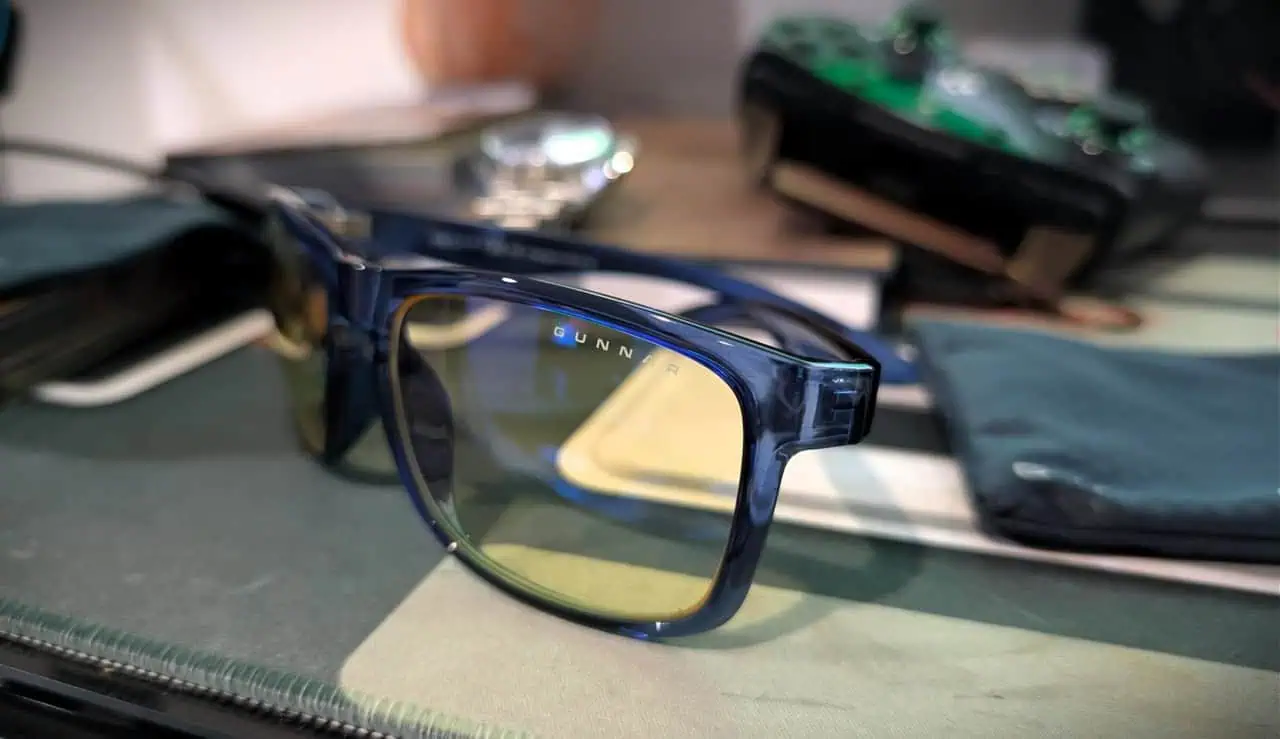
This is where most of the confusion happens. GUNNAR offers five lens options, and the percentages at 450nm — the peak blue light wavelength, tell you what you need to know. Here’s what each one actually does.
Related: Gunnar Oakland Glasses Review
Signature: The Default Pick
65% blue light block at 450nm. This is labeled “Our Most Popular”.
This is the lens I bought, and it’s excellent for everyday computer work. Spreadsheets, coding, emails, gaming — it handles all of it. At the end of a workday, my eyes feel noticeably less tired than they did before I started wearing these.
Buy this if: you spend most of your day in front of screens and want the best balance of protection and usable tint.
Skip this if: you need color accuracy for design work.
Epic: For Color-Critical Work
20% blue light block at 450nm. This is the clear option. Barely any tint, barely any protection. It’s designed specifically for graphic artists, photo editors, and video guys who need to see true colors on screen.
The trade-off: you’re getting almost no strain relief. If you’re a designer and your work demands accurate color, this is your only choice. But if you’re not doing color-critical work, pick Signature given its 65% blue light block at 450nm.
Buy this if: you can’t have your monitor colors shifted at all.
Skip this if: you want actual eye strain reduction.
Legendary: The Light Compromise
35% blue light block at 450nm. This sits in the middle — more protection than Epic, less than Signature. The tint is mild enough that you won’t look like you’re wearing shooting glasses.
It’s a decent option for general office work where you still need to judge color reasonably well. If you’re self-conscious about the amber tint in Signature, Legendary is less noticeable. You’re giving up almost half the protection for a slightly clearer view. I’d only pick this if the Signature tint bothers you.
Buy this if: you want some protection but can’t stand yellow lenses.
Skip this if: you’re optimizing for eye strain reduction.
Mythic: The Nuclear Option
98% blue light block at 450nm.
This is for people with extreme photosensitivity, post-concussion issues, migraines triggered by light, or sleep problems. It’s not a medical device, but blocks 98% of blue light at 450nm and many users find it helps.
Buy this if: you have genuine light sensitivity or sleep issues and need maximum protection.
Skip this if: you want glasses for normal daily use.
Pro eSports: Outdoor Screens
90% blue light block at 450nm, polarized. This is almost as dark as Mythic, but with polarization added for outdoor use.
Piloting drones, working on boats, field service, construction guys using tablets in the sun — that’s the use case. The polarization cuts glare from sunlight while still blocking 90% of blue light at 450nm. For normal indoor use, these are way too dark.
Buy this if: you use screens outdoors in bright conditions.
Skip this if: you’re a desk jockey or indoor gamer.
Buying Guide: Which Lens for Your Actual Workflow?
I bought the Signature lens because I’m at a computer eight hours a day for work and another couple hours gaming at night. It was the right call. The 65% block is enough to feel the difference in eye fatigue, and the amber tint is mild — I stopped noticing it after day one.
Here’s my advice based on what you actually do:
Office workers, coders, general screen use: Get Signature. It’s the most popular. The protection-to-tint ratio is right.
Gamers: Same answer. Signature. Unless you’re gaming outside on a laptop in full sun, in which case Pro eSports.
Designers, photo editors, video editors: You need Epic for color accuracy. Accept that you’re getting minimal eye strain relief. If you can handle a mild tint, Legendary gives you 35% block with reasonable color fidelity.
People with sleep issues or light sensitivity: Mythic works, but it’s a specialized tool, not a daily driver. Buy it for the hour before bed or if you’re genuinely photosensitive. Don’t use it for normal work.
Outdoor workers with screens: Pro eSports. Ignore the gaming branding.
One warning: don’t over-buy. I’ve seen guys go straight for Mythic thinking more protection is always better, then realize they can barely see their monitor. Match the lens to your actual workflow, not your fear of blue light.
GUNNAR Intercept vs Enigma and the $20 Alternative Question
Two questions come up constantly: “Intercept vs Enigma?” and “Why not just buy cheap ones on Amazon?”
Intercept vs Enigma: The Intercept is rectangular with a fixed nose bridge. The Enigma is wraparound with an adjustable nose bridge. That’s the whole decision.
If you want a classic rectangle shape and have a medium face with a compatible bridge, get the Intercept. If you need adjustable nose pads or prefer a sportier wraparound look, get the Enigma. The lenses are identical between the two — same options, same coating, same performance. It comes down to frame style and fit.
Bottom line: The lenses are identical between Intercept and Enigma. Your choice is purely about frame shape and whether you need adjustable nose pads.
The $20 Amazon alternative:
Cheap glasses use thin plastic frames that get brittle and snap. They have basic anti-reflective coating that wears off after a few months. The lens curvature isn’t designed for computer use — they just slap a yellow tint on generic clear lenses.
The Intercept’s value is in the build quality (nylon frame that won’t go brittle, multi-barrel hinges), the properly engineered lens curvature, the dual-sided anti-reflective coating that actually works, and the 12-month warranty.
Real-World Performance: Does It Actually Reduce Eye Strain?
They reduce eye strain. I notice it at the end of a workday. Before these glasses, my eyes would feel dry and tired around 3 PM. Now that doesn’t happen as often or as severely.
The 65% blue light block at 450nm is doing the work, combined with the G-shield™ dual-sided anti-reflective coating cutting down on glare from overhead lights. It’s not magic — I still get tired eyes if I’ve been staring at a screen for 12 hours straight, but it’s a noticeable improvement for normal use.
The caveat: individual results vary. Some people swear by blue light glasses, others don’t notice a difference. If you’re skeptical, that’s fair. The science says blue light can mess with sleep and contribute to eye strain, but nobody credible is claiming these glasses prevent eye disease.
They reduce blue light exposure. That helps some people. If you’ve never tried blue light glasses before, the Intercept with Signature lenses is a solid starting point.
Verdict: Who Should Buy the GUNNAR Intercept (and Who Shouldn’t)
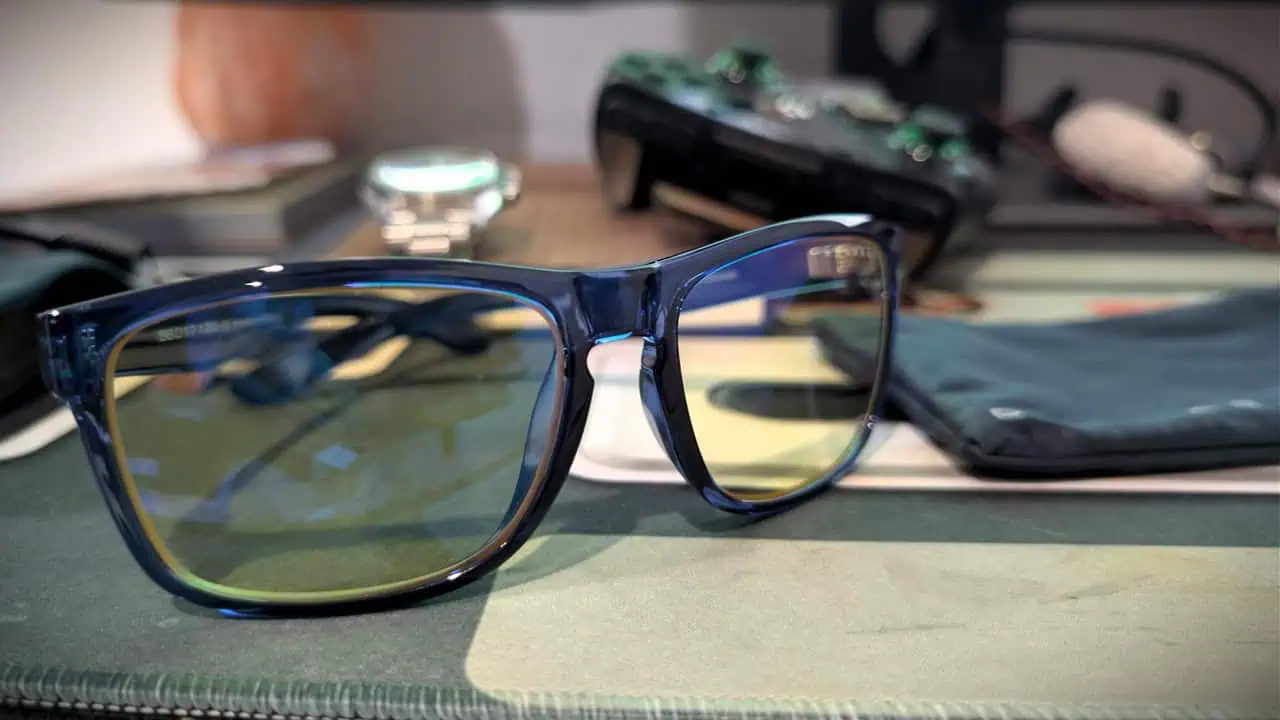
I’m keeping mine. Crystal Cobalt, Signature lens, wearing them as I type this. They deliver for my use case.
Buy the Intercept if:
- You have a medium-sized face with an average or low nose bridge
- You spend significant time in front of screens for work or gaming
- You want the Signature lens (65% block) for balanced everyday protection
- You like the retro rectangle style
Skip the Intercept if:
- You need adjustable nose pads — the fixed bridge is non-negotiable
- You have a wider head (current frames over 140mm)
- You only need occasional blue light protection and don’t want to spend the premium
- You hate the chunky rectangle look
For medium-faced desk workers and gamers who want a legit pair of computer glasses that will hold up, the Intercept is a solid buy. Pick Signature unless you have a specific reason not to, and don’t overthink it.
People Also Ask
Do Gunnar glasses actually work?
Yes, they reduce blue light exposure, which can help with eye strain and sleep disruption. The Intercept with Signature lenses blocks 65% of blue light at 450nm, and many users notice less eye fatigue at the end of a workday. Results vary by individual, but the science supports that reducing blue light helps some people.
Is Gunnar worth it?
It depends on your use case and budget. The Intercept uses a durable nylon frame, multi-barrel hinges, and dual-sided anti-reflective coating — build quality that cheap Amazon alternatives don’t match. If you spend all day in front of screens and want a pair that lasts, the premium is justified. For occasional use, cheaper options might be fine.
What do ophthalmologists say about blue light glasses?
Most ophthalmologists agree that blue light from screens isn’t harmful to eye health, but it can contribute to digital eye strain and disrupt sleep by suppressing melatonin. Blue light glasses like the Intercept reduce that exposure, which may help with comfort and sleep timing, but they aren’t a cure for eye disease or a substitute for regular breaks.
How much blue light do Gunnar Intercept lenses block?
It depends on the lens option. The Signature lens blocks 65% at 450nm (the peak blue light wavelength), Epic blocks 20%, Legendary blocks 35%, Mythic blocks 98%, and Pro eSports blocks 90% with polarization. The percentage at 450nm is the key spec to compare.