I know the routine because I’ve lived it way too many times. You unlock your phone with zero goal in mind, your thumb flies to an app icon by pure muscle memory, and suddenly you’re forty minutes deep into a thread of outraged, low-value garbage on x.com. You close the app feeling drained, only to open it again five minutes later, missing out on far better ways to relax at home.
A quick weekend “digital detox” won’t fix this pattern. When Monday rolls around, the empty social void is still there, and the infinite scroll pulls you right back in. To build a system that lasts, we have to look at how we select our tools from the ground up.
In his 2019 book Digital Minimalism, author Cal Newport defined this philosophy as a deliberate way of choosing your technology. Instead of letting developers design your attention span, you focus your online time on a small hand-picked list of activities that directly support your values—and you happily miss out on everything else. It is not about testing your raw willpower; it is about rewriting the operating rules of your daily life.
Key Takeaways
Establish a hard ceiling of 150 social media follows using Dunbar’s number and limit overall daily screen time on these platforms to 30–60 minutes.
De-optimize your phone’s visual appeal by converting the display to a permanent black-and-white grayscale mode and purging “just-in-case” apps.
Streamline professional communication by batching email checks into a single 10-minute daily block organized into three categories: ‘Personal’, ‘Work/School’, and ‘Money’.
Table of Contents
Step 1: Define Your Core Digital Values
Before you change a single setting, you need a clear blueprint of what matters to you. Without it, you are just vacuuming your room while the windows are wide open. Modern digital minimalism means looking at every app like a tool with a specific job, rather than an all-day entertainment center.
The distinction between target tools and endless consumption loops
The easiest way to audit your phone is to measure active utility versus passive scrolling. A target tool supports intentional, value-based technology selection where online time is focused on a small number of optimized activities that support values. Endless consumption loops, on the other hand, are engineered to keep you on the hook with no natural stop signs. If an app does not serve an explicit, repeatable value with quantifiable utility in your physical life, it does not deserve a spot on your home screen.
The social gaming exception: when high-agency screens build real-world connection
Broadly rejecting all digital tools misses the point, as digital minimalism is superior to Luddism or mindless technology use. I love video games, but instead of using them to zone out alone, I have shifted my gaming time to playing online exclusively with my real-life friends. This turns what could be a passive, isolating setup into a high-agency, collaborative hangout where we talk, crack jokes, and catch up. It is a legitimate way to build real-world connections, proving that not all screen time is a uniform addiction.
I also had to face my own network anxiety—that constant career itch to monitor professional feeds for Instagram sponsorships or LinkedIn messages because of FOMO. Once I stopped, I realized that endless networking yielded almost nothing compared to sitting down and doing offline, high-effort work.
Step 2: Hard-Code Visual and Interface Friction
The engineers in Silicon Valley spending millions to capture your eyes are not playing fair. Your brain is wired to respond to bright red notification badges, glowing app icons, and fluid animations. If you want to take your focus back, you have to implement deliberate phone avoidance, such as keeping the phone on silent, facedown, or out of sight.
Converting visual screens to grayscale to disable app appeal
The simplest and most effective way to kill app addiction is to turn your display black and white. Shifting your smartphone into grayscale mode strips away the vibrant visual rewards that apps use to keep you hooked. It instantly turns a shiny, high-tech toy into a flat, boring piece of gray hardware. Without the hit of color, your muscle memory starts to fade, and you will find yourself checking your phone only when you need to look something up.
Purging the ‘just-in-case’ mobile application graveyard
Users often store mobile apps they downloaded once, but should instead purge and organize mobile apps by deleting unused or ‘just-in-case’ apps. Delete them without mercy; remember, you can always redownload them in thirty seconds if a real need arises. If you are on an iPhone running iOS 14 or later, utilize the App Library to sweep secondary apps off your home screen entirely, leaving only your core, daily-use tools visible. Turn off notifications for every single app except those that are purely transactional or productive—like messages, calendar invite alerts, direct calls, reminders, and your basic mail.

Step 3: Architect a Minimalist Workspace and File System
Getting your phone under control is only half the battle. If your computer screen is a chaotic mess of unnamed downloads, open tabs, and scattered desktop icons, your focus is going to suffer. A clean virtual workspace acts as a quiet scaffolding for your brain to do real work.

Resolving professional communication traps with Zero-Inbox habits
Keeping your email client open all day is a cognitive tax that forces you to react to other people’s priorities instead of your own. Switch to a strict Zero-Inbox workflow by sorting your read mail into exactly three archive folders: ‘Personal’, ‘Work/School’, and ‘Money’. Instead of letting messages trickle in, schedule one 10-minute block once a day to sweep your inbox clean, archive what you need, and ruthlessly unsubscribe from every promotional newsletter and ad cluttering your feed.
Building uniform folder taxonomies across drives
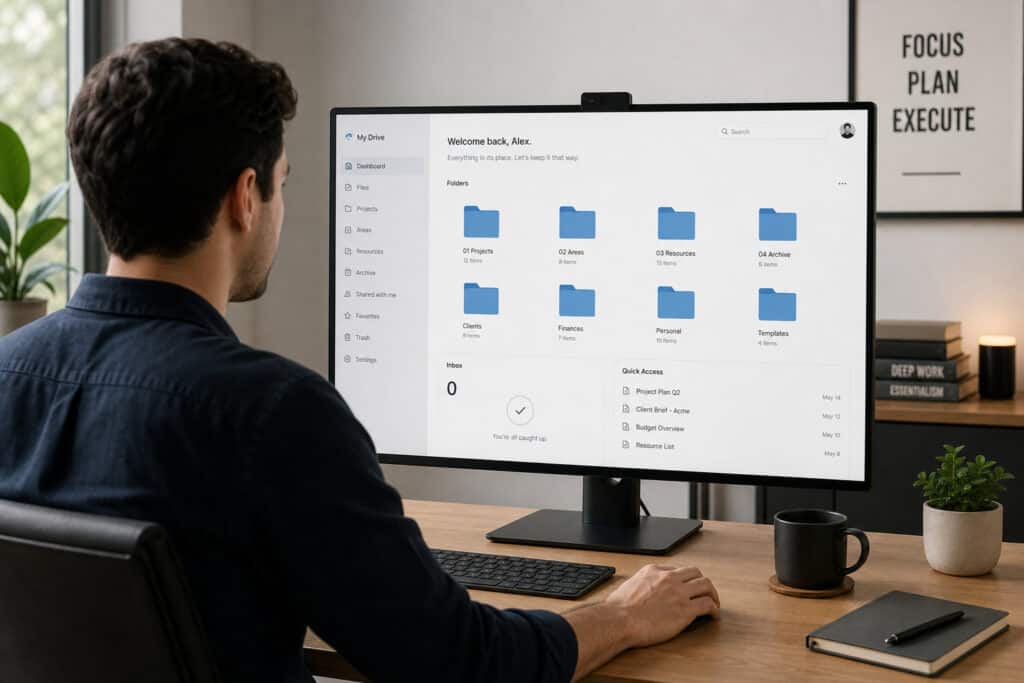
Nothing wastes time like hunting for a tax PDF or a project file across multiple cloud setups. Set up a single, uniform folder structure that you use consistently across your physical drives, Google Drive, and iCloud accounts. Get into the habit of treating your “Downloads” folder as a temporary workspace that gets cleaned and emptied into the trash bin at the end of every single day. Keep your browser clean too; organize your bookmarks into clear ‘Work/School’ versus ‘Entertainment’ folders and clear your web history regularly.
Photo cleanups and cloud syncing protocols
The photo libraries on our phones are quickly becoming digital dumping grounds. Take a few minutes every week to delete useless screenshots, blurry shots, duplicate photos, random memes, and any highly sensitive items like credit card snapshots or paper documents. Think of your cloud storage sync purely as a secure backup vault, not a messy digital landfill for useless files.
Step 4: Establish Rules for Daily Phone Containment
If your phone is always within arm’s reach, you will eventually pick it up. Your willpower is a finite battery, and trying to ignore a screen sitting on your desk is a losing game. The key to the digital minimalism method is making sure your device is physically out of sight.

Resisting the passive pull of device visibility
Setting your phone facedown on a table while you are out at a bar or sitting at dinner is silent poison. It behaves like an uninvited guest, keeping a tiny slice of your brain wondering when it is going to buzz next. When you are with your kids, grab coffee with a friend, or settle in for deep work, keep your phone entirely silent and hidden out of sight inside a drawer or a bag.

Building offline natural space through disconnected walks
Your morning sets the tone for your entire day. Avoid looking at your device the second you wake up, and protect that early morning window for real life. Make it a daily ritual to get outside for nature walks completely disconnected from the network—no podcasts, no music, and no phone in your pocket.
Step 5: Recalibrate Your Social Graph to Dunbar’s Number
The internet convinced us that we need to maintain “ambient intimacy” with thousands of people at the same time. Our brains are not wired to process the daily updates, political takes, and vacation photos of high school classmates we haven’t spoken to in fifteen years.
Embracing Dunbar’s limit to save cognitive performance
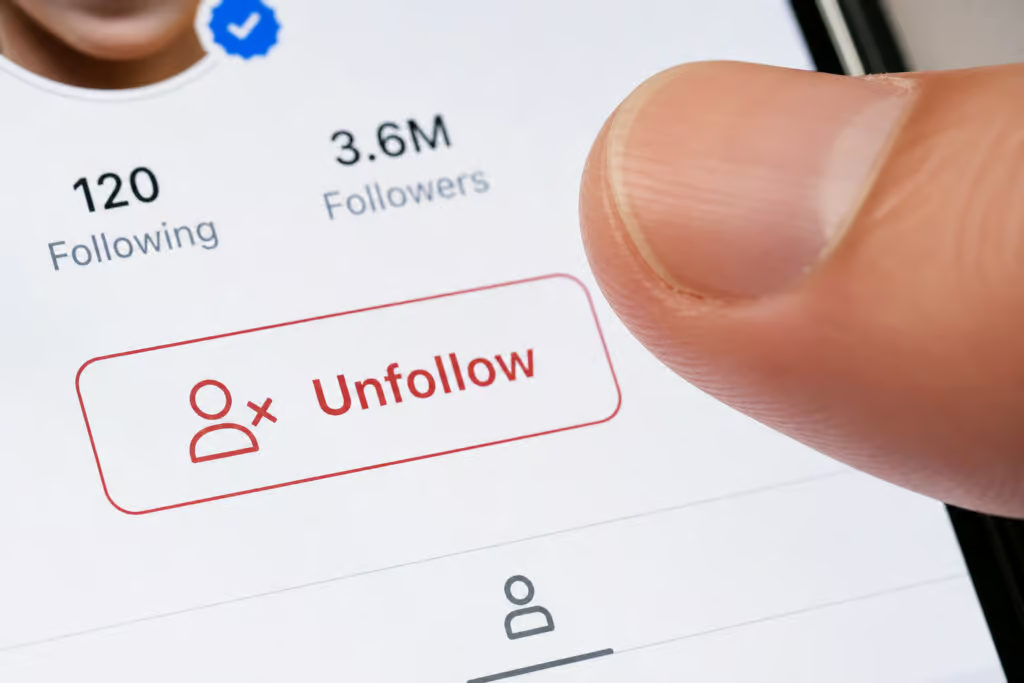
According to anthropological research, humans can only maintain stable social relationships with about 150 people—a metric known as Dunbar’s number. Use this as a hard limit for your social media follow counts. Ruthlessly prune your lists by unfollowing celebrities, brands, influencers, and inactive real-life acquaintances. If a long-time acquaintance spams your feed but you want to keep the door open for direct messaging, simply mute their posts so you can still message them directly without cluttering your daily attention pool.
Restricting access points to static browsers
The ultimate defense against infinite scrolling is making the experience as inconvenient as possible. Delete native social media apps like X or Instagram from your phone altogether, forcing yourself to access them only through a static web browser on your computer. When you do check in, set a strict daily limit of 30–60 minutes and then shut the browser down.
Step 6: Prioritize Direct, Voice-to-Voice Contact
Using text messages and social media likes as a replacement for real human interaction is like eating cardboard instead of a home-cooked meal. Digital relationships decay fast when you strip away tone of voice, posture, and facial expressions. Your phone should function as a logistical tool to coordinate getting together in the physical world. If you cannot meet up face-to-face, make a direct phone call or video chat instead of sending a dozen low-effort texts that go nowhere.
Step 7: Cure Your Digital Void with High-Quality Analog Leisure
Most digital fasts fall flat because people clear their schedules but don’t plan anything to put in the blank space. If you cut out four hours of mindless scrolling a day, you will feel an immediate itching boredom. In her book Childhood Unplugged, author Katherine Martinko points out that we have to fix our analog lives first to make any digital reduction stick.

Reclaiming free hours with high-friction physical leisure
You need physical, high-friction activities that demand real work but deliver actual, tangible satisfaction. Think about things like heavy weightlifting, cooking a complex meal entirely from scratch, or joining a local musical ensemble or symphony. These activities require you to be physically present, using your hands and your focus in a way that a glowing glass screen never can.
Demanding self-contained creative satisfaction
In his Nicomachean Ethics, Aristotle wrote about the concept of non-utilitarian joy—doing things purely for their own internal fulfillment rather than a transactional reward. When you take up a physical hobby, do it for yourself. Learn to bake bread or play an instrument without the nagging urge to take a photo of it, post it online, or wait for digital validation in the form of likes.
Step 8: Spark Small Acts of Subversive Analog Rebellion
There is a quiet, satisfying power in choosing physical, slow-motion inconveniences over hyper-optimized digital shortcuts. Buy actual paper maps for your next road trip, refuse QR codes at dinner and ask the host for a real paper menu, and keep a pocket notebook and pen on you for quick thoughts. Carry physical books and magazines with you instead of reading on an e-reader. It is not about being a Luddist who hates technology; it is about proving to yourself that you can navigate the physical world without a tracking chip in your pocket.

Step 9: The Systemic Reality: Why Willpower Fails Without Structural Containment
At the end of the day, you cannot rely entirely on self-discipline. Real design systems will always beat human willpower. Ontario school cellphone bans are criticized as ineffective because they rely on soft guidelines rather than bell-to-bell bans for efficacy. Kids easily bypass them in changerooms or restrooms, spending entire class periods on TikTok or sending files via AirDrop.
The lesson here: polite suggestions do not work against highly engineered tech loops. If you want structural change in your life, you need physical containment—meaning you put your phone in a physical drawer, leave it in another room, or lock it up when it is time to focus.
Frequently Asked Questions
What is the digital minimalism strategy?
Digital minimalism is an intentional approach to technology where you select tools based on how effectively they support your core values. Instead of mindlessly following app developers’ designs, you focus your online energy on a small, curated list of high-utility activities while removing anything that serves as an endless consumption loop.
What are 7 things minimalists throw out daily to prevent clutter?
Beyond physical items, digital minimalists routinely purge unnecessary apps, email newsletters, blurry photos, duplicate files, social media follows, browser bookmarks, and desktop icons. The goal is to clear out ‘just-in-case’ clutter and temporary files—like your Downloads folder—at the end of every day to ensure your environment supports focus.
Do people with ADHD like minimalism?
Minimalism can be particularly effective for individuals with attention challenges because it removes the visual triggers and notification-driven friction that fuel distraction. By simplifying a device to only contain essential, high-utility tools and utilizing grayscale mode, those who struggle with focus can limit the hyper-stimulating input that keeps them trapped in scrolling cycles.
What are the three principles of digital minimalism?
The philosophy hinges on intentionality, the replacement of passive consumption with high-quality analog activity, and structural containment. This means choosing tools that serve your values, replacing mindless scrolling with high-friction hobbies, and using physical barriers like drawers or distance to prevent phone habituation.
Why does changing my phone to grayscale help with screen addiction?
Smartphone interfaces use high-contrast, vibrant colors and red notification badges as visual rewards to trigger dopamine and steal your attention. Grayscale strips these apps of their aesthetic appeal, making them appear boring and flat, which helps break the muscle memory that drives you to unlock your phone for no reason.
What is the difference between target tools and endless consumption loops?
Target tools are specific pieces of technology that support a goal, such as a map for navigation or a communication app for coordinating a real-world meetup. Endless consumption loops are designed to pull you in without a natural stopping point, offering no quantifiable benefit to your life other than keeping you engaged with low-value, draining content.
How much ‘social’ time should I actually spend online?
To maintain focus and avoid the burnout of constant connectivity, cap your total daily social media time at 30 to 60 minutes. Apply Dunbar’s number by limiting your follow count to 150 people, prioritizing close, meaningful connections over wide-reaching, low-effort interactions.
Can I still use technology for gaming or social connection?
Yes, provided the screen time is high-agency and collaborative rather than passive and isolating. Using games to interact with real-life friends is a valid way to build genuine connection, whereas mindlessly zoning out alone in a game is treated more like an entertainment trap.