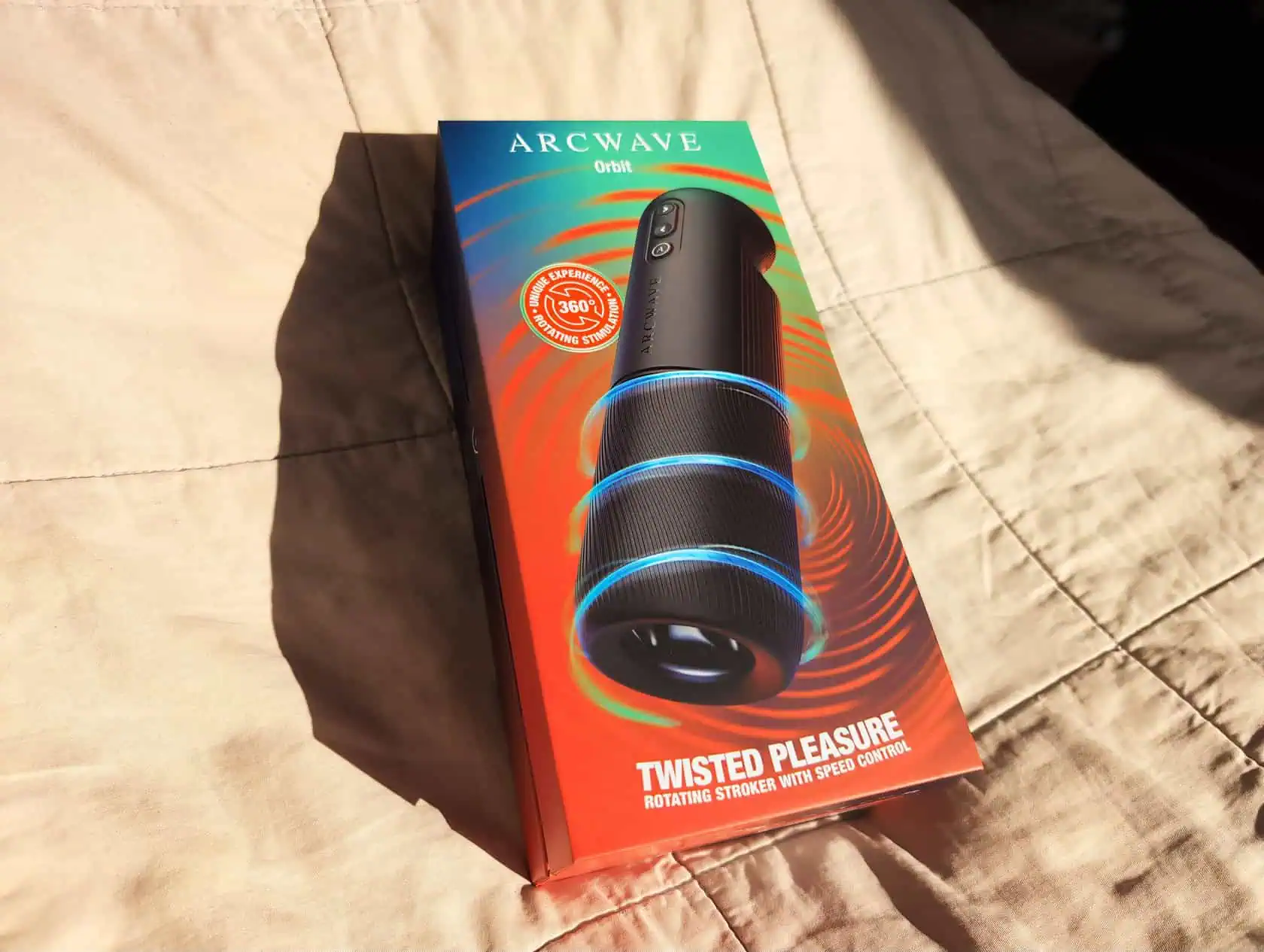
The Arcwave Orbit is not another vibrating stroker, and it is not a mini version of the Thruster.
It does one thing: rotation.
Inside the device is a soft silicone sleeve that twists clockwise and counterclockwise, creating a continuous rolling sensation along the shaft. Think less “machine doing the work for you” and more “two-handed motion without the hands.”
The control scheme is refreshingly simple. Press lightly for slow rotation. Press harder and the speed jumps instantly. No menu diving, no tapping through endless patterns, no guessing which mode you’re in.
The Orbit also connects to the Koosync app for interactive video sync and uses a quick-lock sleeve system that makes cleaning less annoying than you’d expect.
Those are the headline features. The real question is whether pure rotation is enough to justify the price.
Key Takeaways
The Orbit’s sleeve rotates both clockwise and counterclockwise. Many users notice a difference between the two directions – you’ll have to experiment to find your preference.
Only the sleeve is IPX7 waterproof; the main motor unit is not, so you cannot use the Orbit in the shower – a caveat that trips people up.
The Orbit is noticeably smaller than the Thruster – about the size of a large water bottle – making it far easier to store discreetly.
Table of Contents
What the Arcwave Orbit Is and How It Works
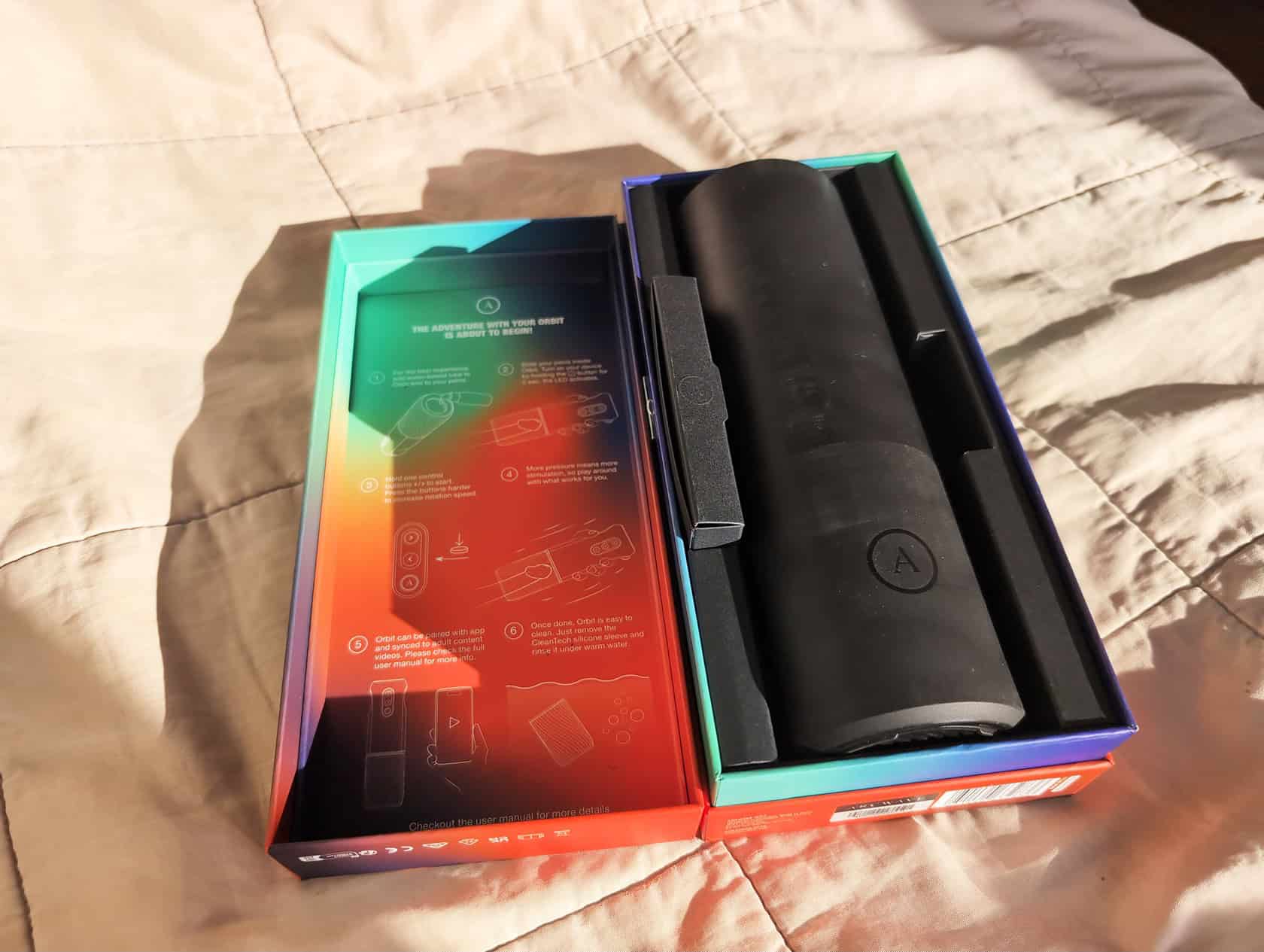
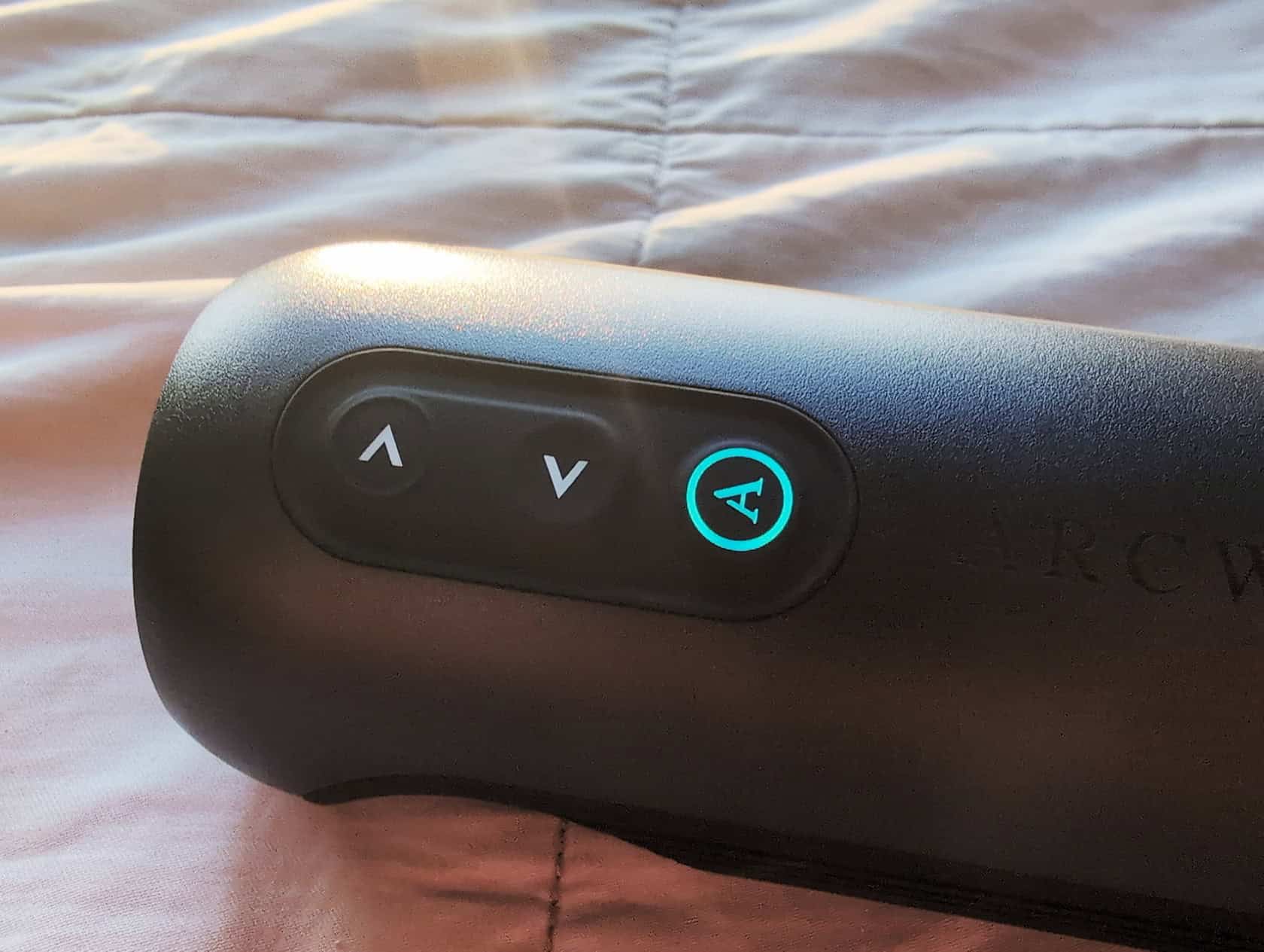
The core mechanism is simple: a soft silicone sleeve that twists. Turn it on by holding button (A) for 1 second until the LEDs light up. Then the arrow buttons (< and >) control speed and rotation direction. You don’t cycle through levels – the harder you press, the faster it goes.
Pressure-Sensitive Buttons and Speed Control
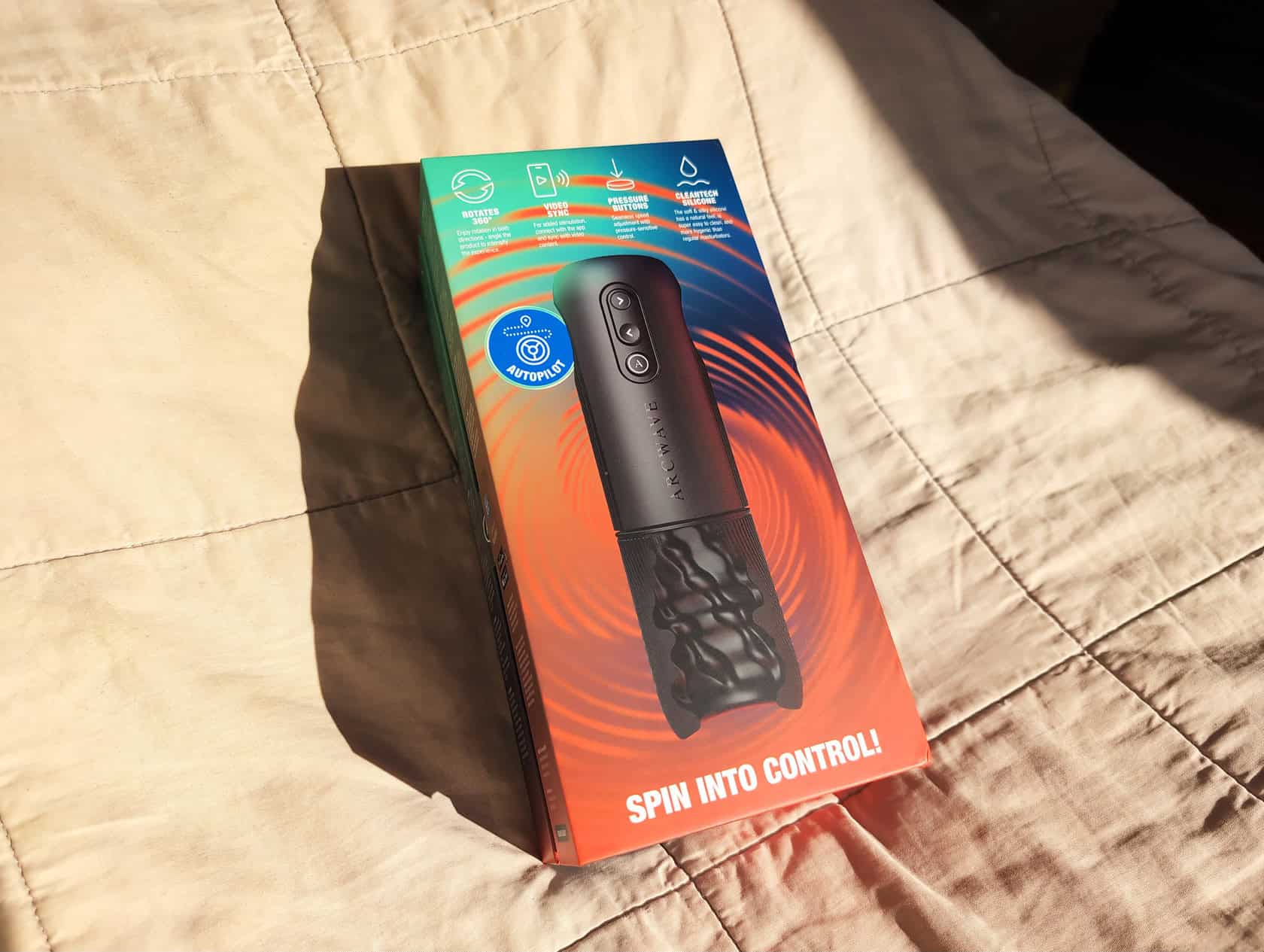
This is the most intuitive control scheme I’ve seen on a stroker. Light press gives you smooth, gradual speed. Press harder and the intensity jumps instantly. No menus, no tapping through presets. The two arrows handle direction and speed simultaneously.
Three Operational Modes Explained
Button (A) cycles through three modes, each with a different LED color so you know where you are.
- Speed Select – you set the speed manually using the arrow buttons.
- Autopilot – the device varies the speed on its own, creating a random pattern.
- Intense mode – max power, no messing around.
Hold button (A) to turn it on, then press it to cycle modes. That’s all there is to it. No hidden menus, no app required unless you want video sync.
Build Quality and Material Science: CleanTech Silicone vs. TPE
The sleeve is made from Arcwave’s proprietary CleanTech silicone. It’s high-density, biocompatible, hypoallergenic, and resistant to UV light. That means it’s safe for skin, won’t degrade in sunlight, and resists bacteria better than the porous TPE (thermoplastic elastomers) most strokers use.
TPE is cheaper, but it traps bacteria over time and breaks down faster. Silicone doesn’t. The CleanTech stuff feels soft and silky against the skin – not sticky or cheap. And since it’s exclusive to Arcwave, you can’t get this same material from any other brand.
The practical benefit? Easier cleaning, longer lifespan, and less worry about hygiene.
Size, Portability, and Storage: How the Orbit Compares to the Thruster
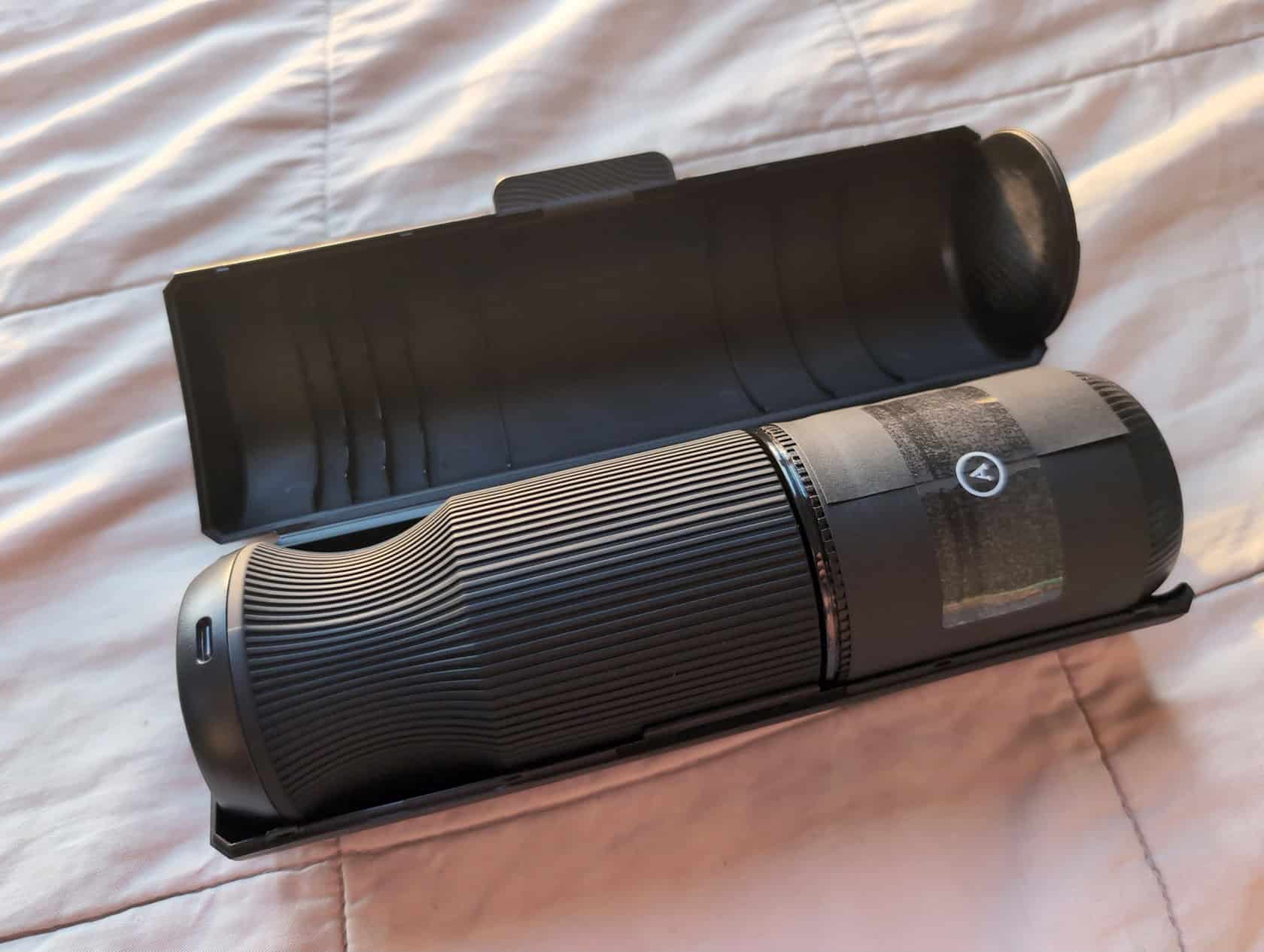
The Orbit is much smaller than the Thruster. Easier to store, easier to hide. Here are the numbers: 6.4 × 6.4 × 21.85 cm – about the size of a large water bottle. Internal sleeve length is 11.5 cm (4.5 inches), and the opening diameter is 3.5 cm (1.4 inches). The sleeve is soft and stretches to fit, so it accommodates a range of sizes.
I can keep the Orbit in a drawer without anyone noticing. The Thruster is bulkier, more obvious. If discreet storage matters to you, the Arcwave Orbit wins hands-down. But don’t mistake compact for a travel toy – it’s still a full stroker.
User Experience and Sensation: What the Rotation Actually Feels Like
Here’s where personal preference matters. The orbit’s rotation is smooth and consistent, but it’s purely that: a twisting sensation. There’s no thrust, no vibration, no air pulse. Just a continuous twist.
For me, that got monotonous. I missed the combination of movements the Thruster offers. But I know guys who love exactly this kind of stimulation.
Direction Matters: Left vs. Right Rotation Differences
I did notice a difference between clockwise and counterclockwise rotation. It’s subtle, but one direction felt more intense to me, while the other was gentler. Which side works better seems to be individual – you’ll have to experiment to find your preference. The fact that you can switch on the fly is a nice touch.
Using Angle to Customize the Experience
The official product page mentions angling the device during use to change the sensation. I tried tilting it a bit, and it does alter the feel – more pressure on one side, less on the other. It’s a small adjustment, but worth playing with.
User Aidan described it as an “absolutely new tingling sensation.” Another unattributed quote on the product page says: “Gentle and strong. Constantly suctioning. Arousing.
Explosive.” That tracks with what I felt: gentle or intense depending on speed and angle.
App Connectivity and Video Sync with Koosync
The Orbit pairs with the Koosync app, which syncs the rotation with interactive video. Pair it by holding button (A) for 5 seconds until the toy rotates left and right and the LED blinks. Then open the app and connect.
A common mistake is holding the button too short or missing the rotation cue. If it doesn’t pair, try again with a solid five-second hold.
The app can also push firmware updates to the device. That’s good for future-proofing, but it also means the device has an attack surface – if Arcwave stops supporting it, you’re stuck.
Cleaning and Waterproofing: The Critical Caveat
This is the part most people mess up. Only the sleeve is IPX7 waterproof. The main unit – the motor and drivetrain – is not waterproof. That means you can submerge the sleeve to clean it, but the main body gets only a damp cloth.
Quick-Lock System Disassembly and Reassembly
Taking it apart is easy: hold the sleeve and main unit, pull until it clicks out. Clean the sleeve under running water (it’s IPX7, so submersion is fine). Wipe the main unit with a damp cloth – never run it under water. To reassemble, align the sleeve with the main unit and press until it clicks.
What NOT to Do with the Orbit
- Do not use in the shower. The FAQ is explicit: Can I use Orbit in the shower? No.
- Do not submerge the main unit. It’s not waterproof.
- The most common mistake is assuming the whole device shares the sleeve’s rating. People ruin the motor this way.
How the Arcwave Orbit Compares to Other Rotating Strokers
The biggest comparison is obviously the Arcwave Thruster. It combines thrusting and rotation – you get both motions at once. The Orbit is pure rotation. For me, that variety is why I prefer the Thruster. The Orbit’s movement is more one-note.
Broader market: Most rotating strokers (like the Kiiroo Onyx+ or Lovense Max 2) use different mechanisms – air pulse, contracting sleeves, or vibration. The Orbit’s pure twist is unique but narrow. It does one thing well, and that thing is not for everyone.
Its key advantage is size. The Orbit is more compact and discreet than any full-sized thruster or air-pulse toy. So if you want pure rotation and a small package, the Orbit is your pick. If you want more varied motion, look at the Thruster or an air-pulse toy.
Pros, Cons, and Final Verdict
Pros: Unique rotation that nothing else does exactly this way, compact and easy to store, quick-lock cleaning, quality CleanTech silicone, app connectivity for firmware updates.
Cons: Only the sleeve is waterproof (no shower use), pure rotation isn’t for everyone, app pairing can be finicky, smaller sleeve may not fit all body types.
Verdict: I can’t give this a universal recommendation. It’s a well-built toy that does exactly what it promises: rotate. But rotation alone didn’t work for me. I prefer the Thruster’s combination of motions.
If you’ve got the budget, try both for yourself. I prefer the Thruster, but the Orbit might be your thing.
Frequently Asked Questions
Is the Arcwave Orbit worth it if I already have a stroker?
It depends on whether you want a unique sensation. The Orbit’s pure rotation is different from air pulse, vibration, or thrusting toys — it does one thing well. If you find that twisting motion appealing and value a compact, discreet design, it’s worth considering. But if you prefer varied movements, you might find the rotation monotonous.
What is CleanTech silicone and why does it matter?
CleanTech silicone is Arcwave’s proprietary high-density, biocompatible, hypoallergenic material that resists UV light and bacteria better than the TPE used in most strokers. It feels soft and silky, doesn’t trap bacteria over time, and lasts longer. The practical benefit is easier cleaning, better hygiene, and a longer lifespan for the sleeve.