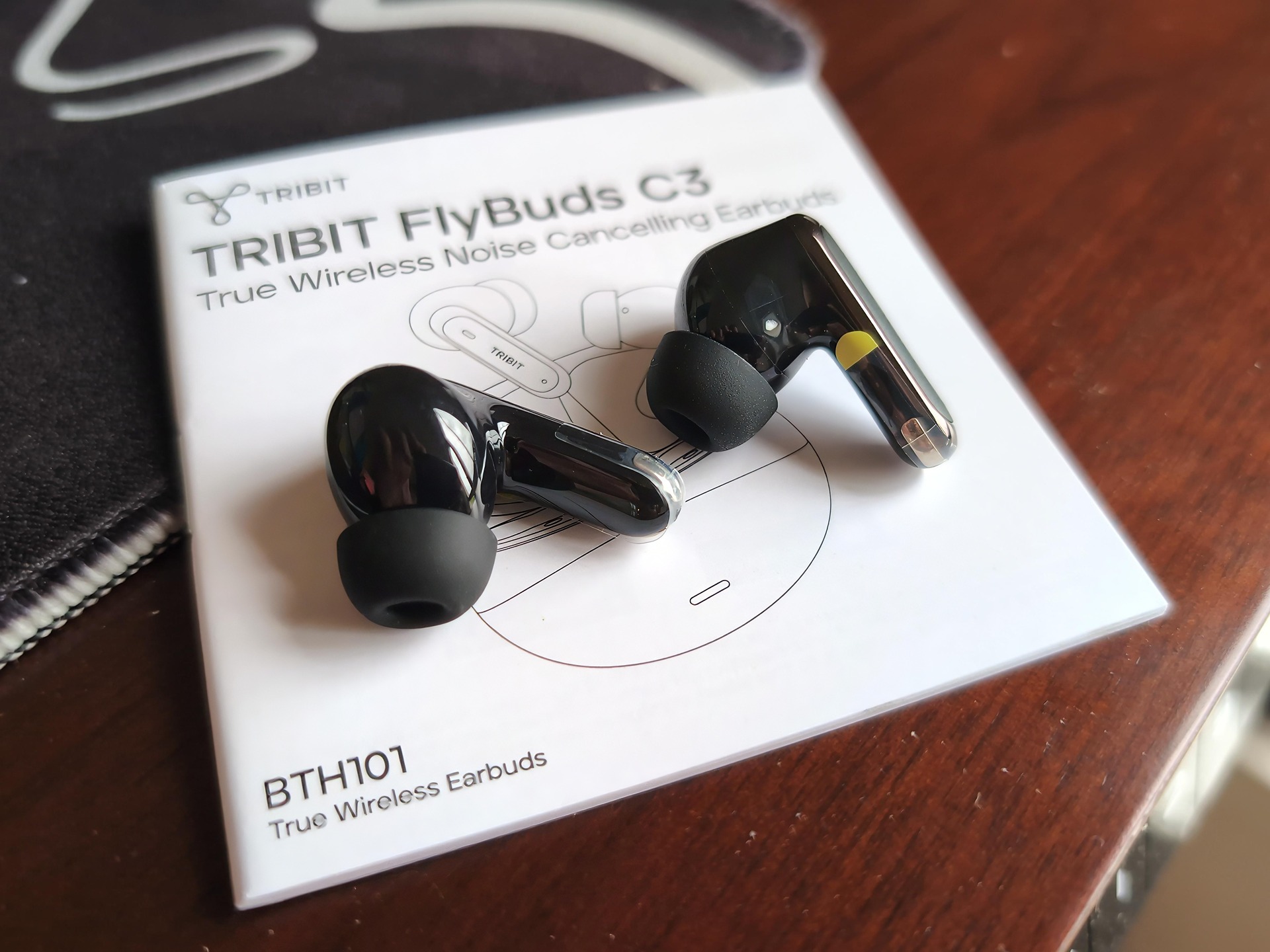
I’ve been running the Tribit FlyBuds C3 hard for a few weeks now, doing the kind of manual work where earbuds usually die a sweaty death; rowing sessions, running, kettlebells… you name it; and so far they’ve been solid. That’s the short version. The longer version is that these are $39 ANC earbuds, and at that price the question isn’t whether they’re perfect, it’s where the corners got cut. Here’s the split: the sound is good once you spend two minutes in the app, the ANC cancels up to 45dB of background noise, the design looks more expensive than it is, and they’re comfortable enough to wear all day.
The concessions are real too. Calls sound echoey enough that your coworkers will mention it, battery tops out at 35 hours with ANC off against 54 from the EarFun Air Pro 4+, and the IP55 water rating is a step down from the FlyBuds 3’s IPX7.
The Tribit FlyBuds C3 are an unusual trade sheet for under $40. ANC and multipoint connectivity in the same package as a coffee-and-lunch budget, with trade-offs you’ll feel every time you take a call. Tom’s Guide tested them and landed on “worth the money,” with great sound and decent ANC on the plus side and echoey calls, tinny stock highs, and short battery on the minus. Nerd Techy ran them for 3 to 4 weeks before recommending them, praising the deep bass and battery life. The call finding is the one place the picture gets ugly, and I’ll get to it.
Key Takeaways
Out of the box the highs are tinny, but the BassX preset or a custom EQ in the app fixes it in about two minutes, and Tom’s Guide got the sound close to AirPods 3 territory after tuning.
Calls are the dealbreaker: Tom’s Guide’s team-call test found six mics plus AI noise blocking still let ambient sound through, and colleagues heard an echoey voice. If calls matter, the EarFun Air Pro 4+ is the better buy.
Battery is the priced trade-off: 35 hours total with ANC off, 25 with it on, versus 54 hours from the $99 EarFun and 61.5 from the CMF Buds 2 Plus.
Table of Contents
Design and price positioning
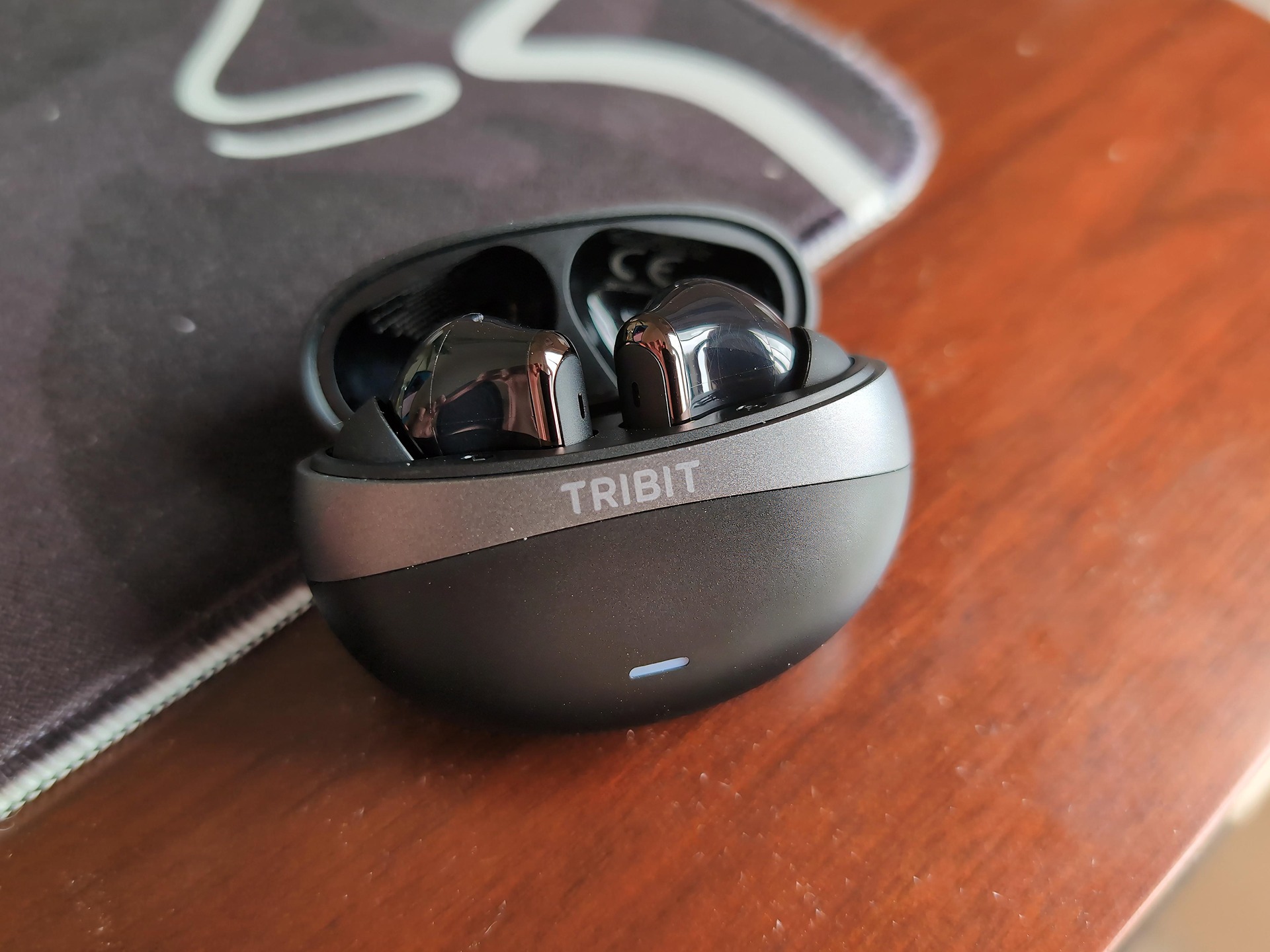
The C3 looks and feels like more than $39, and that’s the quiet selling point here. All-black glassy finish with gunmetal detailing, buds that feel sturdy but light in the hand, and a case at 1.32 oz that disappears into a jeans pocket. Nothing creaks, nothing feels fragile. The comparison set isn’t AirPods, it’s the budget ANC field: JLab Go Pods ANC at $36, CMF Buds Pro 2 at $69, EarFun Air Pro 4+ at $99.
Each of those wins something the C3 doesn’t. JLab has bass with none of the tinniness. The CMF Buds Pro 2 deliver Apple-level ANC and great bass, and if you can stretch to $69, that extra money is well spent. The EarFun wins calls and battery outright at 54 hours.
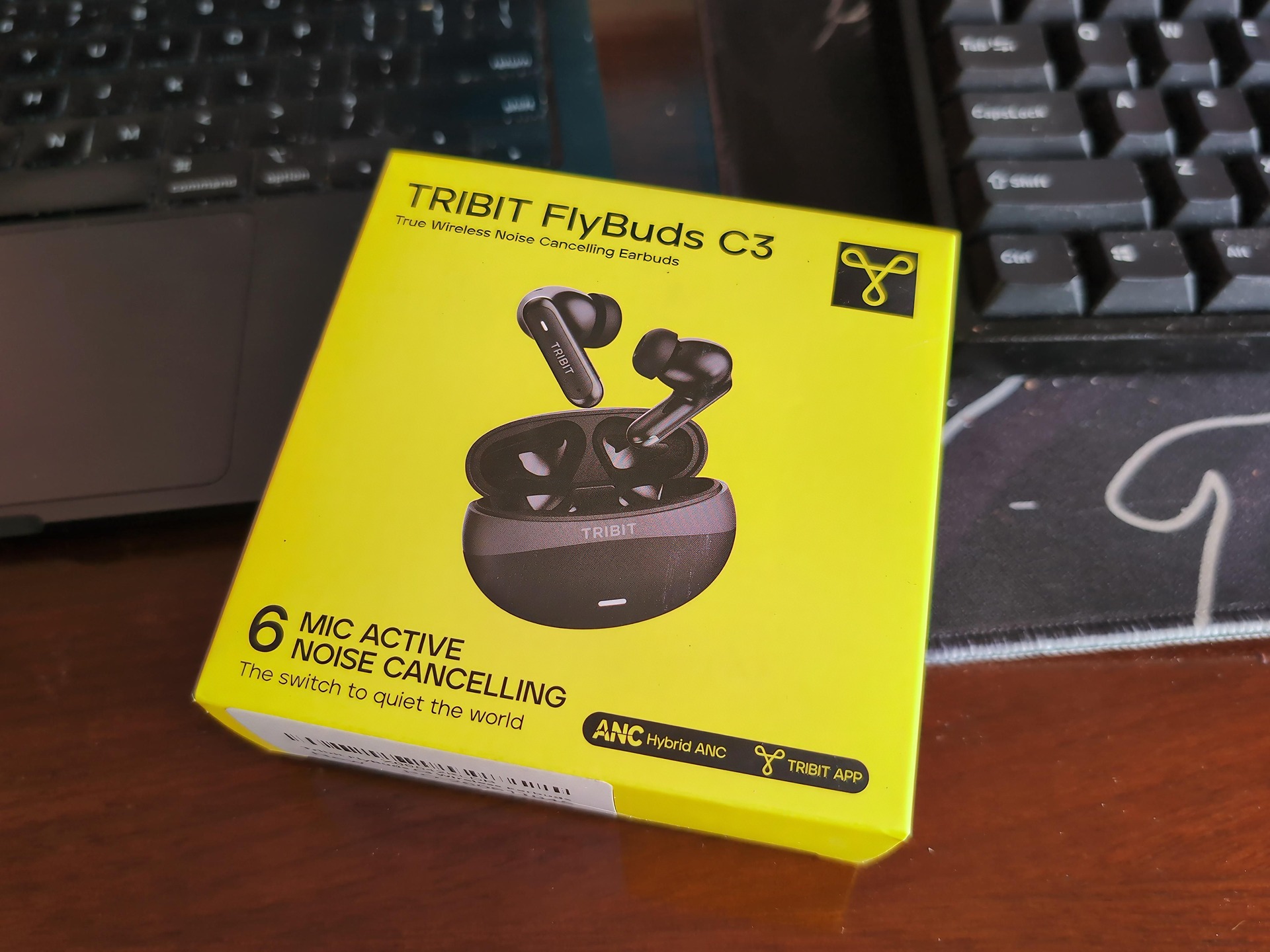
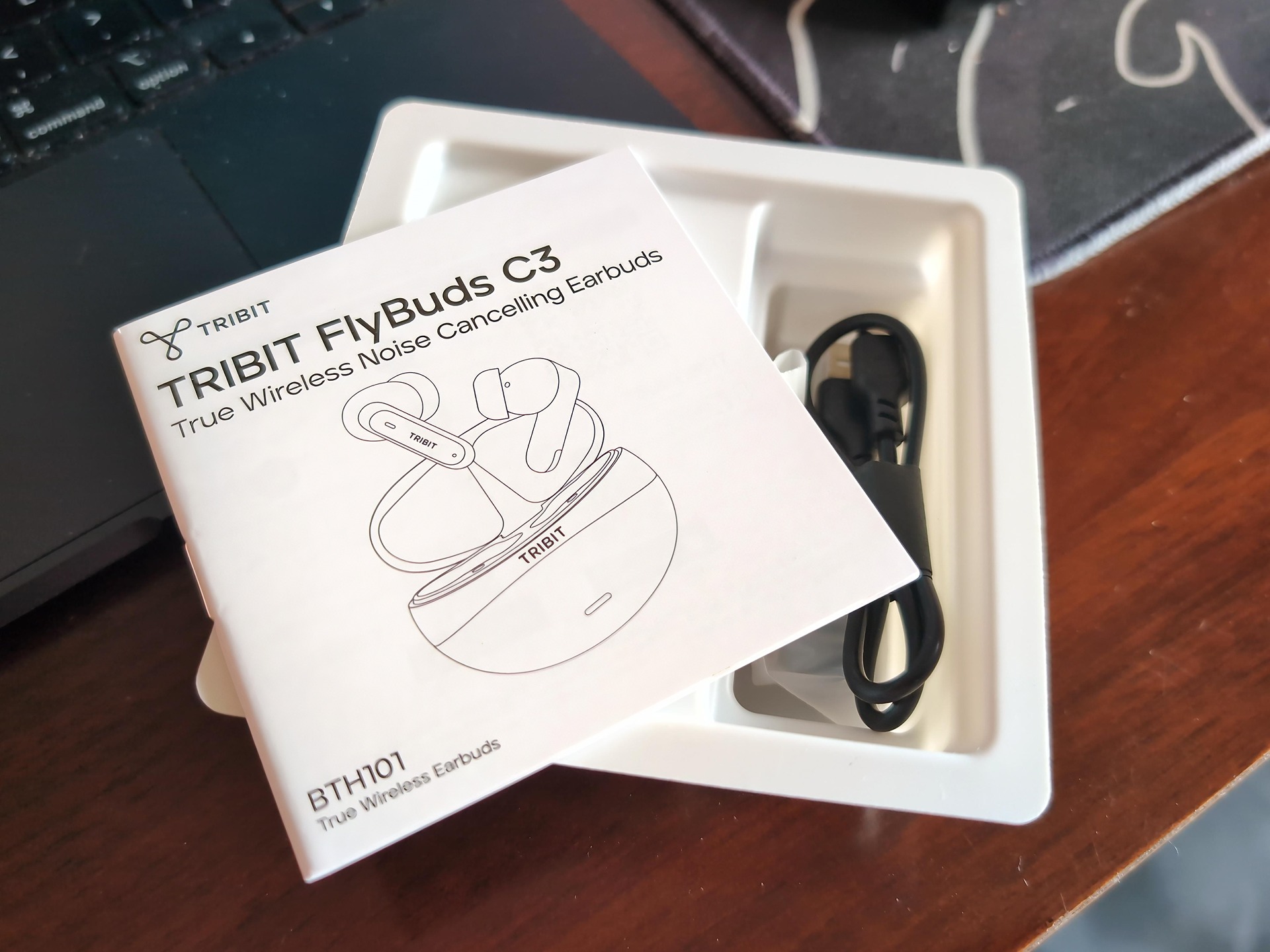
Prices may vary, but at time of review the C3 ran $39 on Amazon U.S. and £49 on Amazon U.K., black only, having launched at $39.99 with a 13% launch discount.
Fit, comfort, and weight
Yes, the C3s are good for workouts and rowing. Each bud weighs 4 grams, which is 0.14 oz, nothing in your ear, and you get three eartip sizes in the box so a decent fit isn’t a gamble. They’re light enough to forget you’re wearing them, and my own all-day work wear and rowing sessions back that up: no ear fatigue, no constant readjusting.
One nuance, though. Comfort isn’t universal. Consumer Reports‘ lab testing of the sibling FlyBuds 3S found that guys with small ear bowls found the body bulky and prone to levering out of place, while medium and larger ear bowls stayed stable even during vigorous head movement. That was the 3S, not the C3, but the body shape is in the family. If your ears run small, temper the expectations.
Sound quality and the two-minute EQ fix
Yes, the highs are tinny out of the box. But it’s a two-minute software fix, not a return reason, and skipping the fix is the most common buyer mistake: people judge the sound on the default profile and send them back before ever opening the app.
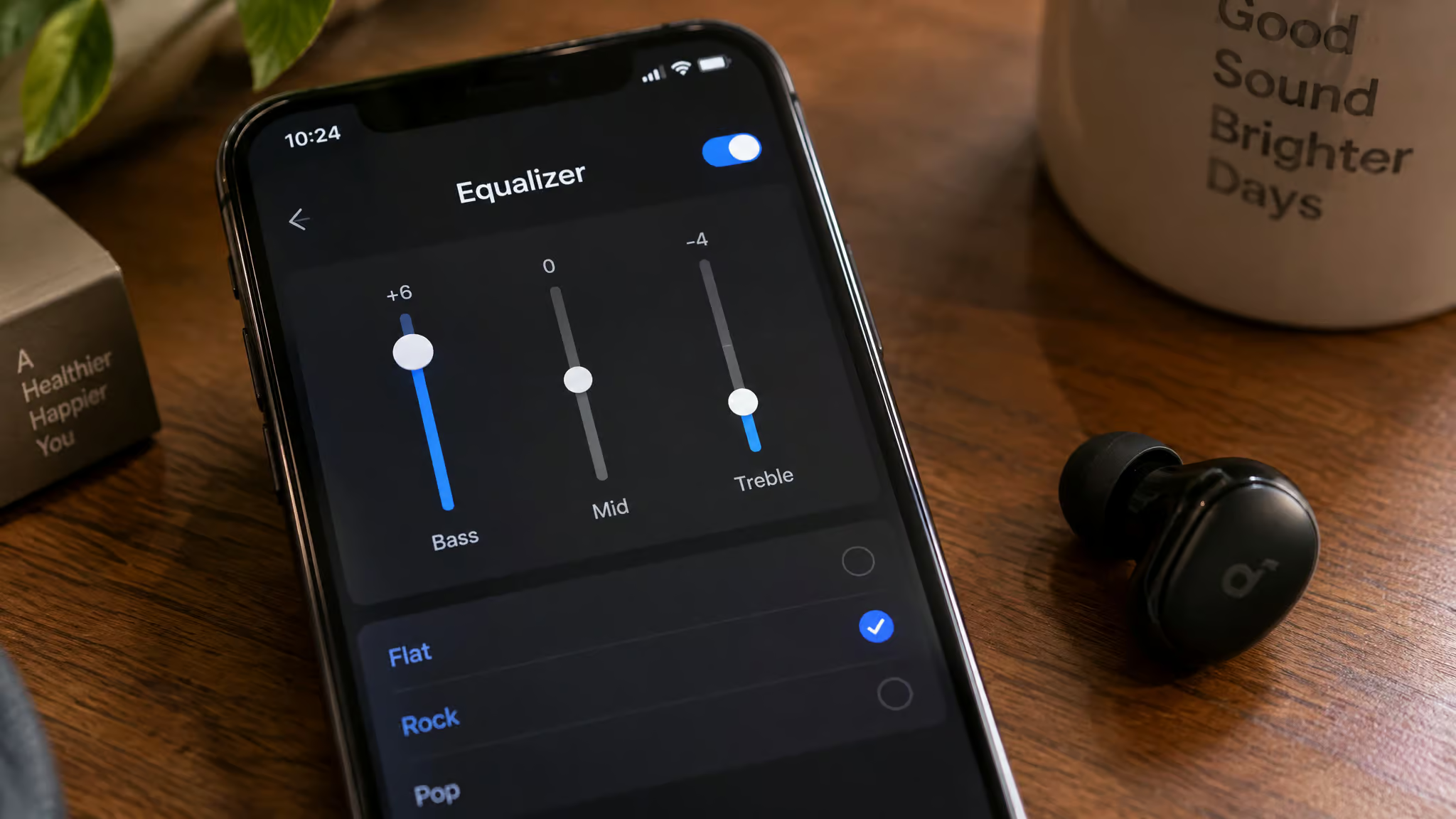
Quick test: Before judging the sound, open the app and try the BassX preset first. Two minutes of tuning changes the verdict.
Track-by-track sound test
Tom’s Guide ran a proper track-by-track listen. Backseat by Balu Brigada showed the bass is strong and clear. Cross Your Mind by Shelly handled mids and drums well, though vocals sit slightly quieter than you’d hear on speakers. Ugly Things by Lizzy McAlpine showed how the treble treats acoustic material, and it runs brighter than even a Sony WH-1000XM6, which is context, not a versus fight.
The lowlight was Overcome by Nothing But Thieves, where the high end struggled and the vocals suffered along with it. Under the hood it’s 10mm drivers with SBC and AAC, which covers iPhone and Android fine.
The BassX fix
The move: pick the BassX preset in the Tribit app, or build a custom EQ with boosted bass and pulled-back highs. Tom’s Guide’s reviewer got the tuned sound comparable to AirPods 3 doing exactly that. Two taps, done.
FlyBuds C3 vs AirPods 3 sound quality
Here’s the claim stated flat, with the condition attached: with app EQ tweaks, the FlyBuds C3 get close to AirPods 3 sound at $39. The parity is conditional on tuning, not out of the box. Most reviews at this price say “good for the money” without naming what the money gets you close to, or admitting the tuning requirement, so both are worth spelling out.
Per Tom’s Guide testing, the parity holds on overall tonal balance once you’ve applied the BassX preset or a custom EQ with bass up and highs down. Where it doesn’t hold: the high end strains on upbeat tracks like Overcome, vocals sit quieter than they do on speakers, and the treble runs brighter than a Sony WH-1000XM6 over-ear pair. That last one is a reference point for brightness, not a head-to-head. Untuned, the C3 is not flagship-class, and nobody should pretend otherwise.
What the EQ fixes and what it can’t:
- Fixes: the tinny stock highs, overall balance, the “sharp on acoustic material” problem
- Can’t fix: the high-end strain on fast, busy tracks, and vocals that sit a touch behind the mix
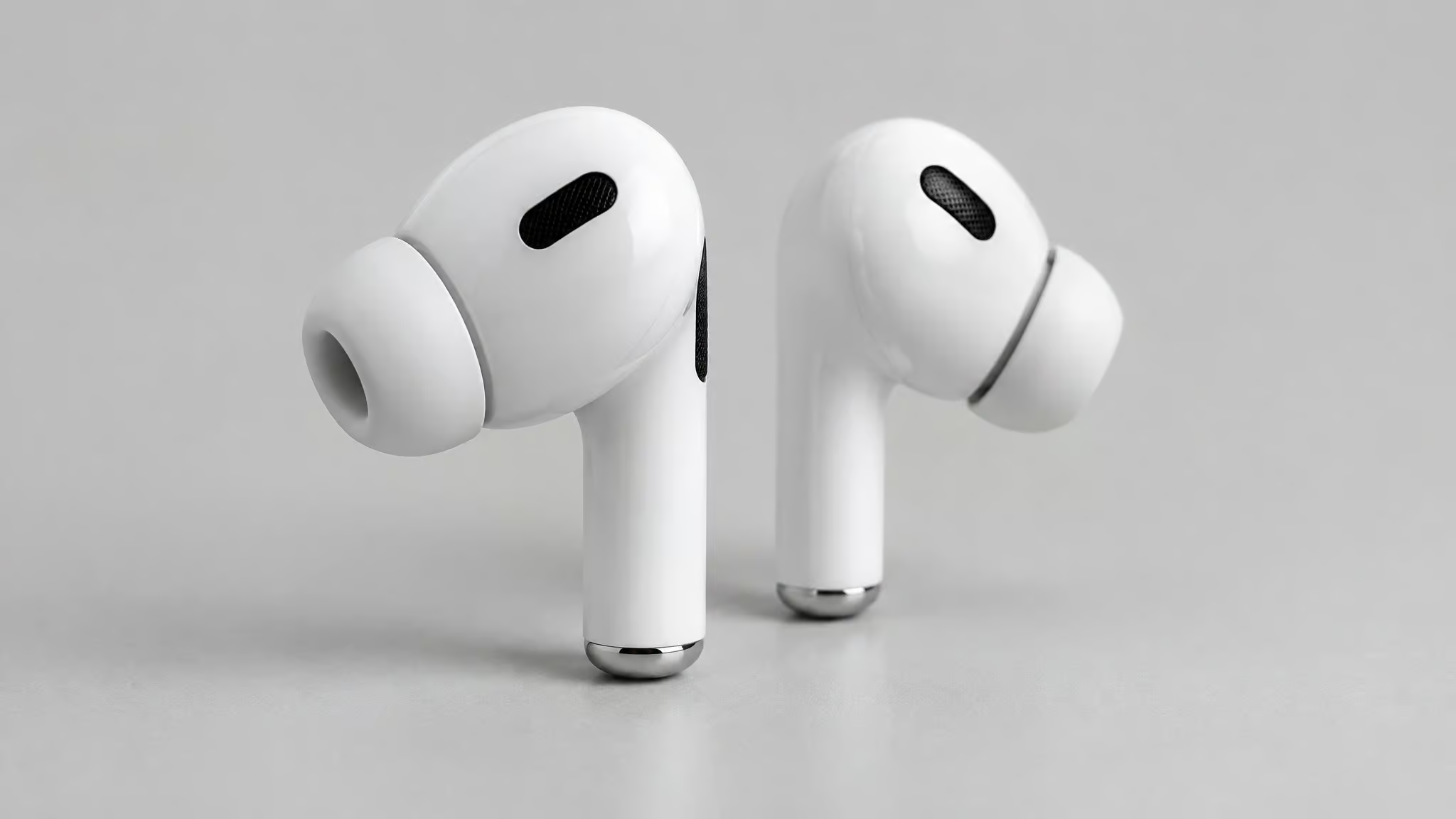
Part of why the AirPods comparison feels natural is the physical design. The stem-style buds echo the AirPods 5 shape, downward-pointing stems, so the mental picture lines up before you even press play. The difference is that the AirPods 3 cost several times more and don’t do ANC at all. If you’re willing to fiddle for two minutes, the ceiling on these $39 buds is higher than the price suggests. If you’re not, buy the JLab Go Pods ANC instead and skip the fiddling entirely.
ANC, Transparency Mode, and the Tribit app
Yes, the ANC is good enough for commuting and office use. It cancels up to 45dB of background noise, which in practice means office hum gone, not jet-engine silence. The CMF Buds 2 Plus still out-cancels it, so if class-leading cancellation is the whole point, look there. What makes the C3’s setup useful is the five adjustable levels, because sometimes you want the world slightly in, like at a desk where you still need to hear your name. Transparency Mode does the job of letting you hear what’s around you.
Noise cancellation: 45dB with five levels
The five levels are the underrated feature. Full block on the train, dialed back at your desk. That flexibility matters more than the raw number.
Tribit app: EQ modes, Game Mode, X-3D
The app is where much of the C3’s value lives. You get 10 preset EQ modes, three noise-control modes including a 50ms low-latency Game Mode for mobile gaming without lip-sync lag, ANC level adjustment, and an X-3D spatial toggle that makes things brighter but slightly crackly. Try it, probably turn it back off. The ANC adjustment is the sleeper feature here, dialing it down lets ambient sound in, which is handy at a desk. The app is comparable to Soundcore’s: clean and easy to use.
Call quality: the flaw no app can fix
No, the Tribit FlyBuds C3 are not a good choice for frequent calls. Tom’s Guide put them on a real team call and the mic array failed. Six mics plus AI noise blocking, and they still didn’t block ambient sound. Colleagues reported the reviewer’s voice as very echoey.
Six mics and AI on paper, echo in practice.
The practical consequence: keep a second pair for calls, or step up to the EarFun Air Pro 4+ at $99, whose noise-minimizing call algorithm works. That’s the decision.
Battery life and charging: what $39 costs in hours
The FlyBuds C3 last 35 hours total, 8 hours per bud charge, with ANC off, and 25 hours total, 6 hours per charge, with ANC on, a trade-off covered in the Tribit FlyBuds C3 specs and battery breakdown. Those figures were tested at 50% volume and the reviewer found them accurate. The ANC-on penalty is explicit: turning it on costs roughly 10 hours. Here’s how the battery math stacks up against the rivals, using manufacturer claims and Tom’s Guide testing: the EarFun Air Pro 4+ does 54 hours at $99, the CMF Buds Pro 2 does 43 hours at $69, and the CMF Buds 2 Plus does 61.5 hours. Battery is the C3’s clearest concession, and the $39 price is what buys that shortfall.
Battery life with ANC on and off
Shorter than the rivals, still impressive for the price. Both halves of that sentence are true.
Charging times and real-world recharges
Buds take about 1.5 hours in the case, and the case charges in about 2 hours over USB-C. Nerd Techy’s real-world numbers, roughly four full case recharges and charging about once a week with daily use, reconcile with the math: 35 total hours divided by 8 per charge is about four recharges. The numbers agree.
Water resistance and durability: why the newest FlyBuds are rated lower
No, the C3 is not waterproof enough for submersion. IP55 covers rain and gym sweat, and that’s a step down from its older siblings. The FlyBuds 3 were IPX7 and the FlyBuds 3S claimed IPX8, so the newest model in the line carries the lowest rating. Newer isn’t more durable, and buyers assuming progression could misuse these.
The manufacturer’s own caveats, translated: waterproofing weakens over time, and the sealing doesn’t like soaps, solvents, sunscreens, or saunas. Launch coverage also mentions antibacterial ear tips, which is a nice small touch and not a reason to buy.
Red flag: Newer model, lower rating. IP55 means rain and sweat only — never shower, pool, or dunk these buds.
IP55 vs IPX7 and IPX8: the model-line ladder
The ladder reads backwards from what you’d expect: IPX7 on the FlyBuds 3, IPX8 claimed on the 3S, IP55 on the C3. Rain and sweat, yes. Shower, pool, or a dunk, no.
Real-world durability and the dusty-jobsite failure mode
Here’s the line-history caution, from a FlyBuds 3 user, not something I hit on the C3: he wore them all day restoring wooden floors, comfortable under ear defenders, no battery issues, but occasionally a single bud would refuse to play in that dusty environment. The fix was cleaning the charging case contacts or a quick reset. Long-term users of the line report that pattern. My own dusty jobbing use has been solid so far, but if a bud goes quiet on you, you now know where to look first.
Connectivity, pairing, and controls
Multipoint works in practice: the Tom’s Guide reviewer toggled between phone and laptop for work calls and music without re-pairing. Bluetooth 6.0 per Tom’s Guide, though Nerd Techy’s transcript says 5.6, likely a slip. Range is 33 feet or 10 meters, and one source’s 3.8-foot figure reads as a typo, so I’m discarding it.
Stem touch controls and pairing behavior
Open the case to pair; they default to the last connected device and search for new ones in 3 to 5 seconds. The stem controls work AirPods-5-style, responsive and tactile, customizable in the app. Wet fingers reduce sensitivity, and there’s an 800ms double-tap interval, so don’t rush the taps.
Troubleshooting quick answers
If one earbud goes quiet, it’s usually a contact or sync issue. Pop both buds back in the case and pull them out again to resync, thirty seconds, done. If a bud still won’t play, clean the charging case contacts or do a quick reset, which is the dusty-environment pattern from the line’s history. Worth knowing the full tap map too: double tap handles play/pause and calls, triple tap skips to the next track, and a 2-second hold rejects a call or fires up your voice assistant. There’s no previous-track control, so plan accordingly. Range shrinks near heavy electrical interference or obstructions, though 10 meters plus is normal in open space.
Verdict: who should buy the FlyBuds C3 (and who shouldn’t)
Skip the C3 and buy something else if calls or maximum battery drive your purchase. Otherwise, at $39, they’re worth the money. Tom’s Guide’s verdict split it cleanly: great sound, decent ANC, sleek design, comfortable fit, against echoey calls, tinny highs without EQ, and short battery. Their bottom line was worth the money but better value exists elsewhere, and that’s fair.
Buy them for EQ-tuned music, workouts, and sweat-heavy manual work. My jobbing-and-rowing use supports that last one directly. Skip them for frequent work calls, where the EarFun Air Pro 4+ is the named alternative, and if you’re a battery-maximalist or ANC-first buyer, look at the CMF options.
Now the unknown: no independent reliability data exists for this brand. Consumer Reports didn’t get enough Tribit survey data to rank the brand for reliability or owner satisfaction, that’s out of 12,587 headphones surveyed from 2018 to 2024. No source tracks the C3 past weeks of testing. Nerd Techy’s second opinion, after 3 to 4 weeks of testing, was a recommendation with praise for the deep bass and battery, though note the tension with Tom’s Guide on call quality, and note that Nerd Techy’s sample came from Tribit.
What de-risks the purchase is the 18-month warranty and 30-day money-back guarantee. That’s the safety net at $39.
Frequently Asked Questions
Why do my Tribit FlyBuds C3 calls sound echoey?
It’s a mic-array limitation, not something you can fix in settings. Tom’s Guide put the C3 on a real team call and found that six mics plus AI noise blocking still let ambient sound through, with colleagues reporting a very echoey voice. If frequent calls matter, the EarFun Air Pro 4+ at $99 has a call algorithm that actually works.
What’s the difference between the Tribit FlyBuds 3, 3S, and C3?
The main split is water resistance, which oddly goes backwards as the line progresses: the FlyBuds 3 were IPX7, the 3S claimed IPX8, and the newer C3 carries only IP55 — rain and sweat, no submersion. The C3 is the current $39 model and adds ANC, multipoint connectivity, and app-based EQ that the older models don’t match in one package.

