Six different payment apps can sit on the same phone screen, all promising free, fast transfers, right up until you get hit with a 3% credit card fee, a $250 weekly cap, or a store terminal that refuses to read your screen. Choosing the right mobile payment method comes down to who is paying, who is getting paid, and how the money moves, which splits the market into two distinct jobs: spending and sending money as an individual, or accepting payments as a business. Mobile payments already handle buying goods, paying for services, and sending cash to friends and family through apps linked directly to your bank account, debit card, or credit card.
According to a Forbes Advisor survey reported by Invoice Simple, 53% of people now use digital wallets more often than any other payment method. Picking the right app means matching your wallet, peer-to-peer service, international transfer tool, or mobile point-of-sale setup to the exact transaction before your money is in play.
Key Takeaways
Mobile payment tools split into individual wallets and peer-to-peer (P2P) apps (led by Apple Pay, Google Pay, Venmo, Cash App, and Zelle) versus merchant point-of-sale processors (such as Square Point of Sale, SumUp, and iZettle).
“Free” transfers depend on how you fund them and how fast you cash out: linking a bank account costs nothing on Venmo or Cash App, but funding with a credit card adds a 3% fee and instant bank cashouts cost up to 1.75%.
Identity verification under anti-money-laundering rules directly controls your transfer caps, raising Venmo’s weekly sending limit from $299.99 unverified to $60,000 once verified and Cash App’s weekly limit from $250 to $7,500.
Table of Contents
What is a mobile payment?
A mobile payment is any digital transaction run through a portable electronic device, including a smartphone, tablet, or smartwatch, that connects securely to your existing bank account, credit card, or debit card. Instead of handing over physical cash or swiping plastic at a counter, you use a card payment app on your phone to buy goods, pay for services, or send money to other people.
For businesses, taking mobile payments requires minimal setup and avoids the heavy hardware costs of traditional register systems.
Benefits of mobile payments over cards and cash
The main benefits of using mobile wallets over traditional credit cards are stronger security and privacy, your actual card number is never stored on your device or shared with the merchant, cutting fraud and identity theft risk, plus faster, on-the-go convenience that clears the register quicker than swiping plastic, built-in budgeting tools, and lower transaction fees for businesses. Beyond keeping your card details off the store’s system, digital wallets beat plastic and cash on seven practical fronts:
- Security: Real encryption and tokenization keep your actual card data off the phone and out of the merchant’s hands, reducing the chance of a compromised terminal stealing your card.
- Privacy: Because you don’t have to share your credit card details with the merchant or anyone else at the counter, your personal details stay inside your digital wallet, limiting identity theft.
- Speed: Contactless transactions via a smartphone, smartwatch, or tablet clear a register faster than swiping a physical card or waiting on cash change, shortening the checkout line.
- Convenience: Handling transactions on the go from a phone or watch improves the overall shopping experience, driving higher customer satisfaction and loyalty.
- Budgeting: Many payment apps include or integrate directly with expense-tracking features and budgeting tools so you can see where your money went.
- Reduced merchant costs: Mobile payment services charge businesses lower transaction fees per sale than traditional credit card companies.
- Contactless hygiene: You pay via apps or contactless tech without touching shared point-of-sale keypads or handling dirty bills.
How mobile payments work: NFC and QR codes
To use contactless mobile payments at checkout, first store your credit card, debit card, or bank account information securely inside a mobile wallet app on your smartphone, smartwatch, or tablet. Next, either hold your device near a compatible payment terminal for a Near Field Communication (NFC) transaction that works like tapping a physical card, or use your smartphone camera to scan a merchant’s QR code barcode with your wallet app and confirm the payment. Both methods let you make purchases without carrying physical cards, shortening the checkout process and enhancing the shopping experience.
Near Field Communication (NFC) payments
NFC powers tap-to-pay transactions. You wake your wallet app, hold your smartphone a few inches from a contactless payment terminal, and let the short-range radio signal pass the payment token across.
QR code payments
QR code payments rely on optics instead of radio waves. You open your wallet app, aim your smartphone camera at the merchant’s barcode on the counter or screen, and tap to confirm the payment amount.
When an app promises it “works at checkout,” it’s making a claim about which radio (NFC) or optical (QR) protocol it shares with the store’s register, which is why Apple Pay and Google Pay can behave differently at the exact same counter.
The five types of mobile payment methods
Mobile wallets, mobile banking apps, and peer-to-peer cash apps are different tools living on the same phone screen, which is why your bank’s app usually does nothing when you hold it up to a grocery store card reader.
Mobile wallets
Apps like Apple Wallet and Google Wallet store your credit card, debit card, or bank information securely on your smartphone so you can leave physical cards at home and pay in stores via NFC or QR codes.
Mobile banking apps
Your traditional bank’s app handles moving money between accounts, paying bills, viewing transaction history, and depositing checks by photo. Because banking apps rarely support in-person contactless checkout, they work as a companion to a mobile wallet rather than a substitute.
SMS payments
SMS payments let you text a specific code to a designated number to send a preset amount, most commonly for charitable donations, with the charge landing directly on your monthly phone bill.
Direct carrier billing
Direct carrier billing also puts charges straight onto your mobile phone bill instead of a bank card, and is mostly used to buy digital goods like apps, games, and streaming subscriptions.
P2P payments
A peer to peer payments app lets you send money to friends and family using just an email address or phone number, usually for free when funded by a bank account, with Venmo, Cash App, and Zelle leading the category.
Device-tied wallets: Apple Pay, Google Pay, and Samsung Pay
Device-native wallets like Apple Pay and Google Pay are replacing PayPal for everyday in-store taps and quick browser checkouts depending on which phone you carry, though PayPal remains the most popular mobile payment provider overall. None of these three hardware-tied wallets charge user app fees, because phone makers use them to lock you into their devices, though standard credit card processing fees still apply underneath.
Apple Pay
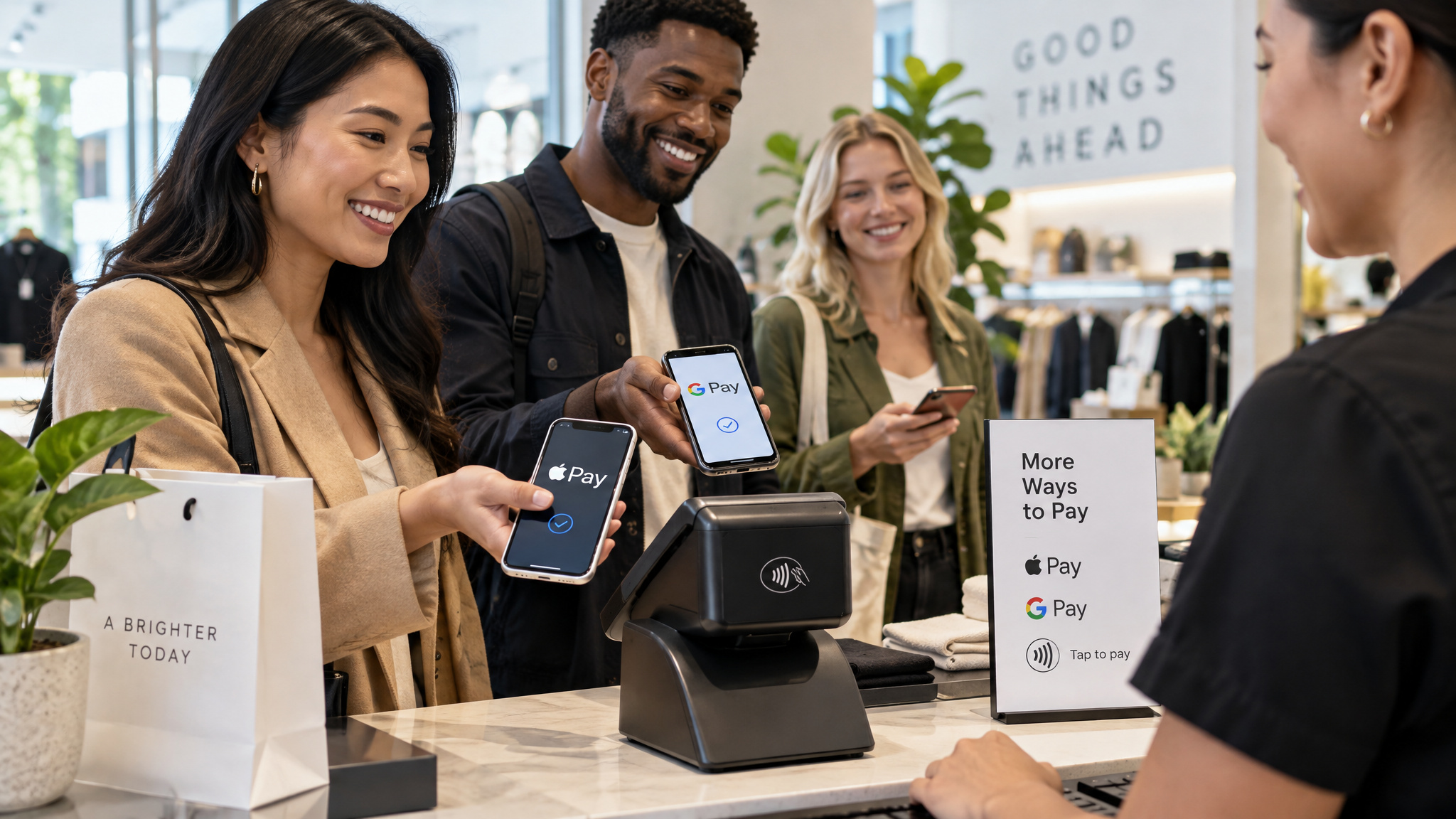
Apple Pay works exclusively on Apple products and shares top popularity alongside PayPal. You load your existing cards into Apple Wallet to pay contactless in person or online, and the wallet also stores boarding passes, tickets, and coupons with no app fees beyond standard credit card processing fees.
Google Pay
If you need a payment app for Android or live in Google Chrome, Google Pay (paired with the Google Wallet mobile app) connects your existing cards for phone and computer checkouts across 79 countries. Google charges no app fees, though bank transfers are slow.
Samsung Pay
Built strictly for Samsung devices, Samsung Pay handles card integration and contactless checkout, and adds Samsung Pay Touch to turn a Samsung phone into a point-of-sale system. The tradeoff is smaller merchant acceptance than Apple Pay and Google Pay.
Best P2P apps for sending money to friends and family
Venmo, Cash App, Zelle, and Apple Cash are the most popular P2P payment apps for sending money to friends and family, and Zelle is better than Venmo for direct bank-to-bank transfers when both people use integrated U.S. banks. Zelle moves money straight between bank accounts nearly instantly with no Zelle fees, whereas Venmo holds money in a closed-loop app balance that takes 1 to 3 business days to cash out for free or costs a 1.75% instant transfer fee.
When you compare money transfer apps, the real divide is the rail underneath: Zelle rides existing bank rails, while Venmo and Cash App keep your cash inside their own ecosystems until you pull it out. Rates and transfer limits across these pay apps vary by account verification status and banking provider.
Venmo
- Best for: Paying friends (CNBC Select pick), owned by PayPal and restricted to U.S. bank accounts and phone numbers.
- Fees and speed: Free from a linked bank account, 3% fee with a credit card; hits a Venmo balance instantly, takes 1 to 3 business days for a free bank transfer, or costs 1.75% for instant cashout ($0.25 minimum, $25 maximum).
- Limits and rules: Capped at $299.99 per week unverified, jumping to $5,000 per transaction and $60,000 per week once verified. Includes teen accounts, multi-factor authentication, and QR code security, and sent payments can’t be canceled.
Cash App
- Best for: Ease of use (CNBC Select pick), sending money via email, phone number, or Cashtag handle with no monthly fees.
- Limits and perks: Capped at $250 per week unverified and $7,500 per week verified. Includes a free debit card, free ATM withdrawals with $300 in monthly direct deposits, $1 cash loads at Dollar General, and stock and Bitcoin investing, though balances only get FDIC protection if you hold a Cash App Card or sponsored account.
Zelle
- Best for: Direct bank-to-bank transfer speed (CNBC Select pick), built into most major U.S. banking apps with bank-level security.
- Fees and catch: No fees from Zelle (though your bank may charge its own), and transfers arrive nearly instantly once enrolled, but it’s U.S.-only and useless if a friend’s bank isn’t integrated.
Apple Cash
- Best for: Using at checkout (CNBC Select pick) on compatible Apple devices in the U.S.
- Limits and backing: Serviced by Green Dot bank with $250,000 in insurance coverage, requires identity verification to send or receive, caps transfers at $10,000 per transaction and $20,000 per 7 days, and is free from a bank account with a fee for instant transfers.
PayPal: the widely accepted workhorse
PayPal charges merchants 2.29% + $0.09 for in-person card transactions and 2.59% + $0.49 to 3.49% + $0.49 for online transactions, depending on the transaction type. Signing up with an email address is free and basic accounts carry no monthly fees, while upgraded business accounts run $5 to $30 a month.
When you pull money out to a bank account, a standard transfer takes 1 business day for free, whereas an instant transfer carries a 1.75% cashout fee. Because verified users can send between $4,000 and $60,000 per transaction, CNBC Select named PayPal the top choice for larger payments. Operating across more than 200 countries and regions, PayPal backs both buyers and sellers with anti-fraud protection and purchase protection on eligible orders. It also plugs into a range of ecommerce platforms, offers PayPal Credit (6 months interest-free on purchases over $149), and gives sellers mobile tools through the PayPal Business and PayPal Zettle apps.
Sending money internationally: Remitly and Western Union
International money transfer services like Remitly work by converting currencies and routing funds across borders to a recipient’s bank account, mobile wallet, local cash pickup counter, or home address, pricing each transfer by how fast the money arrives and how you fund it. PayPal’s Xoom app also handles international transfers across more than 160 countries, though international PayPal transfers can run $2.99 to $4.99 plus 2.9% and location charges.
Remitly
Named CNBC Select‘s best choice for sending money internationally, Remitly covers more than 170 countries and territories in over 100 currencies and waives the foreign-exchange fee on your first transfer. Its Express tier delivers within minutes when funded by a debit or credit card (credit cards add an extra fee, and Express fees can reach up to $93.99 on transfers of $9,000 or more), while the Economy tier takes 3 to 5 business days. Single-transaction caps reach up to $100,000 in CNBC Select‘s comparison table and up to $300,000 from the U.S. depending on the destination, with home delivery available in select countries.
Western Union
Western Union is CNBC Select‘s pick for cash pickup, backed by roughly 490,000 cash pickup locations worldwide alongside home delivery options and waived fees with lower exchange rates for new customers. Verified accounts can send up to $50,000 per day, though fees vary by transfer method and hitting higher limits requires identity verification and occasionally extra paperwork like proof of income.
Best mobile payment apps for accepting payments in your business
Square Point of Sale is the best mobile payment app for most small business owners accepting payments because it provides a capable, all-in-one mobile point-of-sale (mPOS) system with zero monthly software fees. Square Point of Sale covers that baseline out of the box with a free app that includes free invoicing, a virtual terminal, and full merchant processing alongside specialized editions for retail, restaurants, and appointment-based businesses.
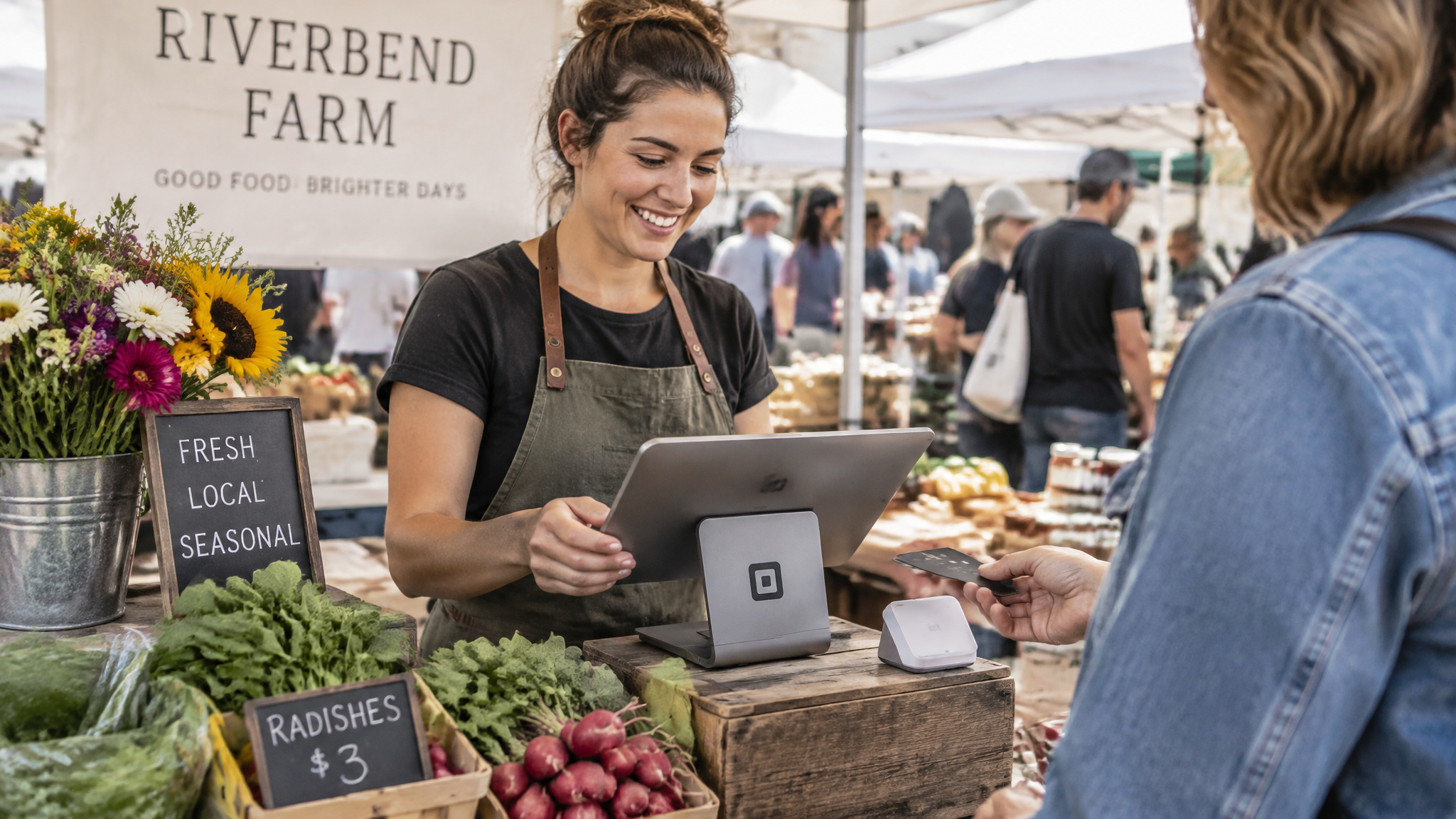
Once you look past Square, merchant payment apps split into two pricing camps: free apps that only charge per transaction (Square, SumUp, and iZettle Go) versus plans built around a monthly fee or minimum volume threshold (Payline Mobile and Shopify Lite).
| Merchant App | Monthly Fee | Best Fit | Standout Feature |
|---|---|---|---|
| Square Point of Sale | $0 | Most small businesses | Free invoicing, virtual terminal, and industry-specific editions |
| Payline Mobile | $25 fee threshold | Low-volume and varied vendors | Pairs with basic magstripe and Bluetooth Ingenico RP457c readers |
| Shopify Lite | $9 | Budget online and in-person sellers | Entry-level omnichannel selling tools |
| SumUp | $0 | Small sellers wanting simplicity | Lower per-transaction fees than most competitors |
| iZettle | $0 (iZettle Go) | UK and European mobile credit card processing | Standalone mobile processing plus integrated ecommerce support |
Square Point of Sale
Highlighted by Merchant Maverick as one of the most advanced mPOS tools available, Square Point of Sale costs nothing per month to download and run. Beyond standard card processing, it bundles a virtual terminal and free invoicing into the base setup, and offers tailored versions including Square For Retail, Square For Restaurants, and Square Appointments.
Payline Mobile
Payline Mobile fits a wide mix of vendors, including low-volume merchants, and operates on a $25-per-month fee threshold. For card reader hardware, it pairs with both a basic magstripe reader and a Bluetooth Ingenico RP457c terminal.
Shopify Lite
If you want to combine online and in-person sales on a tight budget, Shopify Lite costs $9 a month for its POS plan. It strips out bloat to give you entry-level selling tools that link counter sales with web inventory.
SumUp
Rated the simplest mPOS app on Merchant Maverick‘s list, SumUp gives you a free app and charges lower per-transaction fees than most competing processors, making it an easy pick if you don’t need complex register software.
iZettle
Built for UK and European merchants, iZettle combines standalone mobile card processing with integrated ecommerce support, and charges no monthly fees on its entry-level iZettle Go plan.
What mobile payments cost: funding sources and the price of speed
“No fees” on a mobile payment app almost always means the app is free to download while the real charges hide in how you fund the payment and how fast you want the cash in your bank account. If you check the receipt on peer-to-peer money transfer services, sending money from a linked bank account costs $0 on Venmo and Cash App, but switching to credit card funding immediately triggers a 3% surcharge.
Waiting 1 to 3 business days for a standard bank transfer is free on Venmo and Cash App (and takes just 1 business day on PayPal), but an instant transfer to your bank carries a 1.75% cashout fee on PayPal and Venmo ($0.25 minimum, $25 maximum on Venmo) and runs 0.5% to 1.75% on Cash App. Put that together on a $500 payment: send it from your bank account and wait three days to cash out, and you pay $0; put that same $500 on a credit card and you burn $15 before the recipient even pays an instant cashout fee.
Verification gates: how your identity status sets your transfer limits
Transaction limits on PayPal and Venmo are controlled directly by whether you’ve verified your identity, with unverified Venmo accounts capped at $299.99 per week while verified users can send up to $5,000 per transaction ($60,000 per week) on Venmo and $4,000 to $60,000 per transaction on PayPal. Every major funds transfer app enforces these caps to comply with federal anti-money-laundering (AML) regulations.
On Venmo, verifying your identity raises your weekly transaction cap from $299.99 up to $4,999.99 or $5,000 per transaction and $60,000 across the week. Cash App works the same way: unverified users are stuck at a $250 weekly sending limit, while verified accounts jump to $7,500 per week. Even traditional remittance services enforce the gate, with Western Union requiring account verification (and sometimes proof of income or transfer purpose) to unlock its $50,000 daily transfer limit.
How safe is your money? Security layers and institutional backing
Zelle, PayPal, and Venmo all protect transactions in flight with encryption and authentication, but Zelle is the safest choice for stored funds because the biggest security risk of using mobile payment apps is leaving an uninsured balance sitting inside a closed-loop app. While all three platforms rely on login security and encryption to stop hijackers during a transfer, Zelle moves money straight between FDIC-insured bank accounts using bank-level security, whereas balances left sitting inside standalone P2P apps only receive deposit insurance when specific banking conditions are met.
In practice, app security breaks down into three separate layers:
- Device-level protection: Mobile wallets never store your actual credit card numbers on the smartphone itself, so a breached store terminal can’t steal your card details.
- Transaction-level authentication: Apps guard logins and payments using data encryption, multi-factor authentication (MFA), two-step verification and email confirmations on PayPal, and QR-code recipient checks on Venmo.
- Balance-level backing: Money sitting in an app is only as safe as the institution behind it. Apple Cash balances are serviced by Green Dot bank and carry up to $250,000 in FDIC insurance coverage, while Cash App balances only get FDIC insurance if you hold a Cash App Card or a sponsored account.
Choosing a payment method for your business: needs, fees, integrations
The best mobile payment app for a small business owner is the processor, most often Square, SumUp, or iZettle, that plugs directly into your existing sales channels, accounting software, and counter hardware. Shopping by per-transaction percentages alone is backwards if the app can’t talk to your website, your register, or your bookkeeping setup. Platforms like Square and Stripe solve this by integrating with dozens of mobile apps and invoicing tools like Invoice Simple, letting a business accept multiple customer wallets through a single backend account.
Instead of downloading the first free card reader app you see, filter your options in three steps:
- Audit your business needs and channels first: Match the processor to your business size, industry, customer habits, and whether you sell in person, online, or both. Square Point of Sale fits businesses that want a free all-in-one mPOS with invoicing and retail, restaurant, or appointment tools. SumUp fits sellers who want the simplest free app and lower transaction fees. iZettle (with no monthly fee on iZettle Go) is built for UK and European merchants blending mobile card reads with ecommerce. Shopify Lite ($9 a month) suits tight-budget sellers merging web and counter sales, while Payline Mobile ($25 monthly fee threshold) works for low-volume vendors.
- Calculate total fees and hardware costs: Add up the per-transaction cut, any monthly subscription or threshold charges, and the upfront price of card readers or Bluetooth terminals like Payline’s Ingenico RP457c. A free app with slightly higher swipe fees beats a monthly plan when sales are slow, and loses once your volume climbs.
- Verify software and hardware compatibility: Before committing, confirm the app connects cleanly with your accounting software, your ecommerce platform, and the phones or tablets you already own.
Stripe and Square integrations
Both Stripe integrations and Square’s ecosystem connect with a wide range of third-party business and invoicing apps. By linking Stripe or Square to an invoicing platform like Invoice Simple, you can embed payment links directly on bills and offer customers multiple payment options without reconciling separate processor accounts at the end of the month.
Regulated contexts: when a payment method takes deposits but not withdrawals
In regulated U.S. online casino markets (Michigan under the Michigan Gaming Control Board, New Jersey, Pennsylvania, and West Virginia, per MLive), a payment app that works for instant deposits may have zero withdrawal support when you try to cash out. Major operators including DraftKings, BetMGM, FanDuel, Caesars, and bet365 have removed credit cards entirely, making PayPal the go-to workhorse for both instant deposits and 24-hour to 3-business-day withdrawals (with Play+ paying out within 24 hours), whereas Apple Pay and Venmo are often deposit-only at operators like Fanatics Casino Michigan, PayNearMe and gift cards are strictly deposit-only methods, and, according to The Grueling Truth’s analysis, Cash App casino deposits work only via its debit card in Pennsylvania.
Matching the method to the situation
Pick your payment app by the exact transaction in front of you: use Zelle for instant bank-to-bank transfers, Venmo or Cash App for splitting tabs with friends, Apple Cash or device wallets (Apple Pay, Google Pay, Samsung Pay) for tapping at a register, Remitly for international transfers, Western Union for cash pickup, Square, SumUp, or iZettle for business card processing, and PayPal when you need one account that spans online checkouts, up to $60,000 verified transfers, and regulated casino payouts. With Research and Markets projecting that mobile and P2P payment apps will handle 20% of all global financial transactions by 2028, businesses that skip mobile wallets are turning away customers who already left their physical cards at home.
Frequently Asked Questions
Is Zelle better than Venmo for direct bank-to-bank transfers?
Yes, Zelle beats Venmo for moving cash straight between participating U.S. banks because the funds land directly in your account almost immediately with zero Zelle fees. Venmo parks incoming payments inside an in-app balance first, forcing you to either wait 1 to 3 business days for a free transfer or hand over a 1.75% fee ($0.25 minimum, $25 maximum) to get your money right away.
What is replacing PayPal?
Hardware-tied wallets like Apple Pay and Google Pay are increasingly taking over PayPal’s spot for routine register taps and fast browser purchases. Even so, PayPal holds onto the crown as the most widely used mobile payment provider overall, operating across more than 200 countries and regions while supporting verified transfers up to $60,000.
Which is safer, PayPal or Venmo or Zelle?
All three use encryption and authentication to guard payments in transit, including multi-factor authentication and QR code verification on Venmo plus two-step verification and email alerts on PayPal. For stored money, Zelle is the safest bet because funds go straight between FDIC-insured bank accounts using bank-grade security rather than sitting inside a standalone app balance.
What are the security risks of using mobile payment apps?
The biggest vulnerability isn’t the checkout tap itself, since mobile wallets tokenize your card details so your real card number never touches the merchant’s terminal. The real danger is leaving cash parked in a closed-loop peer-to-peer balance that lacks automatic deposit insurance; for example, Cash App only extends FDIC protection if you have a Cash App Card or a sponsored account, whereas Apple Cash covers up to $250,000 through Green Dot bank.
What are the most popular mobile payment apps for sending money to friends and family?
Venmo, Cash App, Zelle, and Apple Cash lead the peer-to-peer category for paying friends and family. Funding a payment from a linked bank account is generally free across these services, though Venmo and Cash App tack on a 3% fee if you pay with a credit card and charge up to 1.75% if you want an instant bank payout.
What are the transaction limits and verification requirements for PayPal and Venmo?
Under federal anti-money-laundering rules, skipping identity verification caps your Venmo sending limit at just $299.99 per week. Once you verify your identity, Venmo boosts your allowance to $5,000 per transaction and $60,000 per week, while verified PayPal accounts can send between $4,000 and $60,000 in a single transfer.
What are the transaction fees for using PayPal for online vs in-person payments?
For businesses taking payments, PayPal charges 2.29% + $0.09 for in-person card swipes or taps, while online transactions cost higher rates ranging from 2.59% + $0.49 to 3.49% + $0.49 depending on the checkout type. Standard bank withdrawals clear in 1 business day for free, or you can pay a 1.75% fee for an instant transfer, with optional upgraded business plans running $5 to $30 per month.
What is the best mobile payment app for small business owners?
Square Point of Sale is the top all-around option for most small businesses because it delivers a full mobile register, invoicing, and a virtual terminal with a $0 monthly software fee. Depending on your sales volume and region, SumUp offers lower per-transaction rates with a $0 monthly fee, iZettle Go serves UK and European sellers for $0 a month, Shopify Lite links web and counter sales for $9 monthly, and Payline Mobile runs on a $25 monthly fee threshold.

