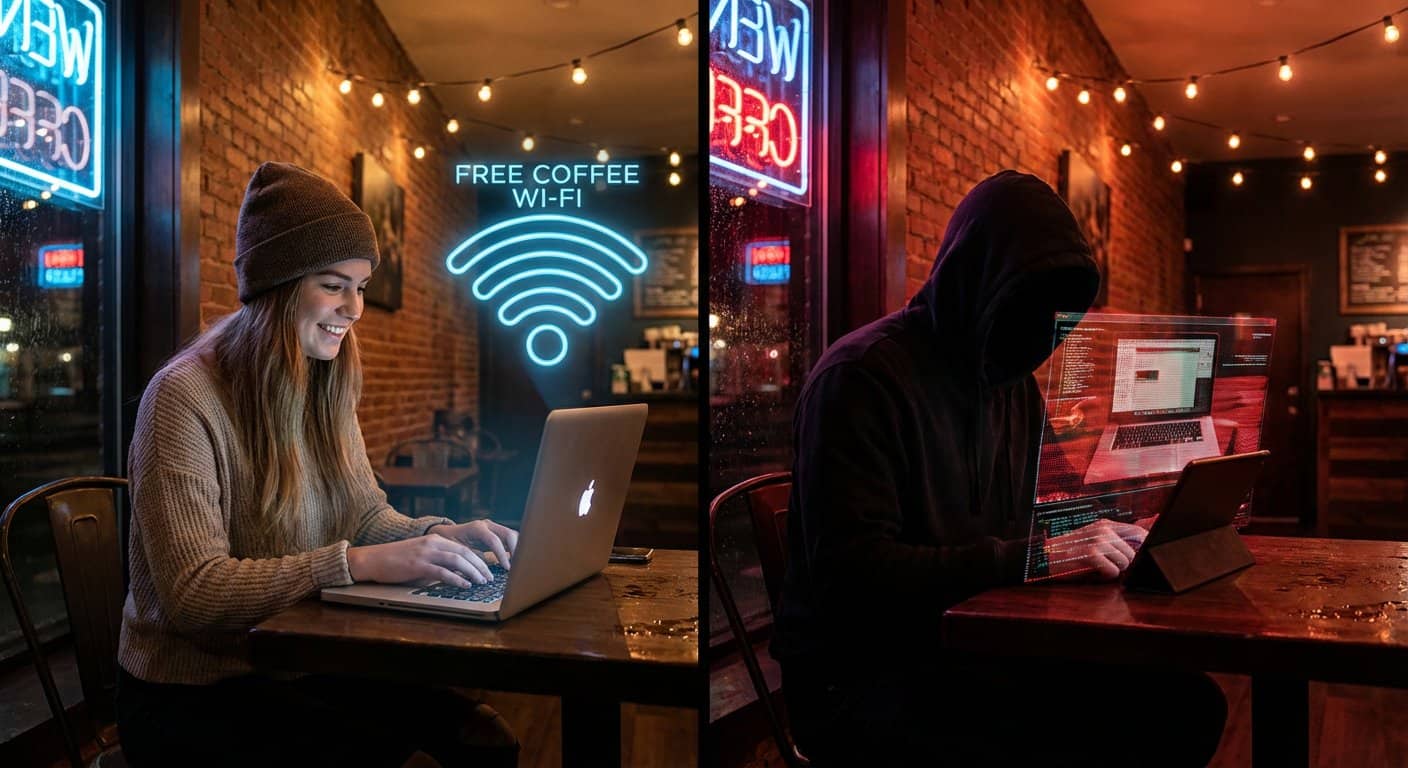
Public Wi-Fi can feel like a lifesaver when you’re on the go. Cafes, airports, and hotels offer that quick connection you need for work or streaming. It’s so handy that most of us use it without a second thought.
But that convenience comes with risks. A 2024 report from the Identity Theft Resource Center highlighted a significant rise in data compromises. Hackers often set traps on these open networks, using look-alike hotspots, snooping tools, and malware to steal your information.
Many people still log into bank accounts or work apps without taking simple precautions. The goal here is to help you browse smarter. With a few good habits and the right tools, you can keep your data private and secure while using public Wi-Fi.
Key Takeaways
Public networks allow snooping: Hackers often use “Evil Twin” hotspots (fake networks mimicking real ones) and packet sniffing tools to intercept unencrypted data.
A VPN is your best defense: Using a Virtual Private Network creates an encrypted tunnel, making your browsing activity unreadable to anyone else on the network.
Disable “Auto-Connect”: Turn this setting off to prevent your device from blindly joining compromised networks that share a name with familiar ones.
Lock down local sharing: Turn off file sharing, printer sharing, and Bluetooth when in public spaces to close easy entry points for attackers.
Protect your accounts: Always check for HTTPS (the lock icon) in your browser, use strong unique passwords, and enable Multi-Factor Authentication (MFA).
Table of Contents
Why Public Wi-Fi Needs Careful Use

Open Wi-Fi networks are convenient because they are, well, open. When you join a free network at a coffee shop, you’re sharing digital space with strangers. This unfortunately makes it much easier for someone to eavesdrop on your activity.
Threat actors can quietly monitor any unencrypted traffic. Without you knowing, they can grab passwords, account information, and your browsing history. Some create fake hotspots that look like the real thing, a tactic that has become increasingly common. For example, a network named “Airport Free Wi-Fi” might have a fake twin called “Airport Free W-Fi.” That simple change is enough to trick people.
Technology itself can be very secure. Online payment systems and crypto platforms often use strong encryption to protect transactions. For instance, many crypto casino sites offer added security through provably fair gaming and direct control over funds. Password managers and streaming apps also do a great job of locking down your data.
But the best technology can’t protect you if your connection is not secure. The weak point is often the network you choose and the habits you keep. Joining an unsecured airport network without a VPN or using a wallet through a fake hotspot puts even the strongest security at risk.
Cyber Threats To Watch For In 2026
Several common threats specifically target public Wi-Fi users. They operate quietly in the background, so it’s important to know what to look for.
- Man-in-the-Middle (MitM) Attacks: This is when an attacker secretly positions themselves between your device and the Wi-Fi router. They can intercept and read your data as it passes through. If a website doesn’t use strong encryption, the attacker can see your passwords in plain text.
- Evil Twin Hotspots: These are fake Wi-Fi networks that mimic the name of a legitimate one. Security firm Kaspersky warns that these are especially common in airports, cafes, and hotels. You connect, thinking it’s official, while a hacker collects your data.
- Packet Sniffing: Attackers use special software to “sniff” or read unencrypted data traveling over the network. They don’t need to interact with your device directly, just be on the same Wi-Fi. This is why logging into your bank account on an open network is so risky.
- Malware Distribution: A compromised network or a fake login page can be used to install malware on your device. Some malware, known as keyloggers, can record everything you type, including passwords and credit card numbers.
VPN And Safe Traffic Encryption
A Virtual Private Network (VPN) is one of your strongest defenses on public Wi-Fi. It creates a secure, encrypted tunnel between your device and the internet. Anyone trying to snoop on the network will only see scrambled, unreadable data.
For a VPN to be effective, you need to turn it on before you start browsing or logging into any accounts. Reputable providers like NordVPN and ExpressVPN use AES-256 encryption, which is the same standard used by banks and governments to protect sensitive data.
Look for two critical features in a VPN. A “kill switch” automatically disconnects your device from the internet if the VPN connection drops, preventing accidental data leaks. A “no-logs policy” ensures the VPN provider does not track or store your browsing activity.
While paid VPNs offer more reliable security and privacy, it’s important to remember what they can’t do. A VPN helps with privacy, but it does not block phishing pages or harmful downloads if you click on a malicious link.
Device Settings That Protect You In Minutes
You can dramatically improve your device’s security in just a few minutes. These simple steps create a strong baseline of protection on public Wi-Fi.
- Turn Off Auto-Connect: Your phone or laptop might automatically join familiar networks. A hacker can create an “Evil Twin” with the same name, and your device could connect without you knowing. On an iPhone, go to Settings, then Wi-Fi, and make sure “Ask to Join Networks” is on. On Android, it’s typically under Network & Internet, then Wi-Fi, then Wi-Fi preferences.
- Disable File Sharing: Turn off file and printer sharing to prevent others on the network from seeing or accessing your computer’s files. On a Mac, you can find this in System Settings under “Sharing.” On Windows, it’s in the Network and Sharing Center.
- Keep Your Firewall On: Your device’s firewall is a digital guard that checks incoming traffic and blocks suspicious attempts to access your device. Make sure it’s always enabled.
- Turn Off Bluetooth: In crowded places like airports, it’s a good idea to switch off Bluetooth when you aren’t using it. This closes one more potential entry point for attackers.
Browser And Account Protection
Your browser and account habits are the final layer of defense. Always look for “HTTPS” and a lock icon in your browser’s address bar. This indicates that your connection to that specific website is encrypted.
It’s also critical to use unique, strong passwords for every account. The Verizon 2023 Data Breach Investigations Report found that stolen credentials were a factor in nearly half of all breaches. A password manager, like Bitwarden or 1Password, can generate and store complex passwords for you, so you don’t have to remember them all.
Multi-factor authentication (MFA) adds another powerful wall of security. Even if a hacker steals your password, they can’t log in without a second verification step. You can use an authenticator app like Google Authenticator or Authy to provide this extra code.
Finally, remember to log out of your accounts when you’re finished. An open session is an open invitation if your device is ever compromised.
Not every Wi-Fi signal deserves your trust. By approaching free public Wi-Fi with a healthy dose of caution, you can stay far ahead of most threats and keep your digital life safe.